WebStom pop-up menu size

Hi all,
i was having a problem with Webstorm + Illuminated cloud.
After the update at the version 2019.3.3 the size of the illuminated cloud "Configure Module" menù, doesn't contain 3 buttons that are very important to apply changes.
What i want to see and have :
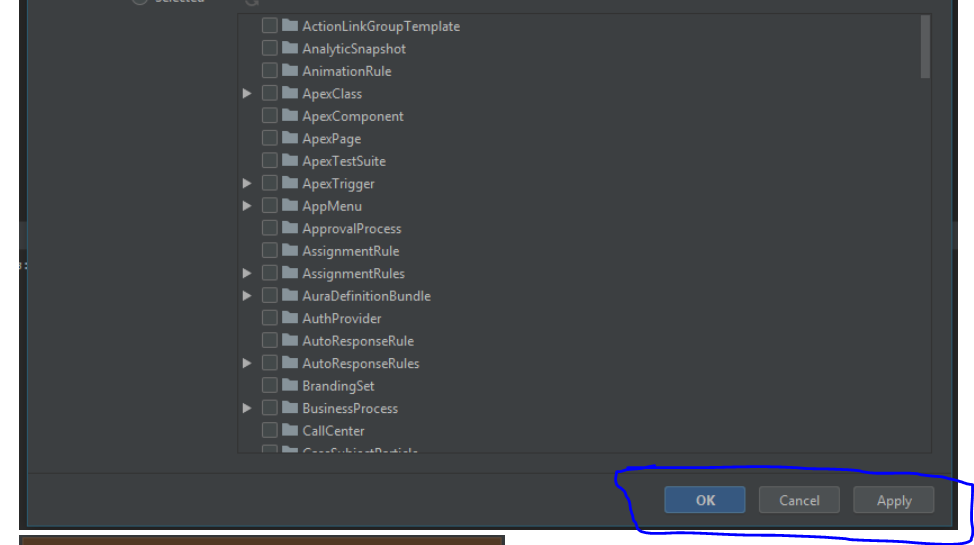
What i can see:
I try to scroll down with every kind of method the uman know, but the buttons don't appear.
After 10 days i have moved the windows tool bar on the right and the 3 button are here!.
Is there a method to reduce this pop menu size?
PS: if i open webstorm on my 39" tv i can see these button.
Thanks a lot.
Please sign in to leave a comment.
I'd suggest reporting this issue to the plugin vendor, https://bitbucket.org/RoseSilverSoftware/illuminatedcloud/issues?status=new&status=open
Maybe Here You Will get your solution icetutor.com