PyCharm install Django failed

I have some kind of a dumb problem with django installation.
When I tried to install it without PyCharm, it didn't work within cmd (ssl error), so following stackoverflow advice I used Anaconda Prompt and managed to install it. Now I started using PyCharm and I face the same error again. Is there anything that could be done?
The error:
Could not fetch URL https://pypi.org/simple/django/: There was a problem confirming the ssl certificate: HTTPSConnectionPool(host='pypi.org', port=443): Max retries exceeded with url: /simple/django/ (Caused by SSLError("Can't connect to HTTPS URL because the SSL module is not available.")) - skipping
Could not fetch URL https://pypi.org/simple/pip/: There was a problem confirming the ssl certificate: HTTPSConnectionPool(host='pypi.org', port=443): Max retries exceeded with url: /simple/pip/ (Caused by SSLError("Can't connect to HTTPS URL because the SSL module is not available.")) - skipping
pip is configured with locations that require TLS/SSL, however the ssl module in Python is not available.
Retrying (Retry(total=4, connect=None, read=None, redirect=None, status=None)) after connection broken by 'SSLError("Can't connect to HTTPS URL because the SSL module is not available.")': /simple/django/
Retrying (Retry(total=3, connect=None, read=None, redirect=None, status=None)) after connection broken by 'SSLError("Can't connect to HTTPS URL because the SSL module is not available.")': /simple/django/
Retrying (Retry(total=2, connect=None, read=None, redirect=None, status=None)) after connection broken by 'SSLError("Can't connect to HTTPS URL because the SSL module is not available.")': /simple/django/
Retrying (Retry(total=1, connect=None, read=None, redirect=None, status=None)) after connection broken by 'SSLError("Can't connect to HTTPS URL because the SSL module is not available.")': /simple/django/
Retrying (Retry(total=0, connect=None, read=None, redirect=None, status=None)) after connection broken by 'SSLError("Can't connect to HTTPS URL because the SSL module is not available.")': /simple/django/
Could not find a version that satisfies the requirement django (from versions: )
No matching distribution found for django
pip is configured with locations that require TLS/SSL, however the ssl module in Python is not available.

In cmd: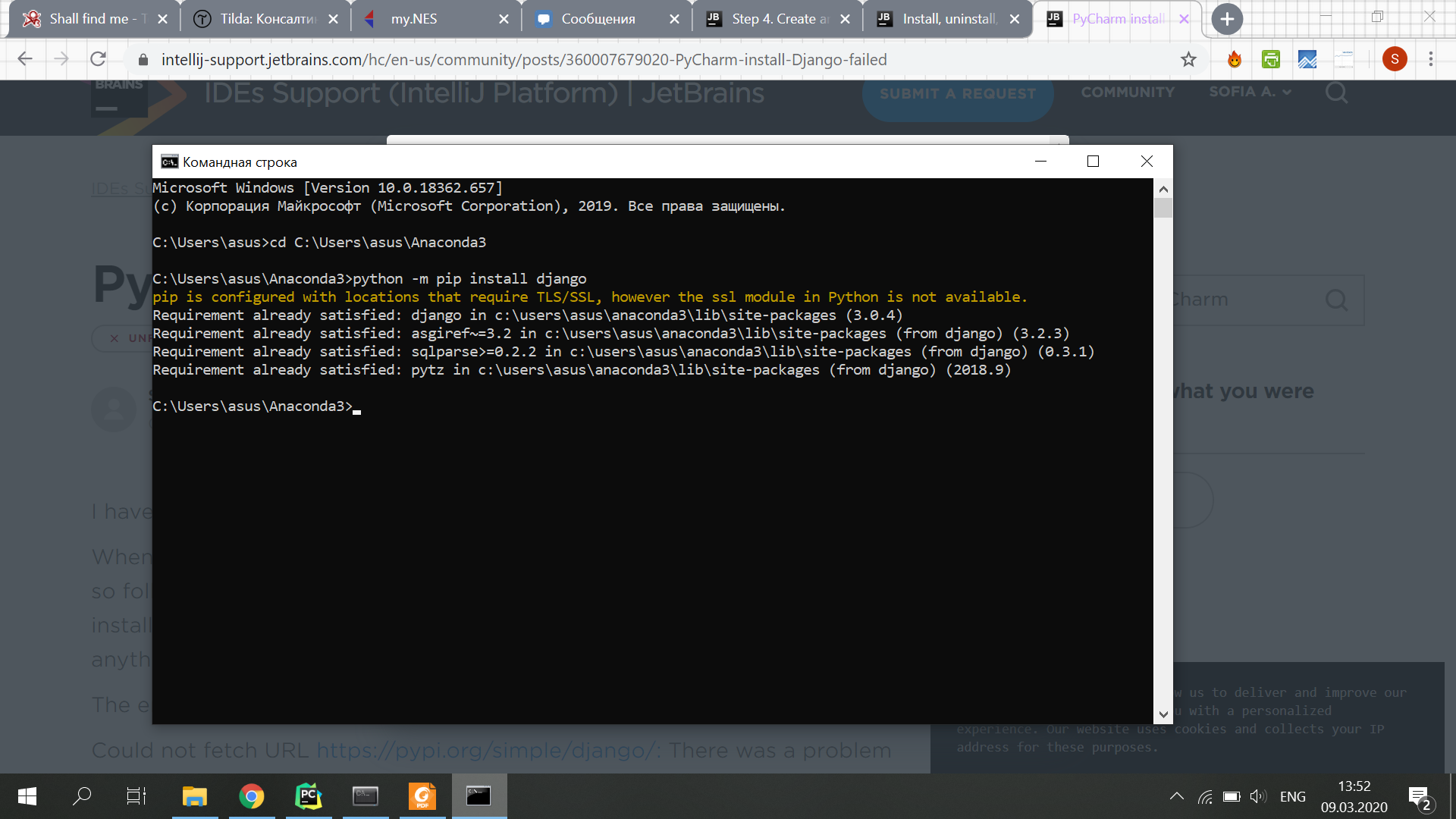
In Anaconda prompt:

Please sign in to leave a comment.
I managed to solve it even though I spent three previous weeks battling against this problem! Think it might be helpful for someone, so here is my solution:
I changed terminal settings from cmd to Anaconda Prompt using this (https://stackoverflow.com/questions/49392719/get-the-anaconda-prompt-running-in-the-pycharm-terminal). Then I closed and opened the app, opened a new project window and enabled inheriting global packages like this:
I don't know if it was one of those things or the combination of them, but now Django works. Closing this!