clearing tool window on project change
Answered


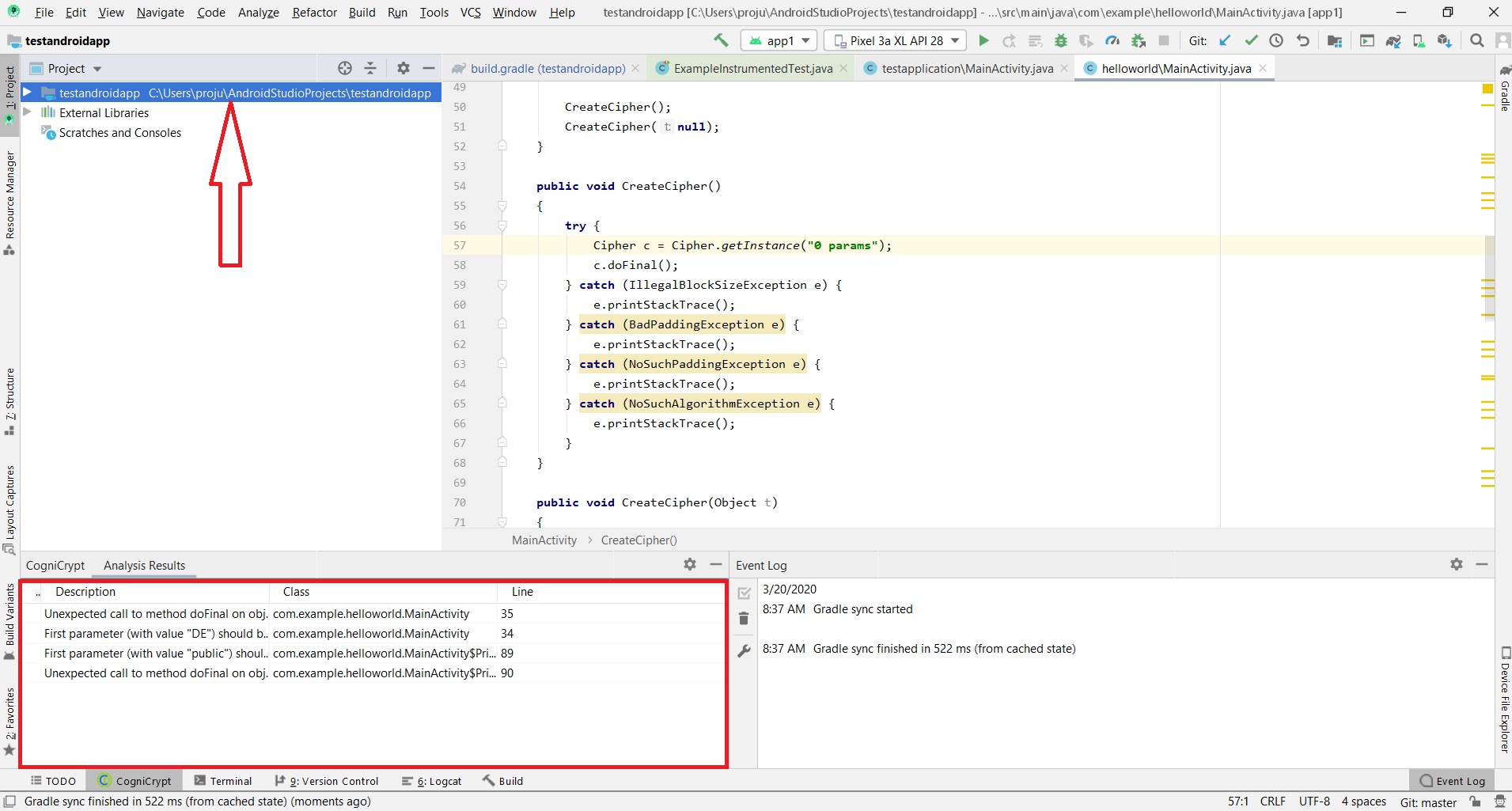 I would like to clear the content of my plugin's tool window when I change the project. If I change my project, my plugin tool window still holds the content of previous project's tool window. How do I clear this content? I tried to use removeAllContents() method, but it's not working. Should I use this before registering too window or before creating content of the tool window?
toolWindow.getContentManager().removeAllContents(true);
Please sign in to leave a comment.
By "change the project" do you mean to load a new project in the same window or a new project in a new window?
For the same window, I imagine this would work:
ProjectManager.getInstance().addProjectManagerListener(project, new ProjectManagerListener() {@Override
public void projectClosed(@NotNull Project project) {
toolwindow.blahblah
}
});
I mean open another project in another window.
You have to listen for a project opening then run the code.
Why don't you create a new instance for each Project? https://www.jetbrains.org/intellij/sdk/docs/user_interface_components/tool_windows.html
Brian Faris, thanks for your reply. But I have another question. What is difference between ApplicationManager.getApplication().getMessageBus() and project.getMessageBus()?
My project is already using the first one. So, I want to have clear idea about the difference.
Message bus can be provided on different levels, both Application and Project-level. See https://www.jetbrains.org/intellij/sdk/docs/reference_guide/messaging_infrastructure.html
Yann Cebron I am not sure about what you are suggesting. I want to clear my tool window when a new project window/instance opened.
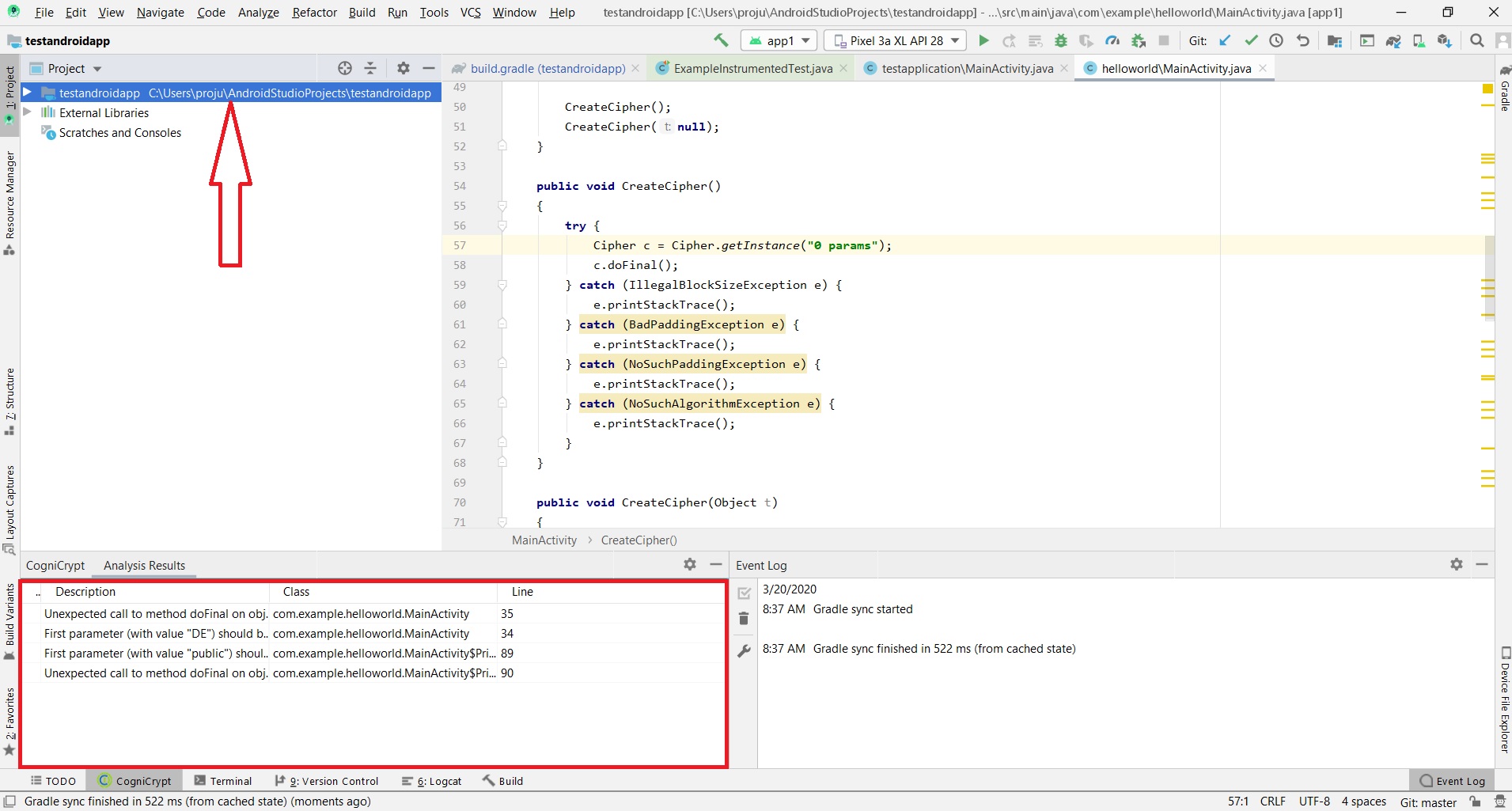
AFAIU your plugin displays Project-related data, so how would it work if user has more than one project open? So the data/UI should be Project-specific, just like e.g. builtin TODO toolwindow in IDE.