IntelliJ IDEA Project View is sometimes not working
Answered

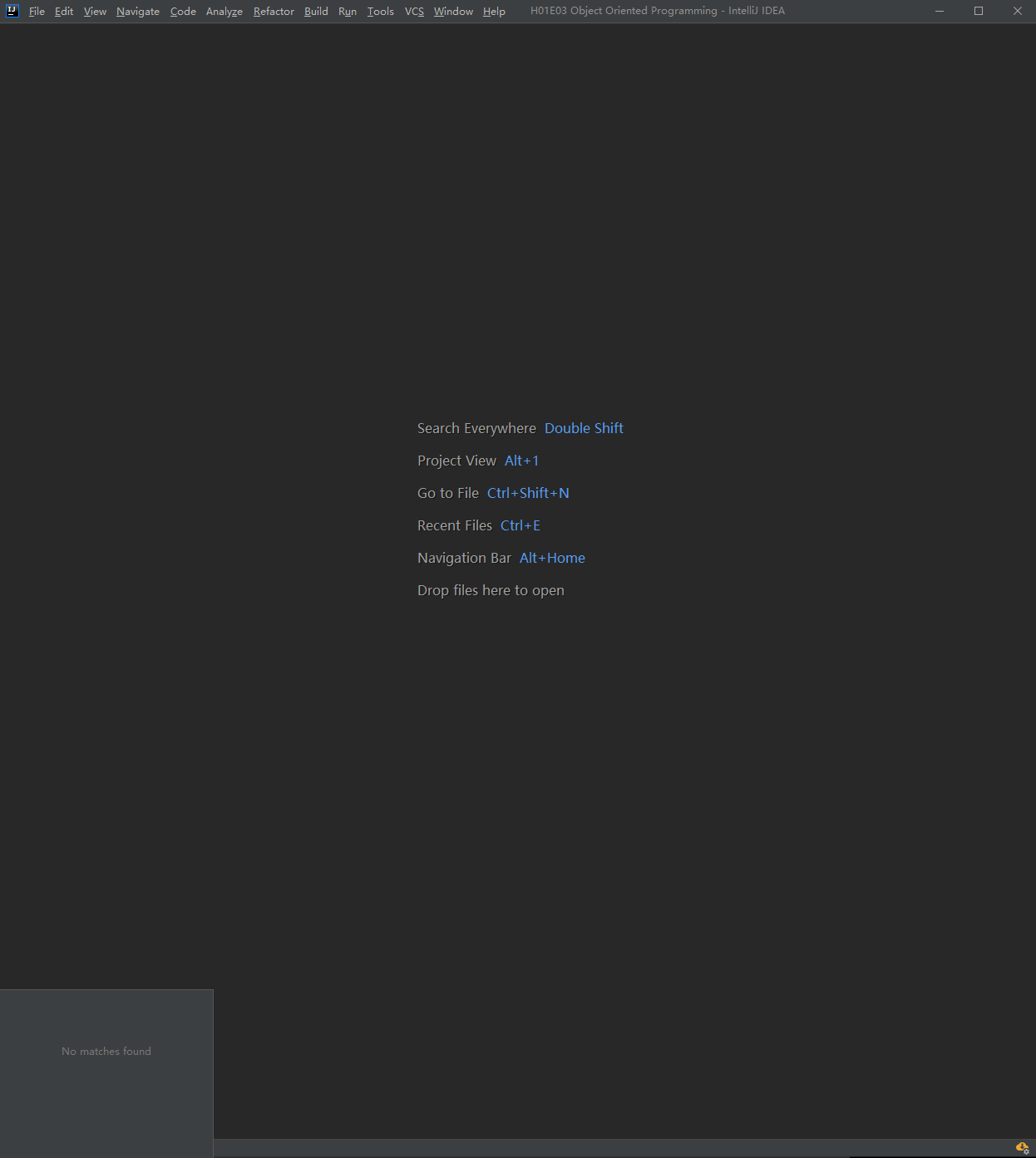
If I clone a project from VCS->Get from version control and open it directly, the project view is not showing (the whole left sidebar disappears), alt+1 is also not working. I have to restart the programm in able to have the left sidebar. I don't know if it's bug or I did something wrong? Because before I reinstall the IntelliJ Idea everything was fine. Also, when I clicked the button on the bottom left cornor, it shows "No matches found". Without project view is really annoying.
Please sign in to leave a comment.
Is it Maven/Gradle/SBT project? Do you see the project structure in File | Project Structure | Modules -> Paths tab? Please attach a screenshot.
Please attach idea.log (Help | Show Log in ... action) after IDE restart and reproducing (with invoking Alt+1 shortcut). Is there a sample project to check this?
For uploading you can use ftp://ftp.intellij.net/.uploads / https://uploads.services.jetbrains.com or any file sharing service.
It is a normal Java project which has multiple classes in it.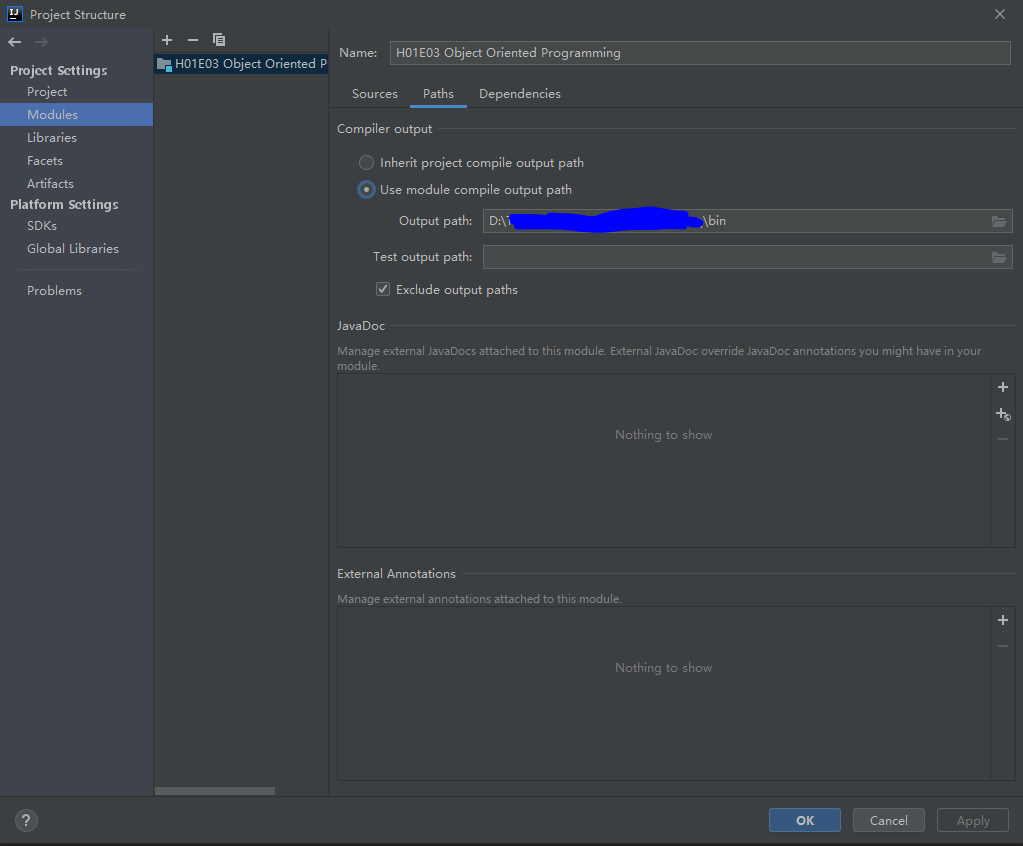
I uploaded my log idea_since2020-04-28 114040.log.
I think my action beginns at 2020-04-28 11:40:40
Thank you!
Thank you. I've filled the https://youtrack.jetbrains.com/issue/IDEA-239135 issue. Please follow it for updates.