Did you install tensorflow for your project interpreter? https://www.jetbrains.com/help/pycharm/installing-uninstalling-and-upgrading-packages.html
If you did, but still can't import it, please try running your code from the terminal, outside of IDE, using the same python interpreter. One way to do that is to copy the first line of the run console output, and paste it into the terminal.
For more information on how to run your code from the terminal outside of IDE, please see the following article:https://docs.python.org/3/using/cmdline.html#command-line
If you're using virtualenv interpreter in PyCharm, you may need to activate it in the command line prior to running your code:https://virtualenv.pypa.io/en/latest/user_guide.html#activators
Thank you very much
Problem solved :)
Please sign in to leave a comment.

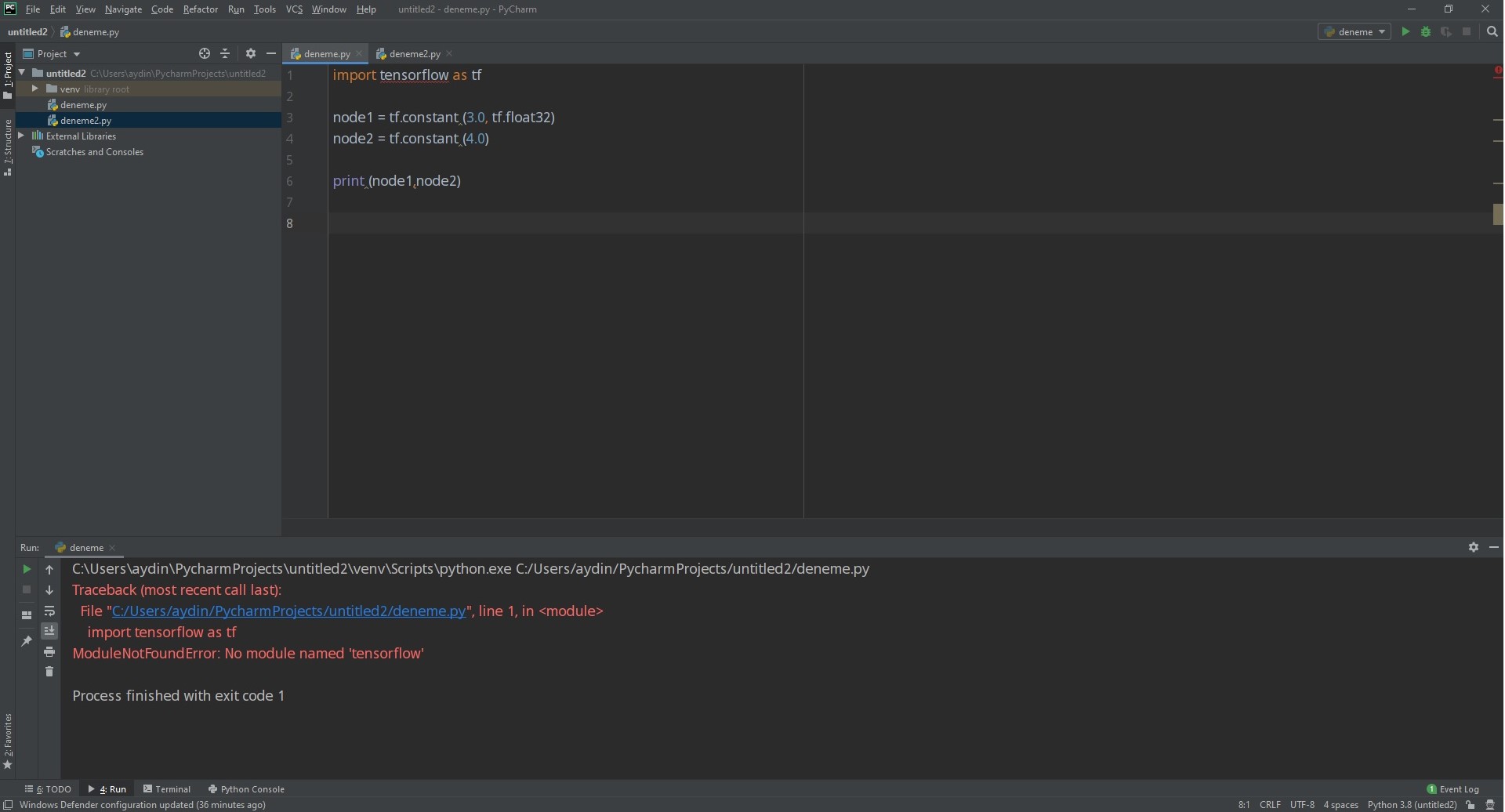
Did you install tensorflow for your project interpreter? https://www.jetbrains.com/help/pycharm/installing-uninstalling-and-upgrading-packages.html
If you did, but still can't import it, please try running your code from the terminal, outside of IDE, using the same python interpreter. One way to do that is to copy the first line of the run console output, and paste it into the terminal.
For more information on how to run your code from the terminal outside of IDE, please see the following article:
https://docs.python.org/3/using/cmdline.html#command-line
If you're using virtualenv interpreter in PyCharm, you may need to activate it in the command line prior to running your code:
https://virtualenv.pypa.io/en/latest/user_guide.html#activators
Thank you very much
Problem solved :)