'Generate Persistance Mapping' Window Graphical "Error"
Answered

Version: 2020.2.3
What it looks like:
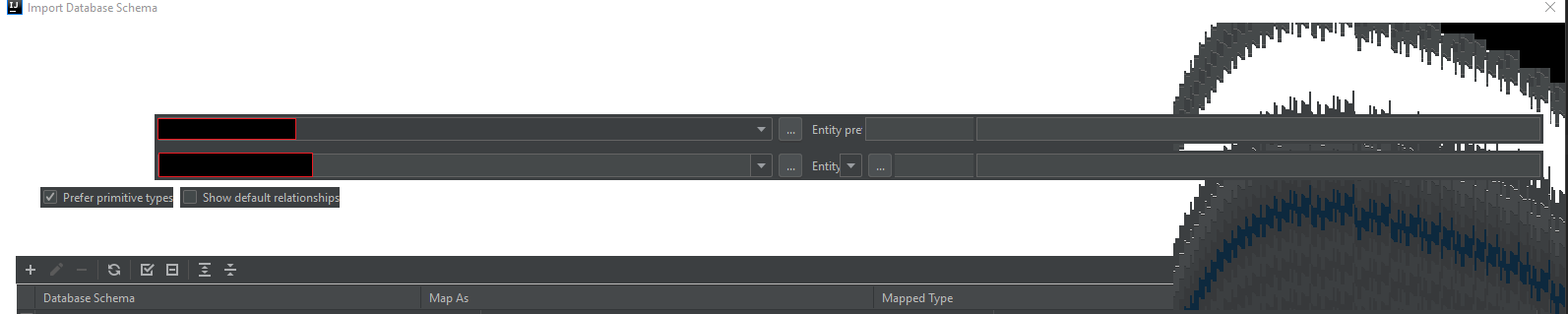
This only seems to happen on the persistence unit folder:
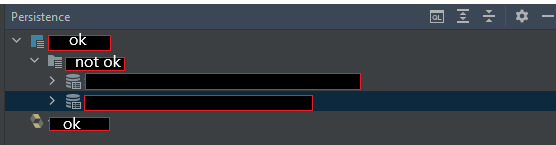
If I try to generate persistence mappings on the project-folder everything looks okay
Generally this seems to only be a graphical problem - the generating works fine
What it behaves like:
The window is white at the beginning - UI elements appear as you hover over them
Resizing the window (making it larger) from the bottom right leaves the space black
Doing it from the top left creates the effect you can see in the first image
Please sign in to leave a comment.
Hello Kai,
Does it help if you temporarily disable all custom (downloaded) plugins under File | Settings | Plugins > Installed and restart the IDE using the File | Invalidate Caches & Restart menu option?
Please also attach the contents of your Help | About screen.
Here is the about:
Disabled all downloaded plugins and restarted (while invalidating the cache) but the problem still persists
Try picking a different runtime JDK for the IDE using the 'Choose Runtime' plugin.
Try the default JBR JDK first.