Set float precission in debugger

I think that I have enabled a setting that makes every float value evaluated in debugger showed like this:

But the value is:
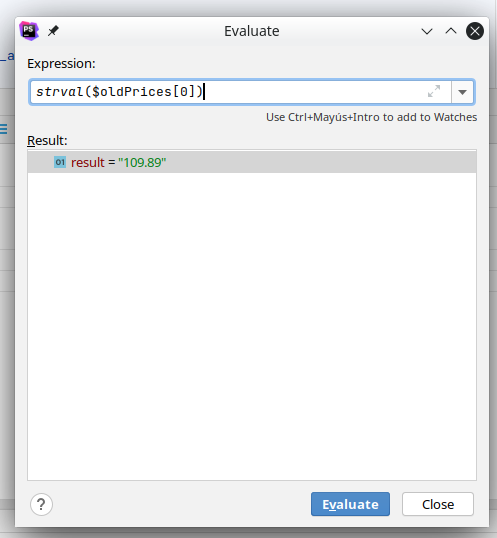
Is there any option to change this behaviour? It is happening me since last update to 2020.3
Please sign in to leave a comment.
Are you sure it's related to the update? You can try to install version 2020.2.4 again from https://www.jetbrains.com/phpstorm/download/other.html and check if the behavior is the same.
Also I don't see any similar reports in our tracker or in the web, so that might be related/caused by a code in the project.
Thanks for your reply Dmitry.
I tried to install two older versions and the behavior is the same, but it seems that it does not always happen, depending on the part of code been debugged it happens or not. I will analyze the code and do more tests.
If you dont have any reports and there is not any setting for this, it has to be from the code. Thanks again.
You're welcome!
If you are using Xdebug, try this: enable logging and see what data it sends to IDE in both cases.
After a lot of research, I found the cause of the "problem"
I found this code in a library that is used by my code:
ini_set('precision', -1);ini_set('serialize_precision', -1);
When the code pass through these lines, the xdebug is affected, I asume this is normal... nothing to do with phpstorm
Thanks everyone