Different JVM output window
Answered

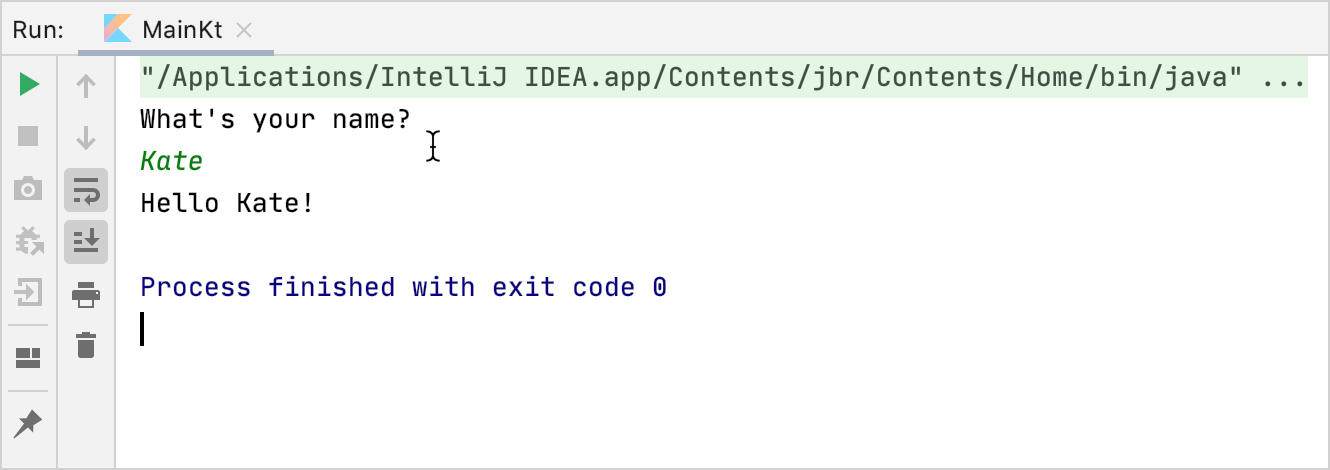
Hi, I wanna ask what related to this Create Project. I try to follow make the project, all step is so easy for me. But, when I running the project, the output window is different. What I need like this:
but what I get like this:
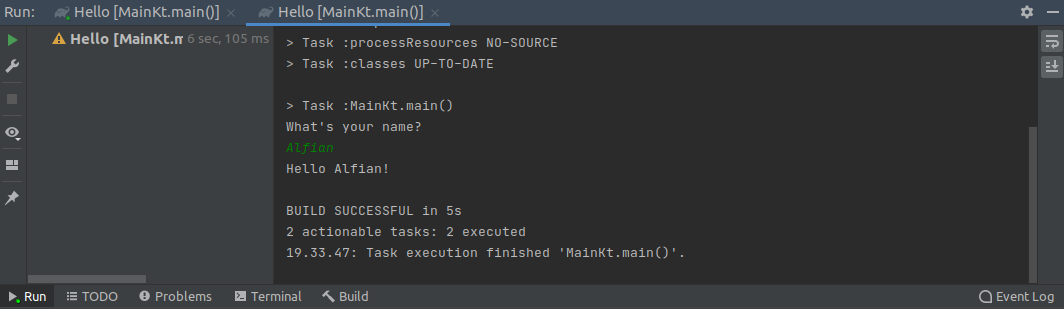
how to make the output window is same as that post? This is my gradle configuration:
import org.jetbrains.kotlin.gradle.tasks.KotlinCompile

plugins {
    kotlin("jvm") version "1.4.10"
    application
}

group = "dts.learn"
version = "1.0-SNAPSHOT"

repositories {
    mavenCentral()
}

dependencies {
    implementation( "org.jetbrains.kotlin:kotlin-stdlib-jdk8:1.4.10")

    testImplementation(kotlin("test-junit"))
}

tasks.test {
    useJUnit()
}

tasks.withType<KotlinCompile>() {
    kotlinOptions.jvmTarget = "1.8"
}

application {
    mainClassName = "MainKt"
}
Thank You!
Please sign in to leave a comment.
Hi,
In your Main.kt class, click on the green 'Run' icon next to the main function declaration. This action will generate a default Kotlin run configuration that will be used by the IDE built-in compilation engine (as opposed to Gradle).
Hi @..., thank you for ur response. I do that to run that project, but still get window output like that
Does it work if you go to main menu > Run | Edit Configurations, click + to add a new Kotlin run configuration (make sure the main class and classpath of the corresponding module are specified correctly), and then choose and run it from the navigation pane?