when updating idea there is not enough space.
Answered

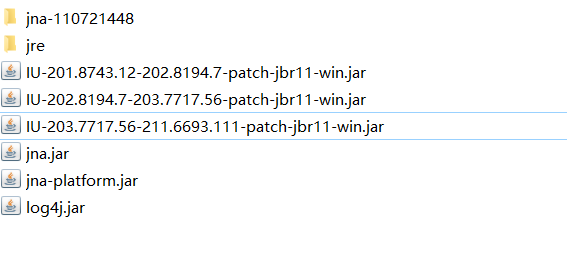
when updating idea, it failed, due to low disk space. now, the old version idea cant run anymore, and new version failed, what should I do? just download new one and reinstall it?
Please sign in to leave a comment.
Hi Jack,
Try following the steps from this troubleshooting guide. It will have you delete certain default directories used by the IDE in order to restore program integrity.
Can be an option if the above doesn't help.
You can also try installing the IDE via the Toolbox app. It lets you manage your JetBrains IDEs with ease: install multiple versions, update them automatically, update the plugins together with IDE, roll back and downgrade quickly.