Auto option not appearing in AI Chat models dropdown

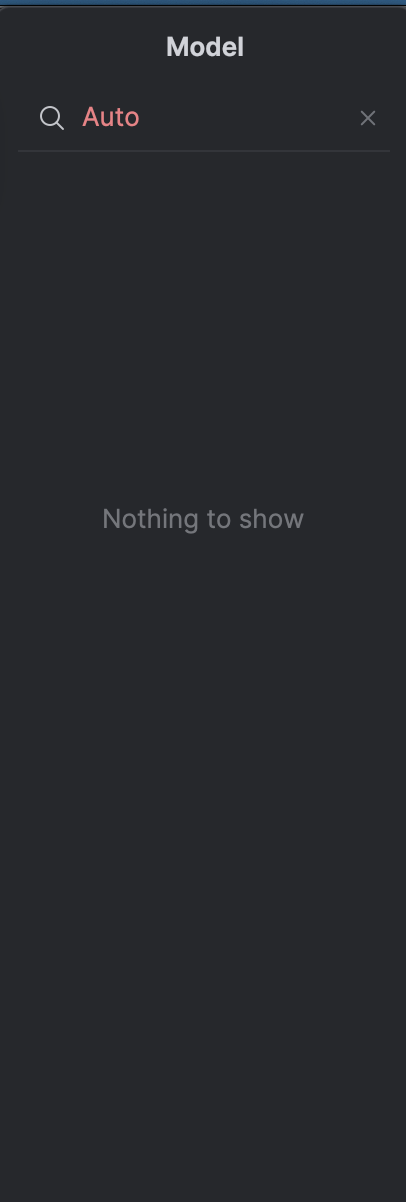
Previously there was an Auto option in the AI chat models dropdown, this is also documented in https://www.jetbrains.com/help/ai-assistant/chat-mode.html#select-a-model however, the Auto option is no longer appearing in the dropdown for me on version 261.25134.237
Please sign in to leave a comment.
Look closely at the top of your AI Chat tool window. If you are in absolute Chat mode, the dropdown only lets you pick explicit models. Click the Switch chat mode button (often an icon that looks like a robot or two overlapping squares) to toggle back to the main AI Assistant Agent. The Agent itself functions as the "Auto" mode because JetBrains dynamically routes your requests under the hood based on your prompt's complexity.
autoexpreso balance