Run, Build and Debug buttons disappeared from tool window
Answered

Hello,
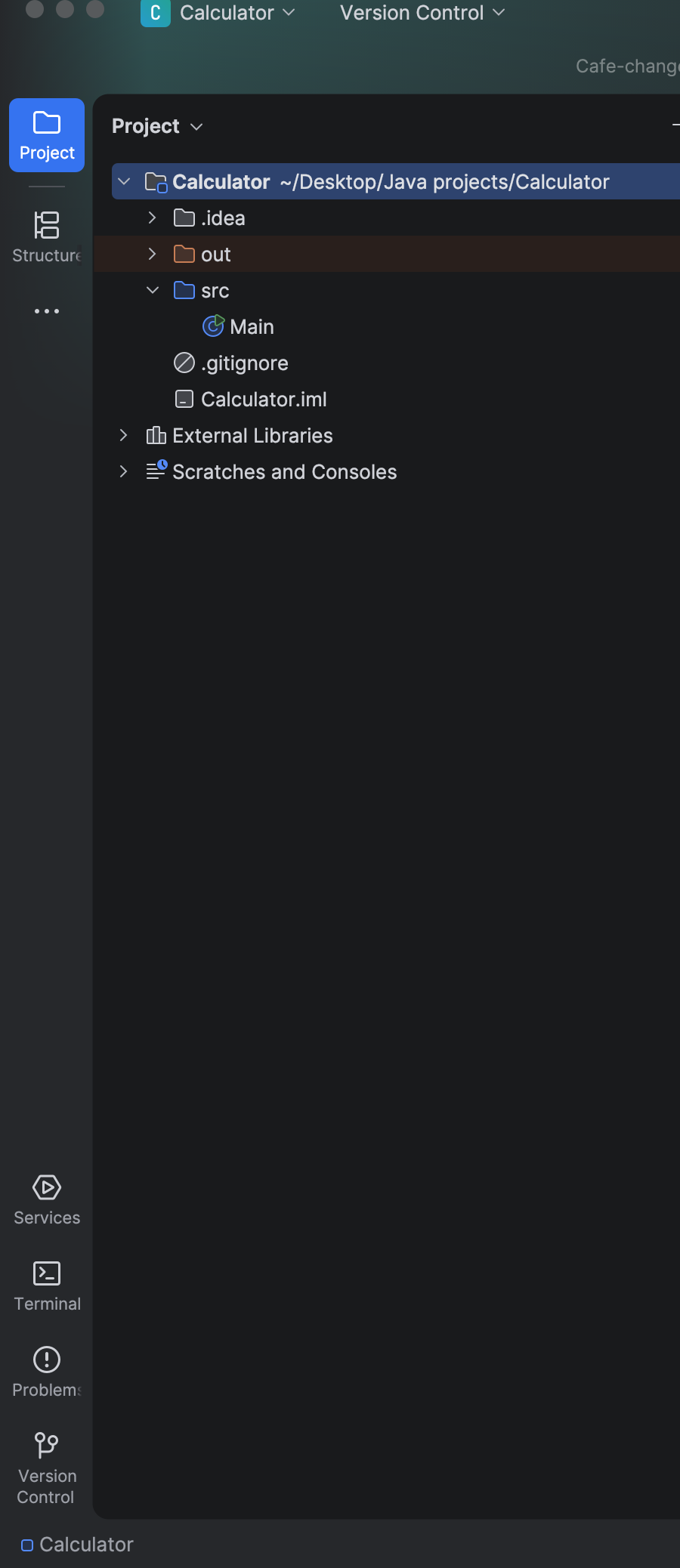
I accidentally pressed Command + W three times, and Run, Debug and Build buttons disappeared from the tool window. I can put them back through View —> Tool Windows, but whenever I rerun IntelliJ Idea, they disappear again. I can't put them back in that way so they're pinned on the tool window.
What can I do?
Please sign in to leave a comment.
The Run, Debug and Build buttons leave the tool window bar when the last tab in those windows closes. Cmd+W is bound to Close in the default macOS keymap, so the three presses closed the tabs, and the buttons went with them.
Run, Debug and Build are dynamic tool windows: they exist only while they hold content, and the button follows the content instead of staying pinned. The Tool windows page says so for Run:
Run, debug or build the project once and the buttons come back. Each one reappears as soon as its tool window has output again.
You can also open the windows without a button:
To stop it happening again, hide the window instead of closing its last tab.
There is no setting that pins these buttons, and two open requests ask for one. IJPL-59983 asks that Run and Debug keep their button when the last tab closes. IJPL-162615 asks that dynamic tool windows keep their buttons across an IDE restart. Vote on either one to raise its priority.