Question marks instead of Cyrillic symbols at Run tab in IntelliJ IDEA 2021.1
Answered

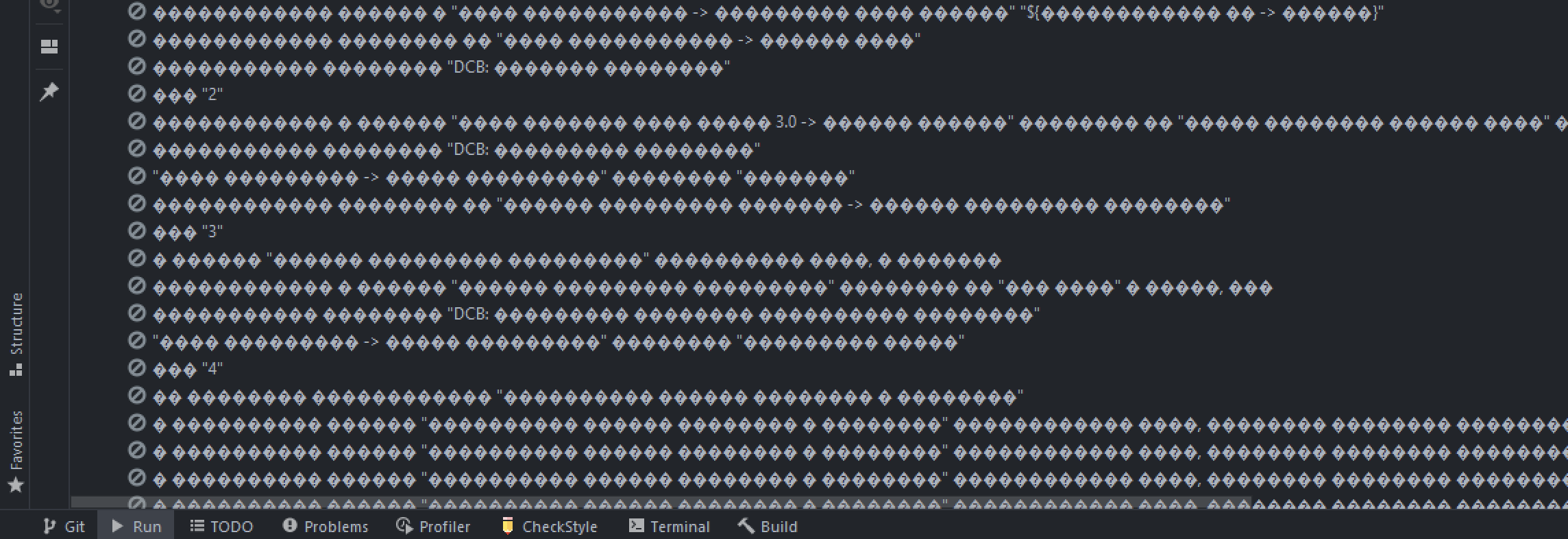
I run Gradle tests. In my Terminal my Russian characters are good, but in Run tab in IntelliJ IDEA I have this question marks.
My system is Windows 10. In terminal I have Windows PowerShell and I see Russian symbols. Can you help me?
Please sign in to leave a comment.
The .feature file is stored in UTF-8 encoding. But the output is question marks in the Run tab.
Hello Mihail Ananev123 ,
Please try to set UTF-8 as project encoding. (Settings/Preferences | Editor | File Encodings)
Also, go to Help | Edit Custom VM Options... and add (restart IDE is needed):
It work! Thank's