Overload memory when debug NestJs

I am running my project NestJs in IDEA Ultimate. It's nomally when I use Run mode (cmd + R). But in Debug mode (cmd + D), my memory increment after each time.
I set Maximum Heap Size: 1024MB as default. In Run mode, it always is approximately ~500MB / 1024MB. But in Debug mode, it increment until maximum, I have to turn off then reopen application. Please help to kill any process or listening in Debug mode. I can provide heapDump.hprof file if need.
Tried: Windows 10, MacOS 11.2, MacOS 11.5 (Apple M1)
IntelliJ IDEA 2021.1, 2021.2
Images:
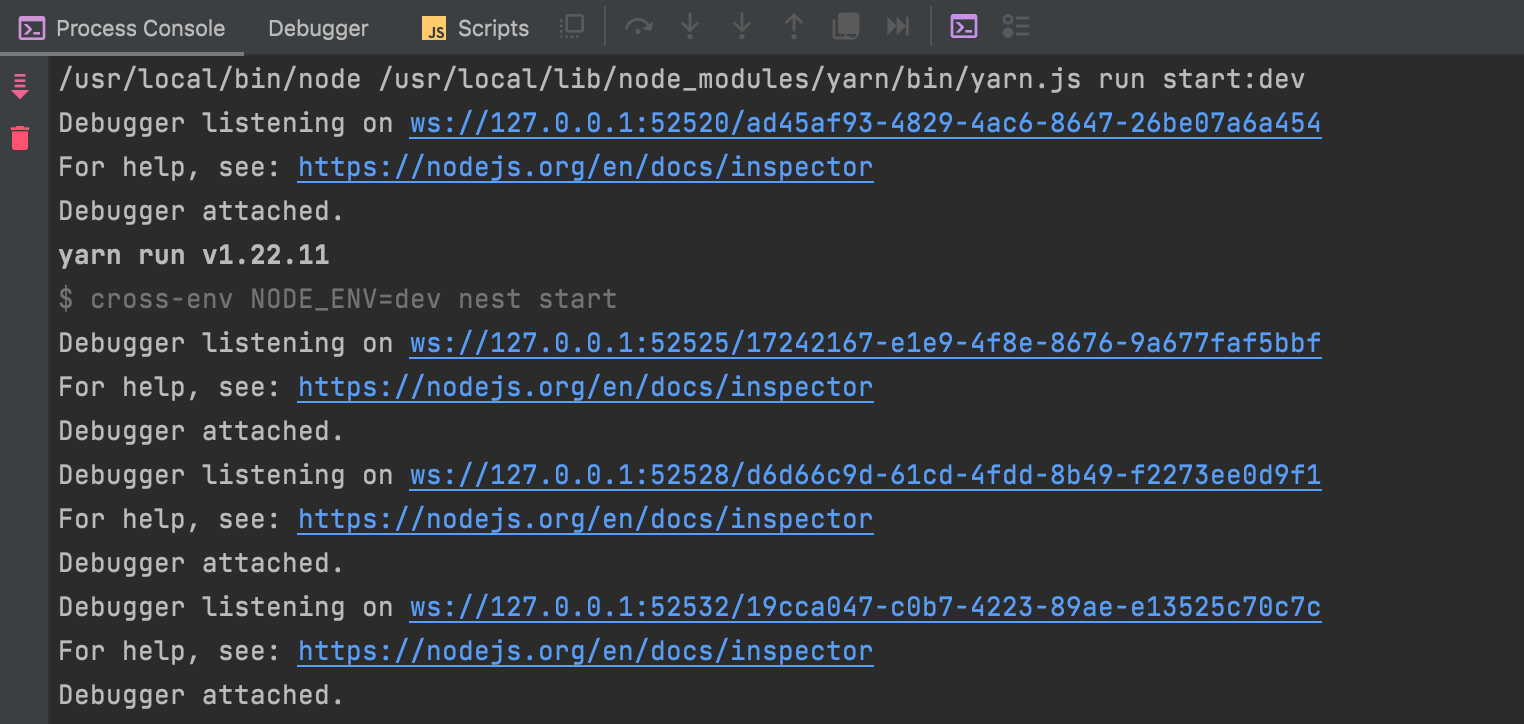
Debug 1st time:
Debug 2nd time: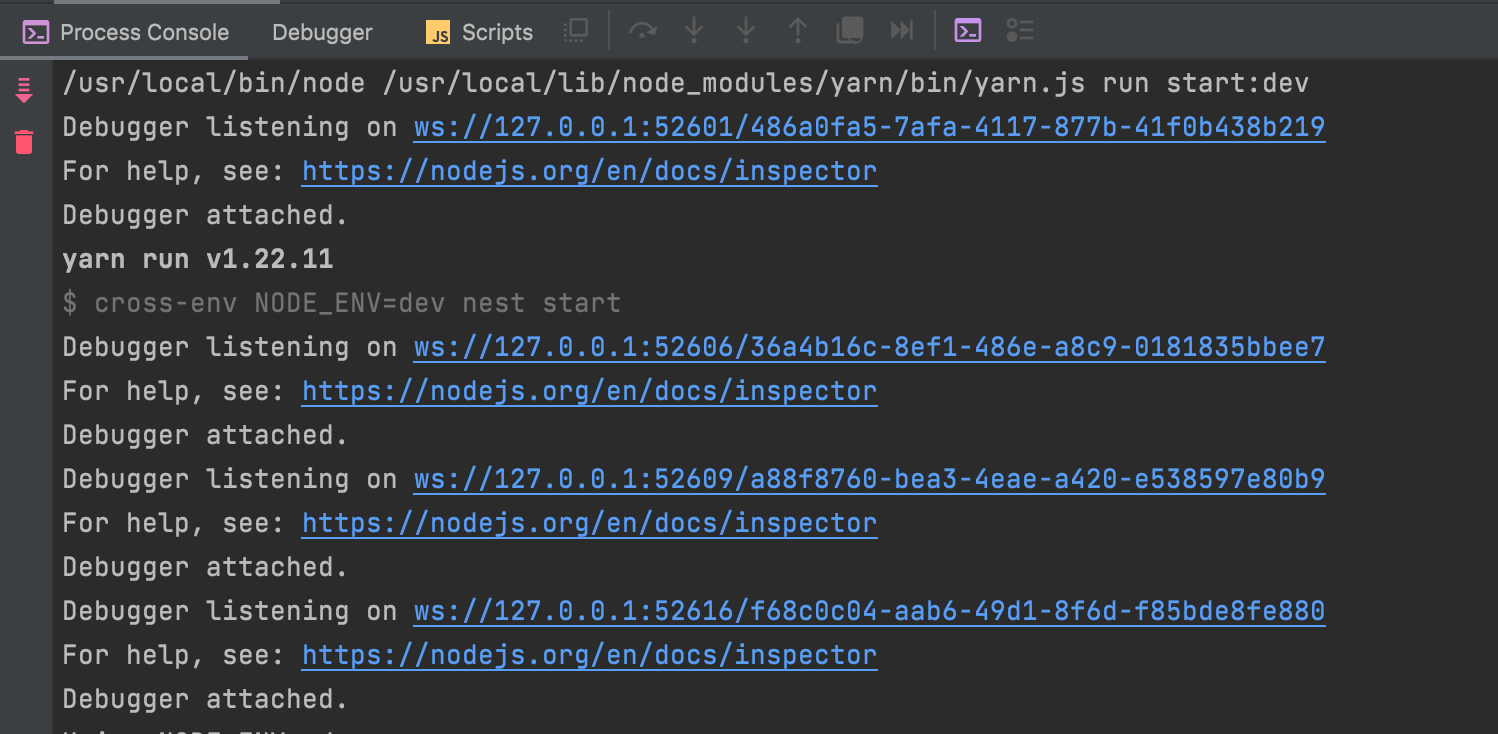
Until memory overload: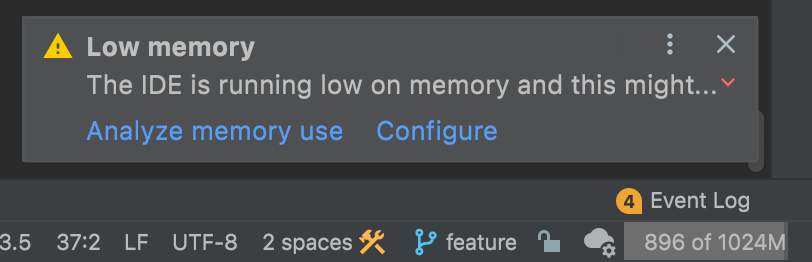
Please sign in to leave a comment.
Could you please collect a memory snapshot when it happens (Help > Diagnostic tools > Capture memory snapshot)? Then please attach it + log folder zipped (Help > Collect logs...).
If the snapshot is too big it can be uploaded to https://uploads.services.jetbrains.com/ but then please let me know the upload ID.
Oksana Chumak Please check this file. I can't capture snapshot and log in the same time because out of memory, I can't do anything
Sorry for not getting back to you earlier!
The issue will be fixed with https://youtrack.jetbrains.com/issue/WEB-53642
The memory leak is in the console, so until the fix is available as a workaround you can switch to the old console by using this registry key `
js.debugger.webconsole`: Help > Find action > type 'registry' and click Registry > locate the key and disable it.Oksana Chumak
Thank for your help. I will fix by your way and evaluate the effectiveness