Remote Debugging looking in local path
Answered

Hi,
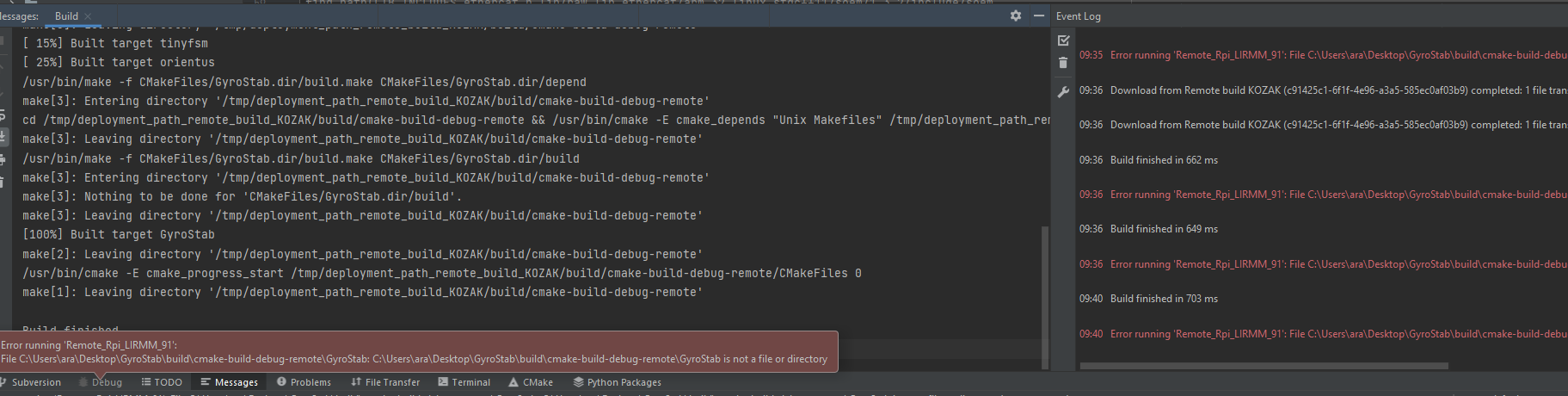
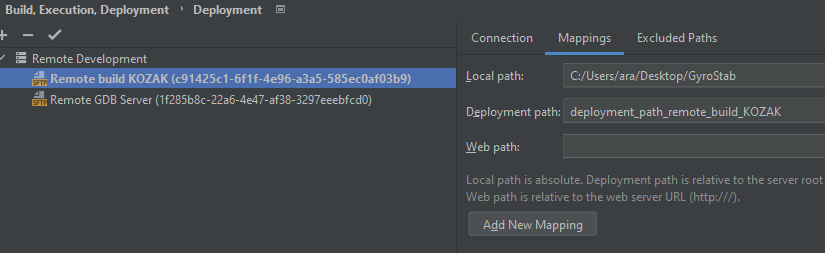
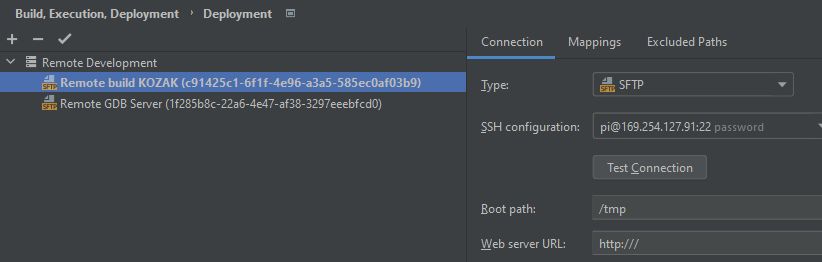
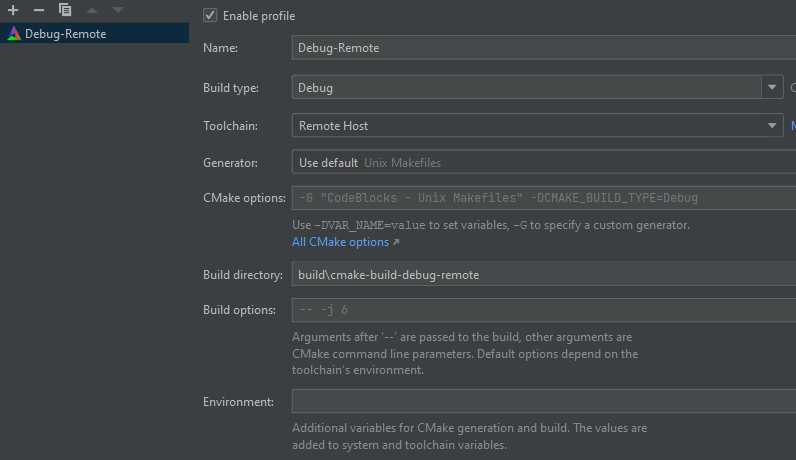
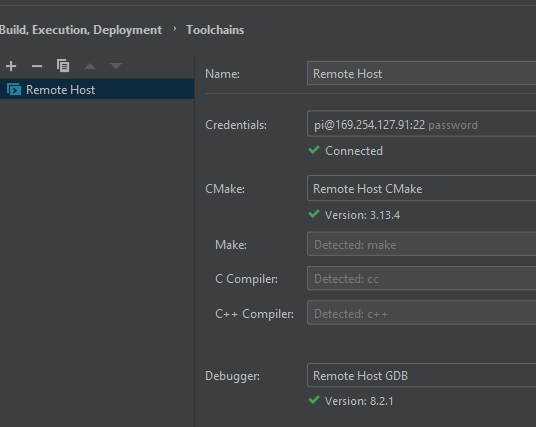
When using 2021.1.3, i can remote debug, my remote built application on raspberry pi. When switching to 2021.3.2, build is ok but remote debugging failing to find executable, it looks locally
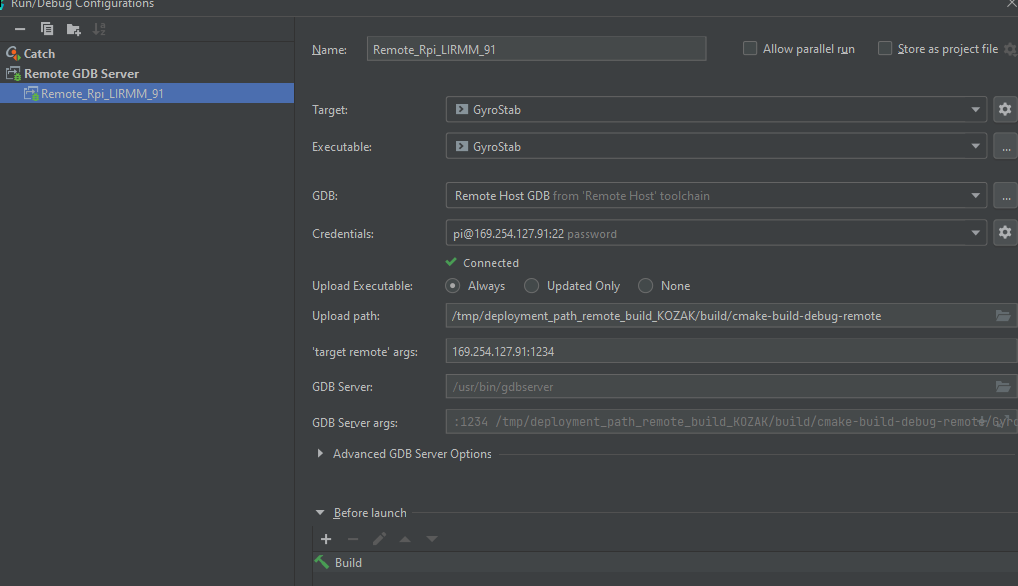
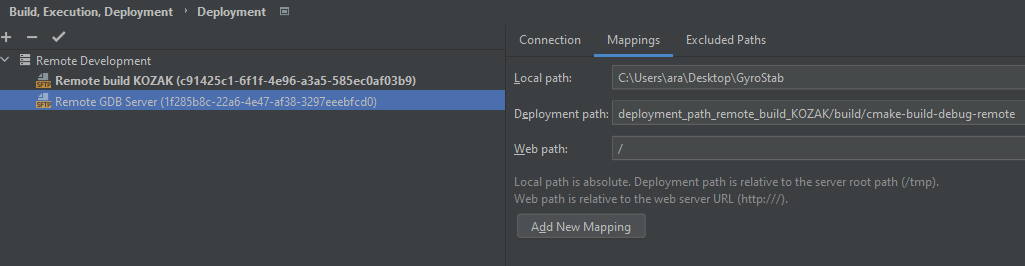
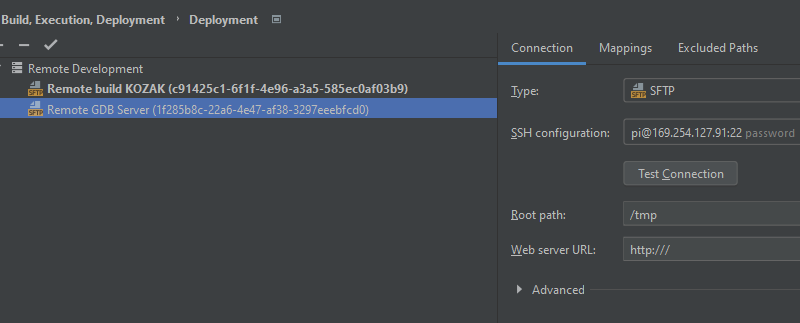
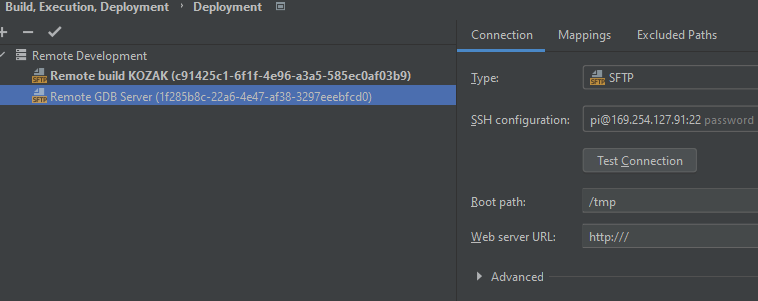
I post my configuration cause i don't know what i'm doing wrong, i can change anything in "Remote GDB Server" Deployment path, it don't create directory or anything, i set or not default server nothing, error is below
Ultimately, i want to build on /tmp on raspberry, then setup gdb debugging environment in /home/pi to keep and discard build environment after reboot, switch to 2021.3.2 for good then take care of cross-compilation
Thx for your support
Please sign in to leave a comment.
Hello!
The "Remote GDB Server" configuration is intended for building the project locally. Here is a quote from the web help (https://www.jetbrains.com/help/clion/remote-gdb-server.html):
The Remote GDB Server configuration builds your target locally, uploads the binary to the remote machine, launches it under gdbserver, and connects the CLion debugger.
If you want to build and debug the project on the same remote machine, you need to use the full remote mode - https://www.jetbrains.com/help/clion/remote-projects-support.html, not the "Remote GDB Server" configuration.
thank you :)