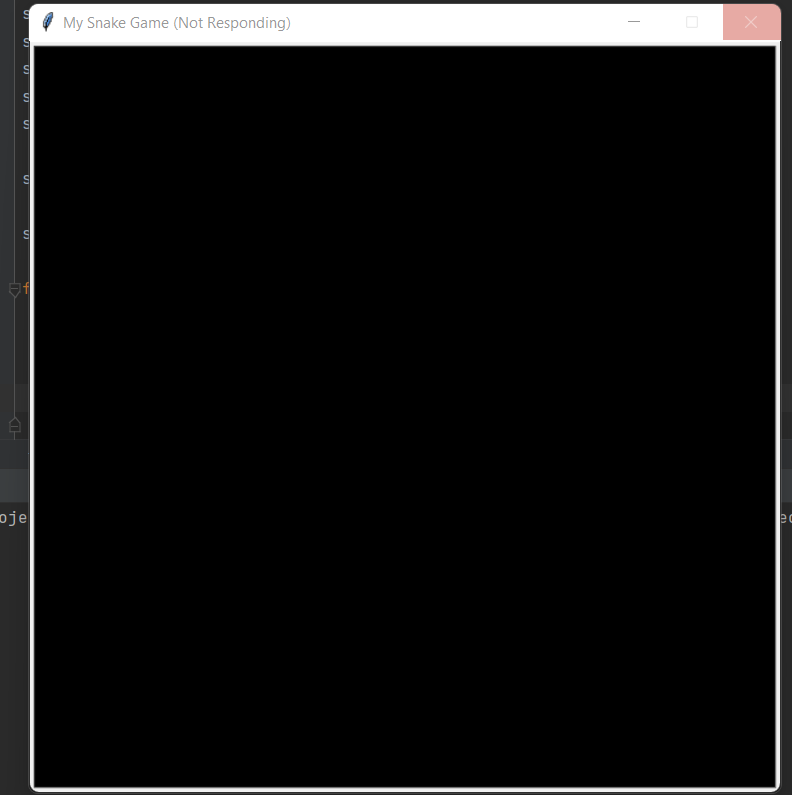
When turtle_screen.tracer(0) is typed on the editor and the file is executed, Turtle Graphics Window is not responding.

from turtle import Screen, Turtle

screen = Screen()
screen.setup(width=600, height=600)
screen.bgcolor("black")
screen.title("My Snake Game")
screen.tracer(0)

starting_positions = [(0, 0), (-20, 0), (-40, 0)]

segments = []

for position in starting_positions:
    new_segment = Turtle("square")
    new_segment.penup()
    new_segment.color("white")
    new_segment.goto(position)
    segments.append(new_segment)

game_is_on = True
while game_is_on:
    for seg in segments:
        seg.forward(20)

screen.exitonclick()
After running and waiting for some time, here is what I am getting:
Please, can someone resolve this issue?
Please sign in to leave a comment.
Hi, to check if the issue is IDE-related, could you try running it from the terminal outside of the IDE? Does the same problem happen?
No, it's not IDE-related. I did what you told me to do, and the same thing happened.
use screen.update(), to update the screen when you want.
Also, use time.sleep(1) along with it,cause sometimes it can be very fast