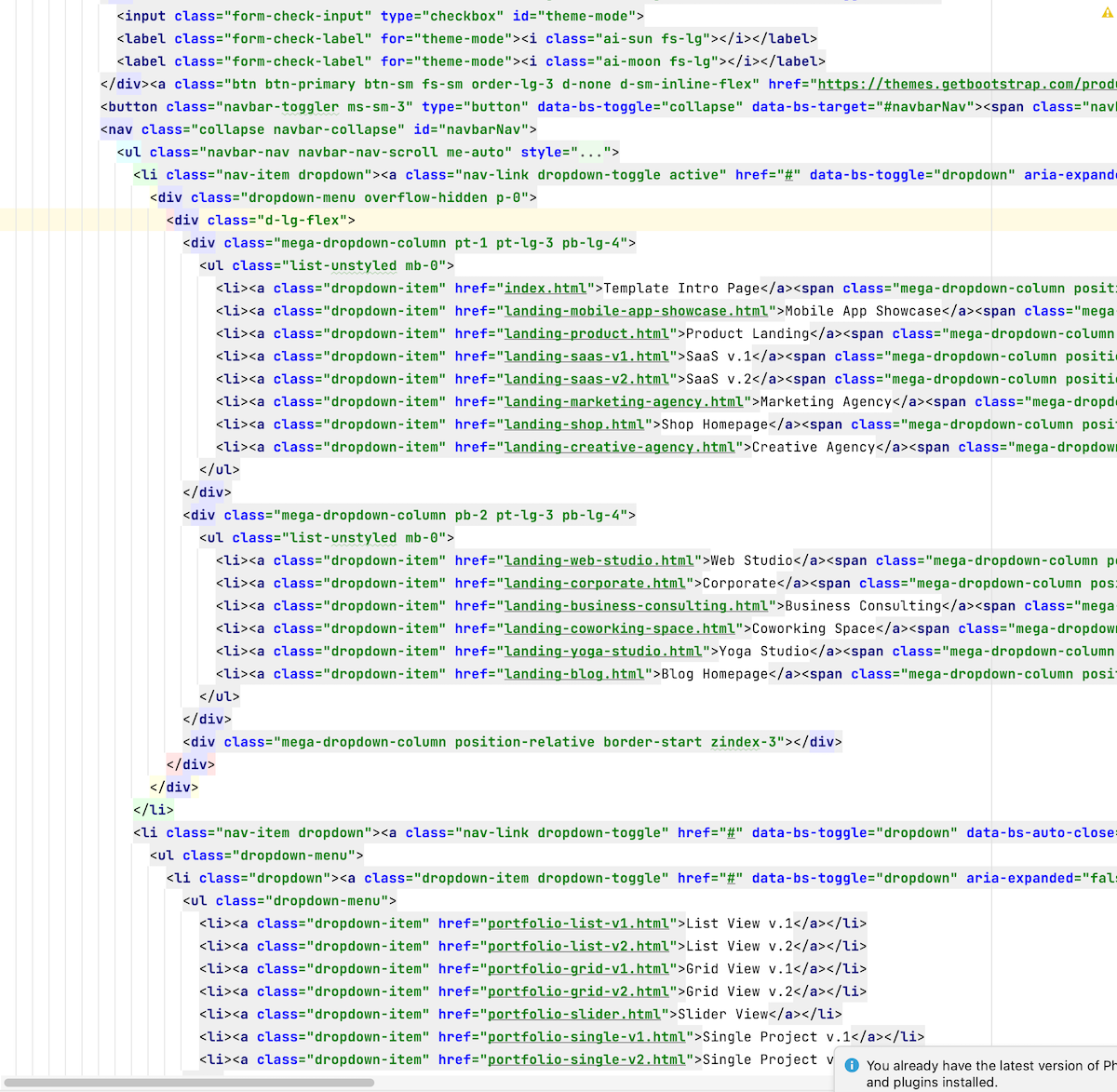
So you want to select the whole <div class="d-lg-flex">... tag (from opening <div to the closing /div>)?
If so -- quite easy: just place the caret on [CARET]<div and invoke "Edit | Extend Selection" 2x times in a row. If the caret will be somewhere inside -- will require a few more subsequent invocations. It's quite a universal thing: works for PHP/JS code as well etc.
Another alternative: place the caret on [CARET]<div and invoke Ctrl+Shift+] (here on Windows keymap) -- it's a shortcut for "Move Caret to Code Block End with Selection" action (the shortcut can be changed/checked in "Settings/Preferences | Keymap" -- use the local search box to narrow the entries.)

Hi there,
So you want to select the whole <div class="d-lg-flex">... tag (from opening <div to the closing /div>)?
If so -- quite easy: just place the caret on [CARET]<div and invoke "Edit | Extend Selection" 2x times in a row. If the caret will be somewhere inside -- will require a few more subsequent invocations. It's quite a universal thing: works for PHP/JS code as well etc.
Another alternative: place the caret on [CARET]<div and invoke Ctrl+Shift+] (here on Windows keymap) -- it's a shortcut for "Move Caret to Code Block End with Selection" action (the shortcut can be changed/checked in "Settings/Preferences | Keymap" -- use the local search box to narrow the entries.)