Symfony CLI (command) debugging from phpStorm through Docker, what I am missing here?

I am trying to debug a Symfony command through phpStorm using xDebug and I am not able to get this working. I should start by saying that I am using Docker. AFAIK everything is properly setup (see images below) but each time I hit the little bug icon (SHIFT+F9) button I end with the following message:
docker://reynierpm/docker-lamp:latest/php -dxdebug.remote_enable=1 -dxdebug.remote_mode=req -dxdebug.remote_port=9001 -dxdebug.remote_host=172.17.0.1 /var/www/html/oneview_symfony/src/Schneider/QuoteBundle/Command/QuoteFromAgreementCommand.php oneview_symfony/bin/console agreement:manual-quote --agreement_id [11] --parent_id 0 --created_by_users_id 33
PHP Fatal error: Class 'Symfony\Bundle\FrameworkBundle\Command\ContainerAwareCommand' not found in /var/www/html/oneview_symfony/src/Schneider/QuoteBundle/Command/QuoteFromAgreementCommand.php on line 15
PHP Stack trace:
PHP 1. {main}() /var/www/html/oneview_symfony/src/Schneider/QuoteBundle/Command/QuoteFromAgreementCommand.php:0
Process finished with exit code 255
Below is how my setup looks like:

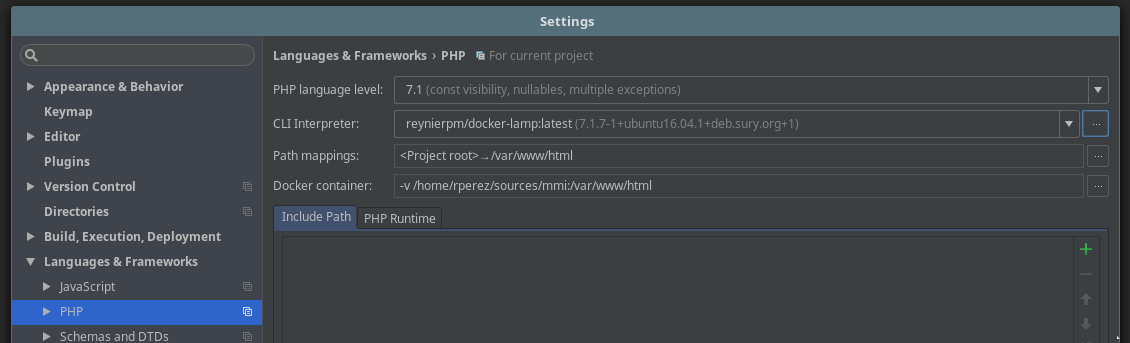
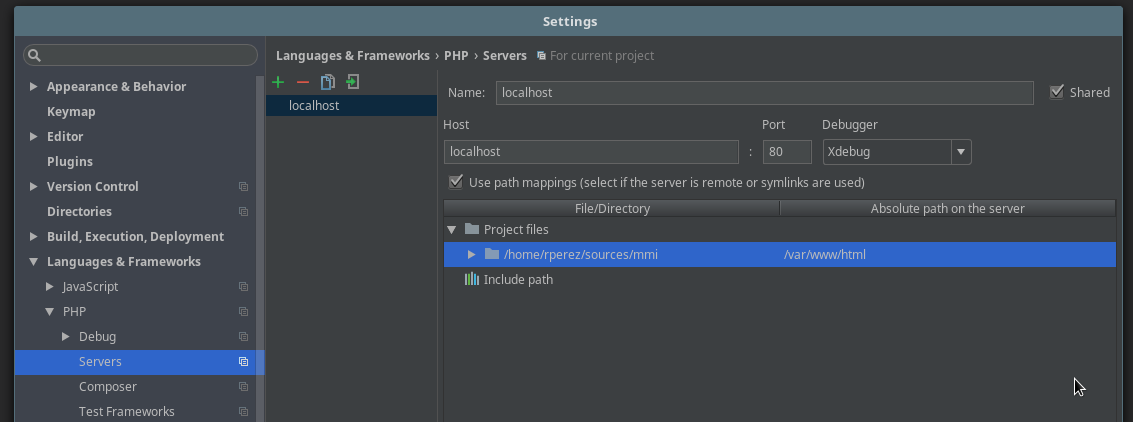
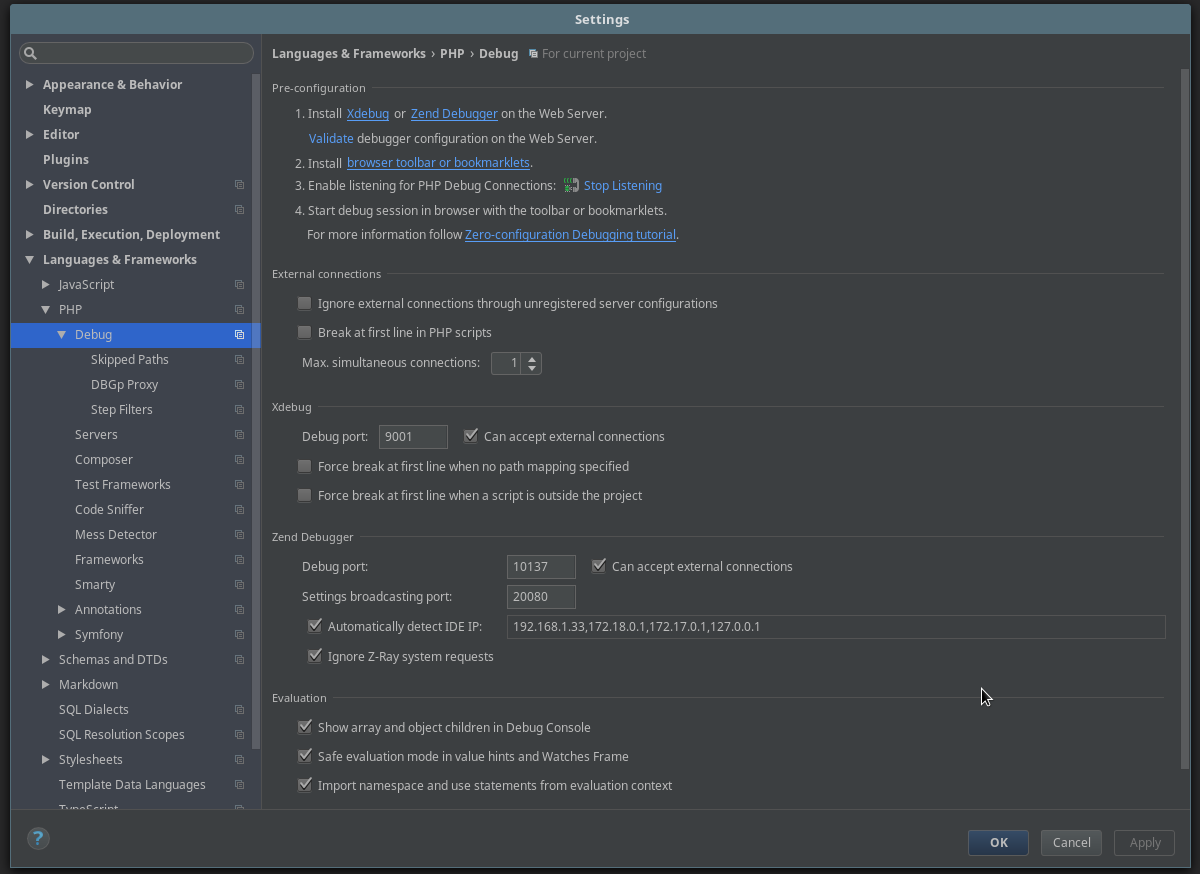

I have re-read over this and this post of my authority at SO but so far I can't find the solution to my issue. What I am missing here?
请先登录再写评论。
Hi there,
You are trying to debug the file with command directly. This means -- skipping whole Symfony bootstrapping process where it uses autoloader to load all necessary classes (including parent class for your QuoteFromAgreementCommand class), config etc.
It's the same as if you would debug any Controller class directly -- without even loading index.php and other files -- it will not work because no bootstrap code was run.
Laravel has "artisan"; don't remember what Symfony has (have not actually used this framework seriously -- only looked at the source and have read general manuals/overviews) -- but I believe it's "bin/console".
As for me -- you have to "debug" that "bin/console" with usual parameters that you would use to run your command in CLI.
So .. as per your last screenshot (Run/Debug Configuration) I think it should be something like this:
@Andriy you rock man, that worked perfect. Just in case anyone needs something similar and for future reference I will leave here an screenshot of the configuration:
If your Docker and/or your application uses ENV variables you have to define those too (like in my case).
Thank you very much
Thank you so much!!! :)