"Trouble Activating Multi-Row Tabs in IntelliJ IDEA: Seeking Assistance for Configuration"
已回答

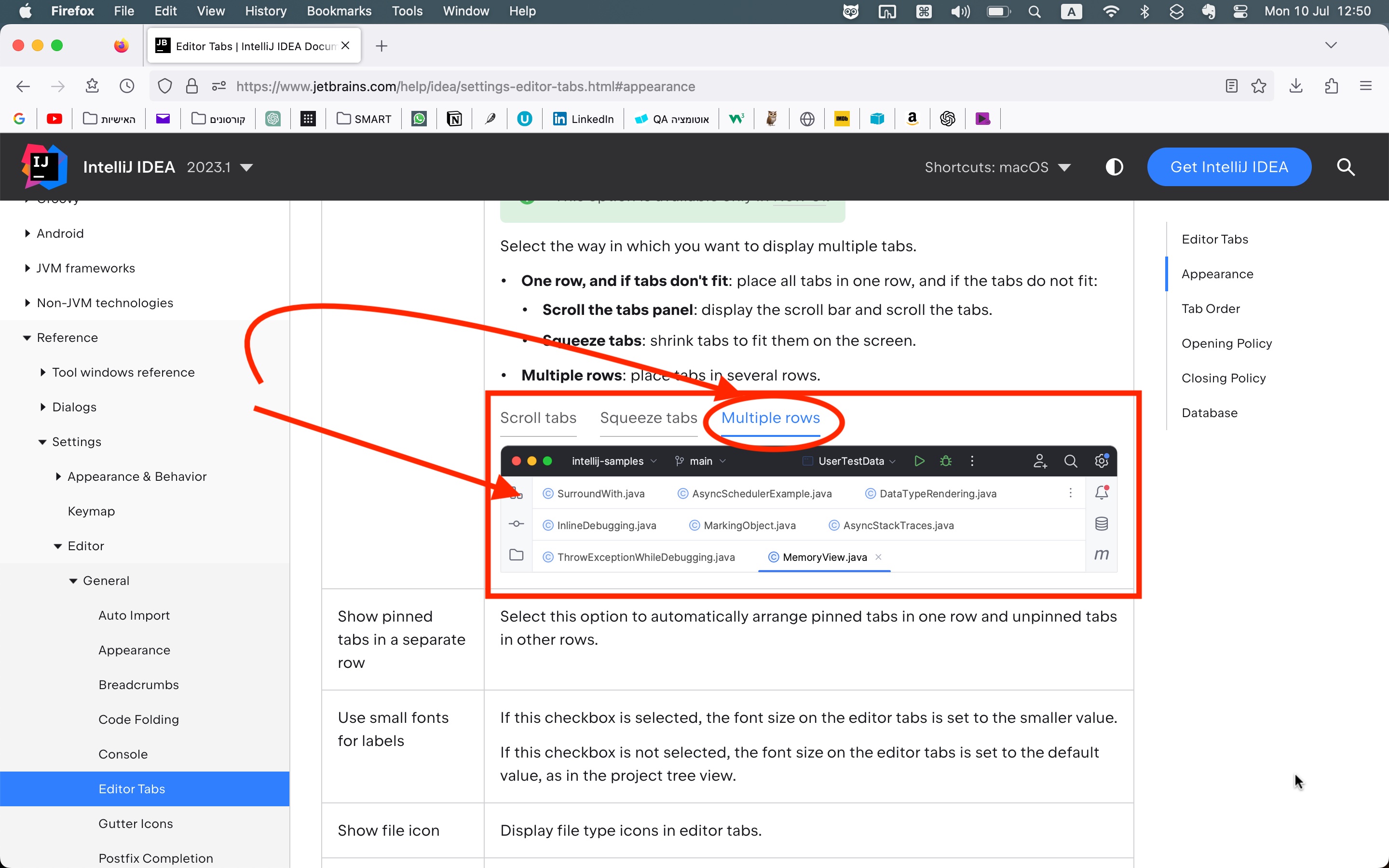
Please, I have uploaded a screenshot of the IntelliJ IDEA web page regarding the new UI feature of multiple rows. After installing the new UI, I went to the Editor Tabs section and selected the "Multiple rows" option in the Appearance settings. However, I am unable to activate the multi-row feature. I only have one row tabs for pinned tabs, and one row tabs for unpinned tabs.
If possible, could you please help me configure it so that I can use multi-row tabs, preferably with at least three rows as shown in the screenshot?
请先登录再写评论。
Atia Guy could you please check your tab limit in IDE Settings | Editor | General | Editor Tabs, Closing policy? By default it's 10 and a new row might not appear if you screen is large enough.
If increasing the tab limit does not help you to get multiple rows, please provide the following details:
Thank you!
I don't necessarily require multiple tabs for the sole purpose of having them. My intention is to arrange all my tabs in a logical manner, even if I only have three tabs. I prefer to group related tabs together, as it helps me better understand and manage my projects. It's possible that this approach is unique to me, but I find it helpful to organize tabs into separate rows based on their common themes or associations.
Please upvote the feature request https://youtrack.jetbrains.com/issue/IDEA-304444/Tab-groups