how can i synchroniz bookmarks/breakpoints/source layout structure from serveral places
已回答

hello
Currently working in several places (home / company, etc.),
I use git (sourcetree) to manage my source code.
With git, the source code is synchronized,
but Other environments (bookmarks/breakpoints/source layout structure) are not synchronized.
I want to synchronize the source layout structure/bookmarks/breakpoints,
Is it possible to solve it by using the function of IntelliJ?
Or, what is the file path that stores source layout structure/bookmark/breakpoint information?
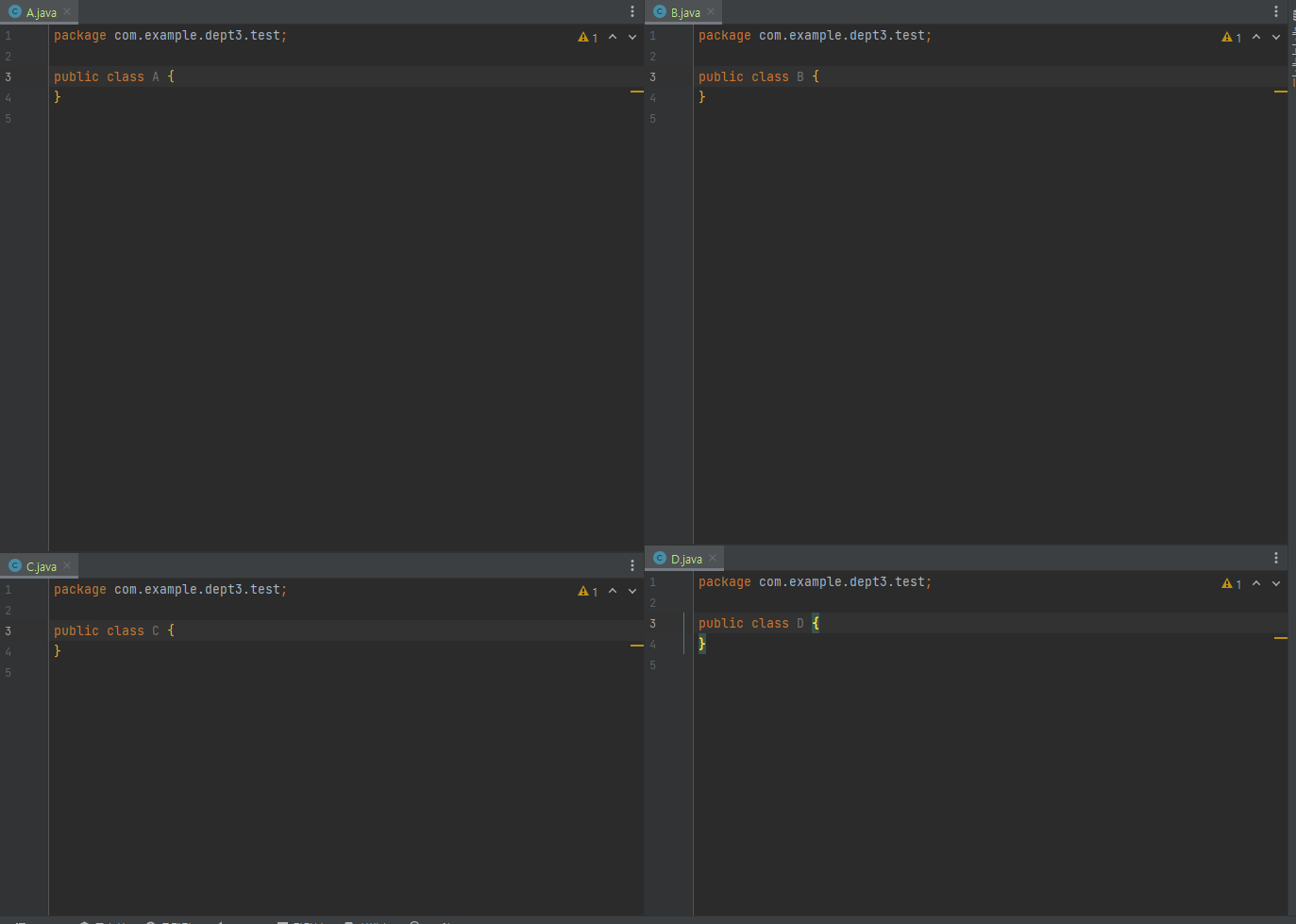
Source layout structure: A class at the top left, B class at the top right
C class is lower left, D class is lower right (refer pic)
请先登录再写评论。
Hi,
You can use the bundled feature called Settings Sync, or an older plugin called Settings Repository.
Configuration files themselves are located in the IDE config directory. For instance, %APPDATA%\JetBrains\IntelliJIdea2023.2 on Windows.
Breakpoints are stored in the file called workspace.xml located in the project configuration folder (<project root>\.idea). The format is as follows:
Information about bookmarks and editor layout is stored in files called "<workspace-id>.xml". They reside inside the \workspace subdirectory, e.g. %APPDATA%\JetBrains\IntelliJIdea2023.2\workspace\ 1zyVTRwqZRdJ84Ylj4Ztg6A76dX.xml, and correspond to existing projects.
Bookmarks are stored in the following format:
Editor layout component looks like this: