Issue of Intellij IDEA Ultimate 2023.2.1
已回答

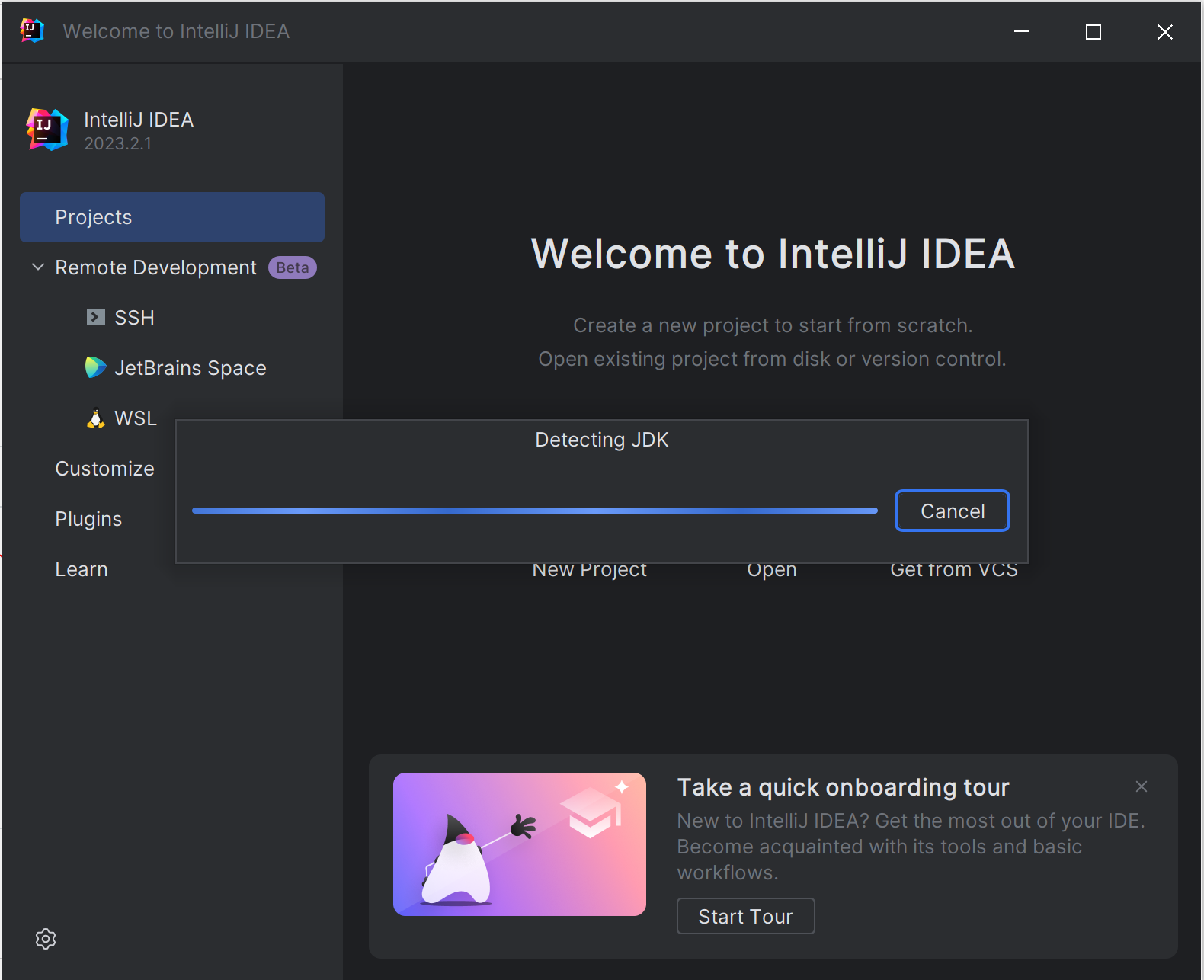
IntelliJ IDEA is taking a long time to detect the JDK when creating a new project
Has anyone seen this? I can no longer use IntelliJ IDEA on this machine. Before this everything was working just fine. But now, every time I start it, this dialog pops up that says it's Detecting JDK and it never goes away. The entire IDE is frozen. I would rather just skip this step and set up the JDKs myself, but there's no option to do this when the IDE is in this state. I have tried uninstalling and reinstalling everything. I've also tried deleting the state data under the AppData folder. Nothing seems to fix it. Please help me !!!
请先登录再写评论。
If you open any existing project and check the paths to JDKs in 'File | Project Structure | SDKs', are there any broken links there (marked red)?
Is the problem reproducible after disabling all of the non-bundled plugins and restarting the IDE? 'File | Settings | Plugins | ⚙ | Disable all downloaded plugins'
If it is, please provide the following data for analysis:
- IDE logs (entire archive): Help | Collect Logs and Diagnostics Data
- A few thread dumps of the IDE when seeing this issue. Refer to the 'jstack' section here: https://intellij-support.jetbrains.com/hc/en-us/articles/206544899
You can upload the files to https://uploads.jetbrains.com and share the generated upload id here.