Diagrams: moving selected links deeply frustrating
已回答

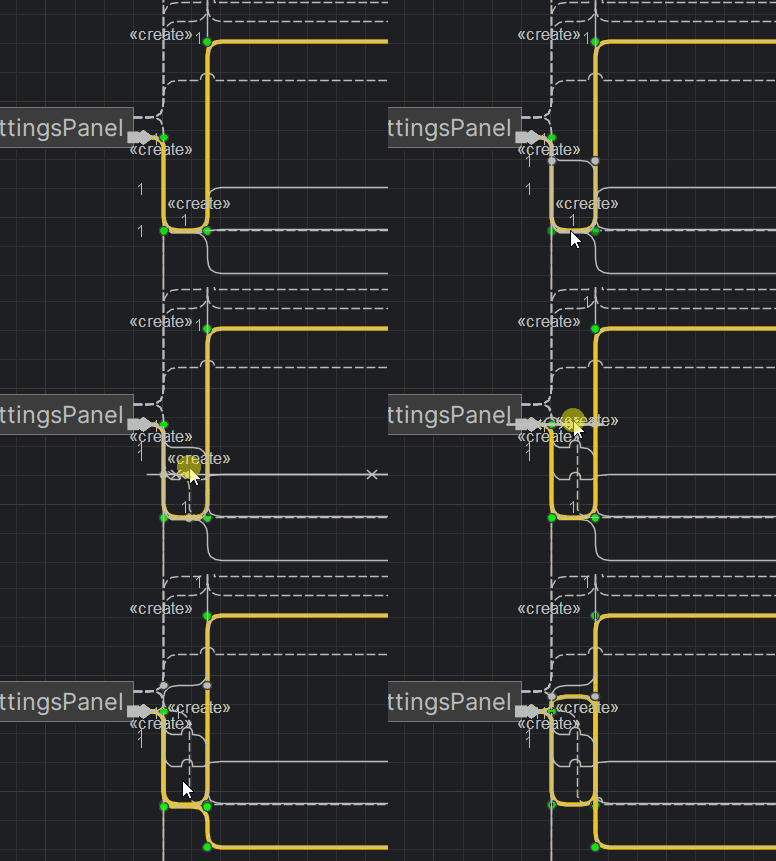
All I want it to untangle the knots made by the auto-router. I think it's selecting in order of creation, rather than picking from the yellow line first. I have similar problems with the green corner dots.
请先登录再写评论。
Hi Dan,
As far as I understand, your issue is that it is when you move a stacked element, it is not the highlighted element that moves.
As a workaround, please disable merge for edges: right-click on the diagram and turn off the stacking as shown:
![]()
nothing shown.
I apologize; here is the picture
ok, but that rearranges everything. that's not a workaround. it's like i say the paintbrush tool is broken and you tell me to erase and restart. :)