Inconsistent theme rendering: pro vs CE PyCharm editions - under Mac OSX Sonoma

Hi
I have just moved to a Mac Studio running Sonoma - OSX 14.2.1 (23C71)
Attached are screenshots of dialogs from:
1. PyCharm 2023.3.2 (Community Edition), Build #PC-233.13135.95, built on December 19, 2023

2. PyCharm 2023.3.2 (Professional Edition), Build #PY-233.13135.95, built on December 19, 2023

As is clear these are not consistent. The CE version looks fine, and is consistent with running Pro/CE versions under Ventura on my MacBook Pro.
The Pro version under Sonoma is broken - has weird glitches, different layout, shading is off, button shapes different etc. This seems to happen with some (though not all) other themes.
I've tried disabling ‘New UI’ to see if relates to this but makes no difference.
To add to this, when starting Pro version I get this pop up notification
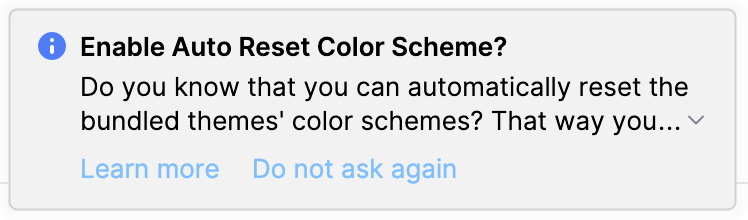
If I follow Learn More it takes me into the Settings dialog, under a ‘More Settings…’ menu, and this has a different (Material based) list of themes.
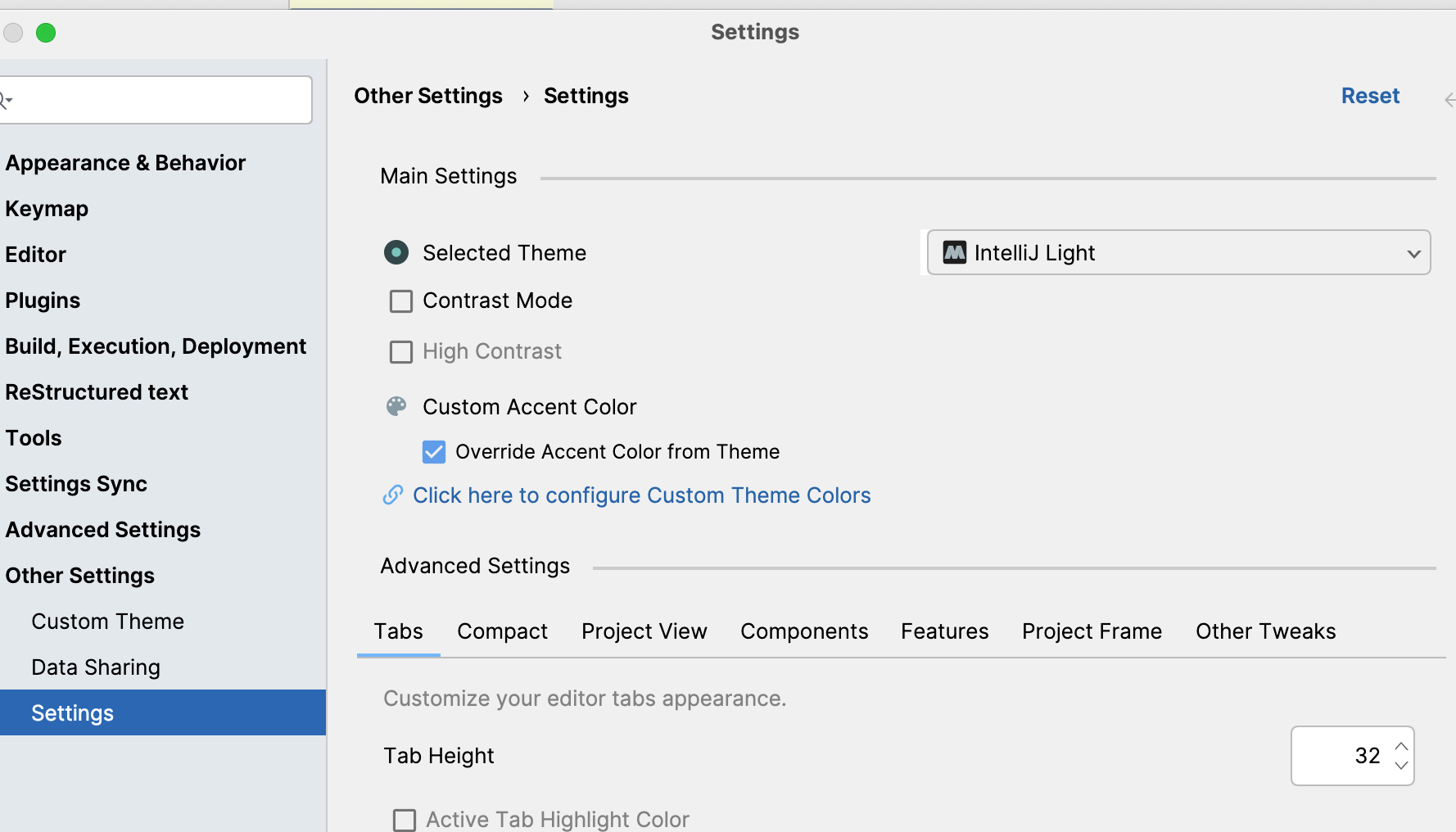
If I close this dialog and reopen the Settings again the ‘More Settings…’ option vanishes from end of the side menu bar…
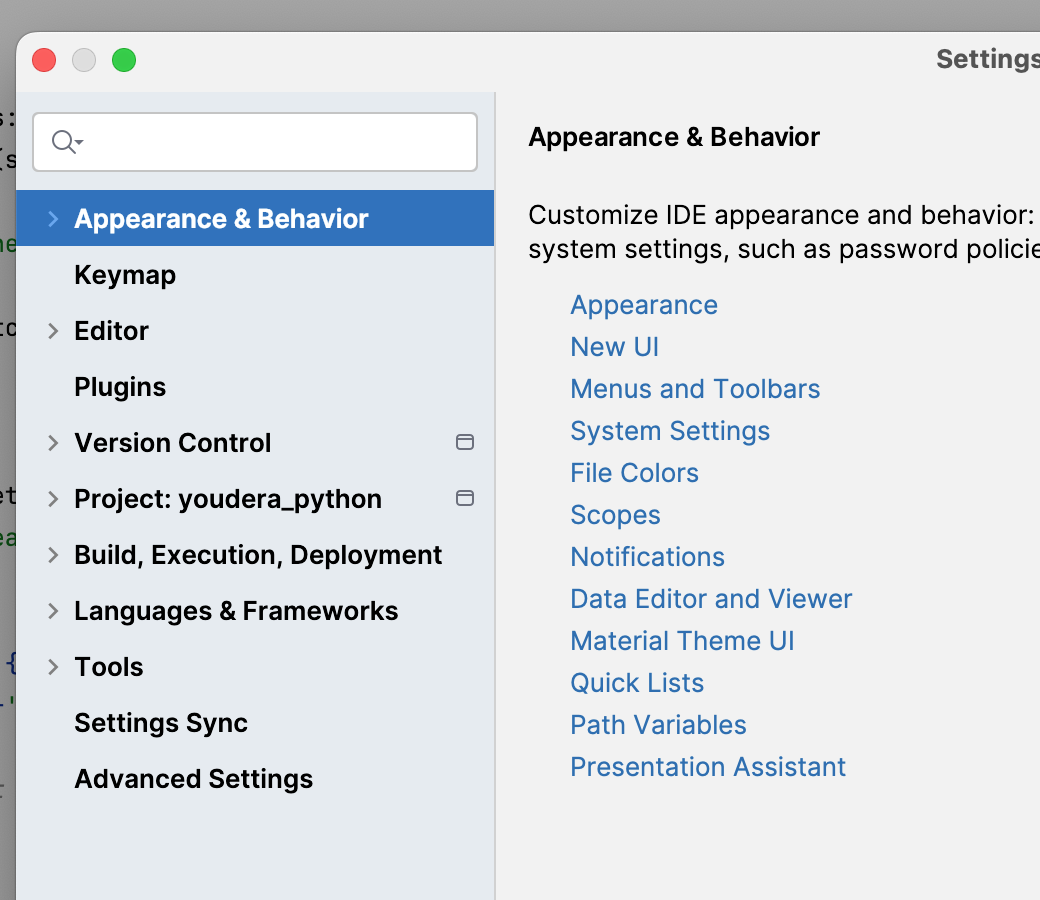
There are other items changed in menu as well - these seems to relate to if you have a project fully loaded - or general vs project settings - as these seem to change in Pycharm
Any ideas? It's not critical but quite annoying as Pro IntelliJ Light was my preferred setting / use.
请先登录再写评论。
Hi
Thanks for the suggestion - yes it seems it was due to this plugin
The weird part is I have no recollection of installing this - or any of the other downloaded themes - like Mionikai etc. I might be forgetting as I see there is a ‘Get More Themes’ button under the themes settings.
I tried looking under the Mac OS X app resource structure for an install date but couldn't see anything that matches these plugin names under the directory (unlike other sorts of plugins I can easily find).
Anyway problem cured at least which is great.
Thanks!