How to remove result from Find & Resplace dialog

I'm coming from VSCode…trying out PHPStorm and really trying to get up to speed with it.
When doing a find and replace, there are some entries(occurences) that show up that I'd like to remove. I can see that there's different filtering options such as “directory” and “scope”, and switching to Scope → Project files shows me the results I want, but I'm wondering if there's no way to manually remove a result from the list of occurences?
Like simply a “x” ?
I right clicked but it just shows the option to “Copy Path/Reference”.
I simply wanted to remove this occurence so that I can click the “replace all” button.
As I said, switching to “Scope” removes that result, but I'm wondering if there was a situtation where it didnt…if it would not be possible for me to simply remove that occurence from the list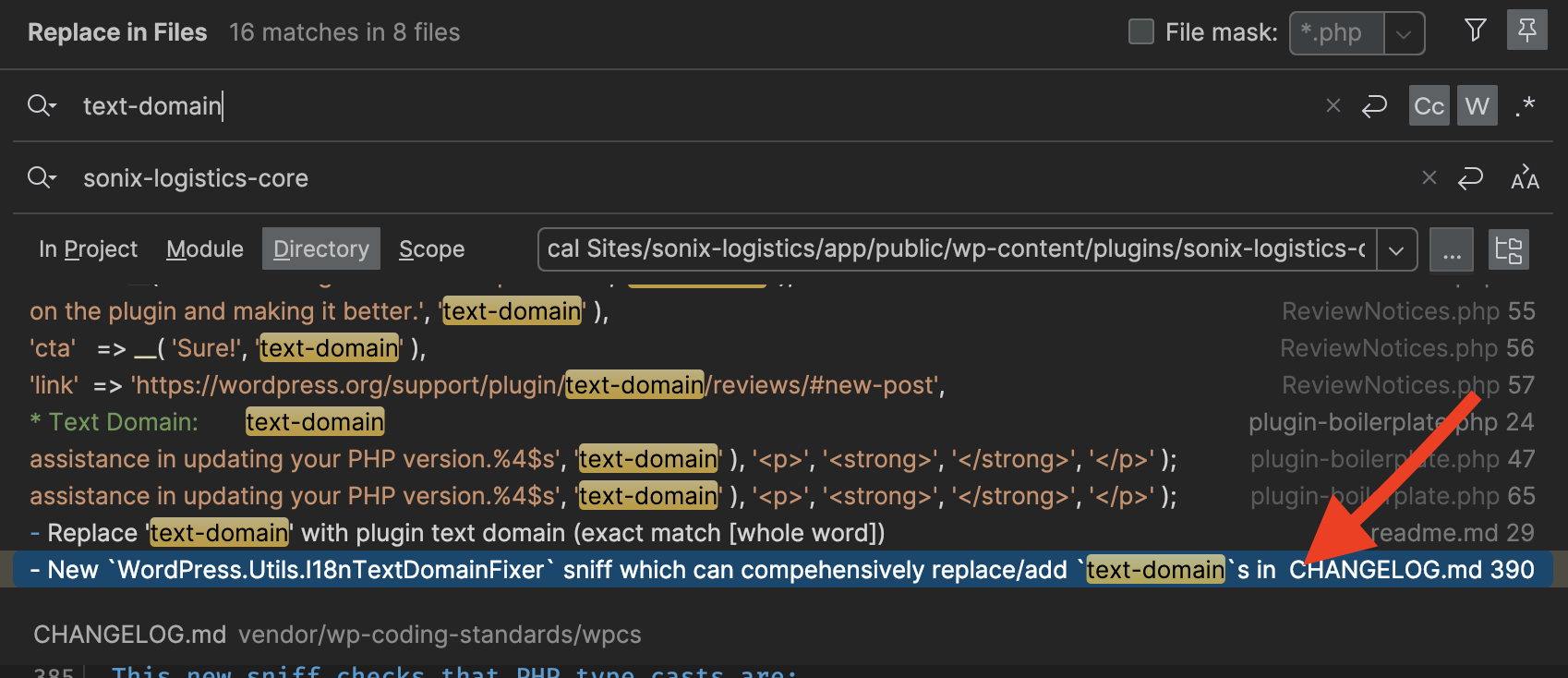
请先登录再写评论。
Click on “Open in Find Window”. You can visually mark elements with a strike-through ("Exclude") or remove them altogether ("Remove"). Right click on the item to see the menu entry and short-cuts.
(I guess the Exclude option makes more sense in “Find in Files”).
Alvaro Thank you, I was able to find that workflow