How to turn off internal editors/viewers?

Since the last update to 2024.1.1 PyCharm started doing two things that annoys the heck out of me:
- It started opening .xlsx Files in the built-in editor instead of the “associated application” of my OS (which is Excel)
- It started opening links in the system browser (which doesn't show the URL, nor does it display all websites properly)
how can I turn these off?
HINT: I've already set this (but it's still using the built-in editor to open .xlsx-files)
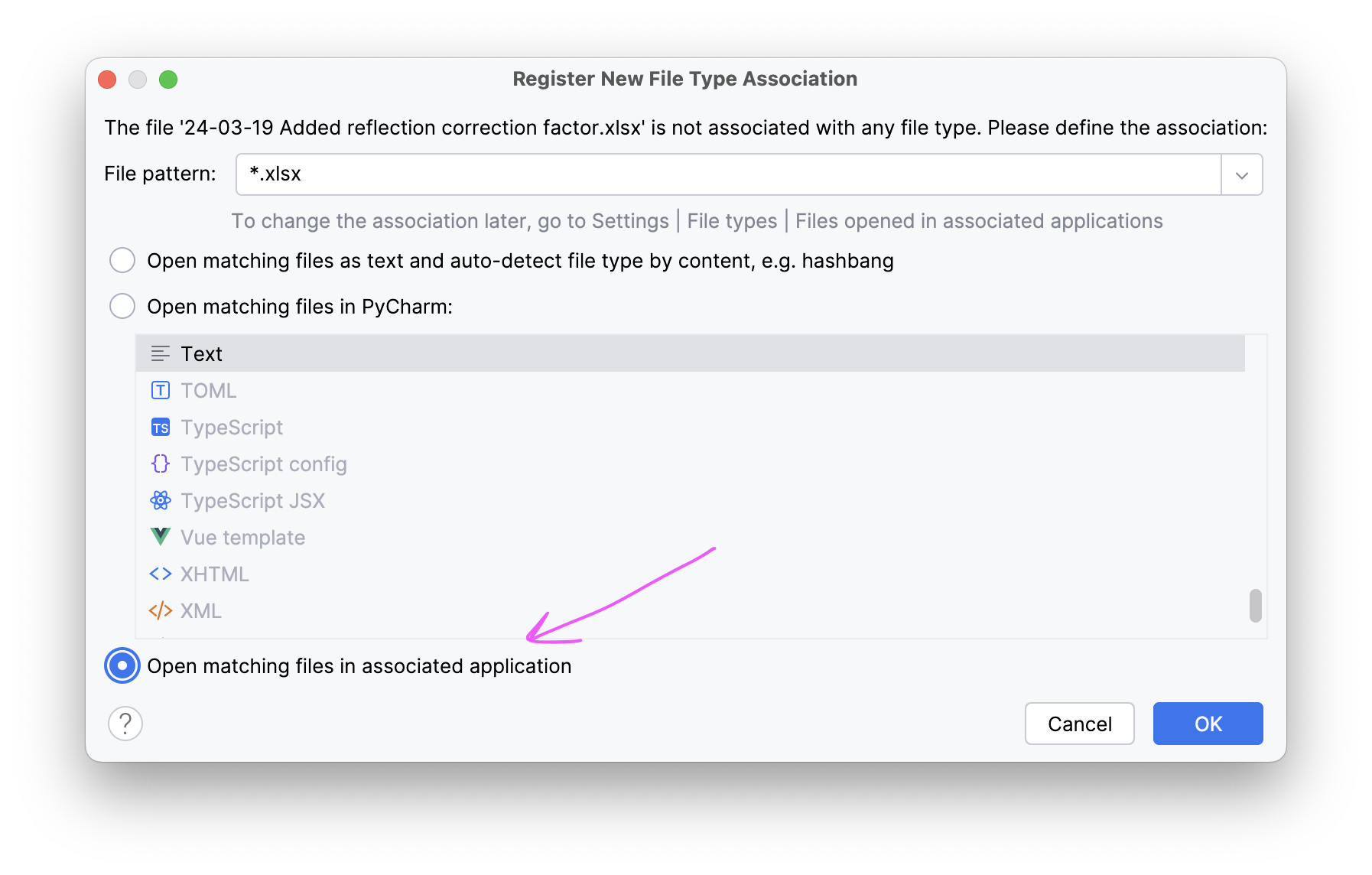
HINT 2: When I right click on the file then choose “Open In” then “Open In Associated Application” it opens the file in Excel as expected
请先登录再写评论。
I'm not sure why this option affects the behavior but, turning off “Open file as table if detected by scripted loader” in “Setting → AdvancedSettings → Database” solve the problem. After deselecting this, .xlsx Files are opened in external MS Excel app by double clicking the file.
Source: https://youtrack.jetbrains.com/issue/DBE-20207/Data-Editor-and-Viewer-does-not-respect-open-in-associated-application-file-type#focus=Comments-27-9815431.0-0
Thank you for your help. That does the trick. I would never have found that setting.
Nevertheless I believe this behavior of PyCharm doesn't make sense. When specifying to "Open In Associated Application" it should not even try with the script loader. With the provided workaround, I can't use the benefits of the script loader.
I agree. This is completely unexpected and non-intuitive behavior. How does one adjust the “scripted loader” (ex, to exclude Excel but still open say parquet files in the internal better-than-nothing viewer)? Nothing shows up in the setting search. This option should be set in the “File Types” dialog instead!