How to completely get rid of the annoying bulb from the editor

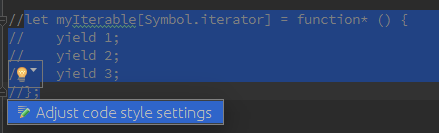
The bulb always comes and block my way of working without my wish. It not only disturbs me but also stops me while I am coding.
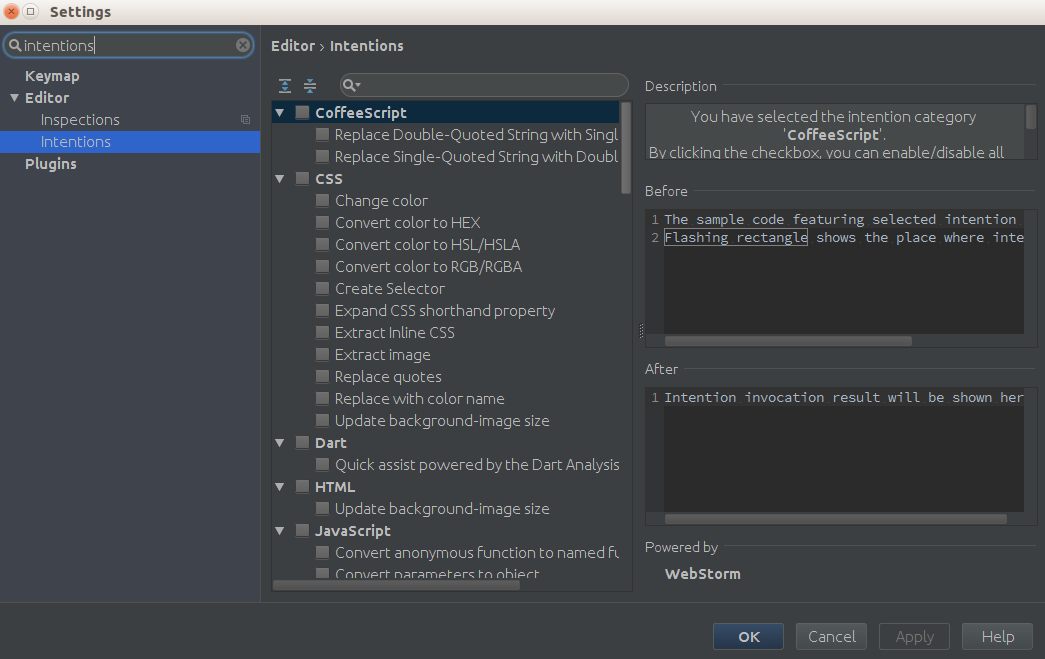
I have disabled intentions in the settings, but still the bulb is able to annoy me.
How can I completely get rid of this bulb?
Attachment(s):
webstorm2.png
webstrom.png
请先登录再写评论。
Hi there,
There is no such option in Settings/Preferences.
The only way known to me is via hidden option -- check this comment: https://youtrack.jetbrains.com/issue/IDEA-94381#comment=27-566062
It is suggested that the given line to be added at $IDE_CONFIG_HOME/options/editor.xml.
But what is the location of IDE_CONFIG_HOME (in Webstorm)?
It depends on your OS.
https://intellij-support.jetbrains.com/hc/en-us/articles/206827437-Directories-used-by-the-IDE-to-store-settings-caches-plugins-and-logs
For Windows/Linux the easiest way (I think) would be using "Help | Show Log in..." and then just go up a folder or two untill you see "config" & "system" folders.