where to change internal http server port ip

Hi
A)-------
-Howto change the default internal ip ( localhost) port (63342) define in phpstorm to use my inplace easyphp server instead ?
-Does the change takeplace in the Run/debug configurations windows ?
B)--------
if i have in phpstorm project c:\WAMP\data\localweb
If i open the html file c:\WAMP\data\localweb\d1\d2/file.html
if i launch in my IDE from the file using icon launcher ; the internal server goes to http://localhost:63342/localweb/d1/d2/file.html
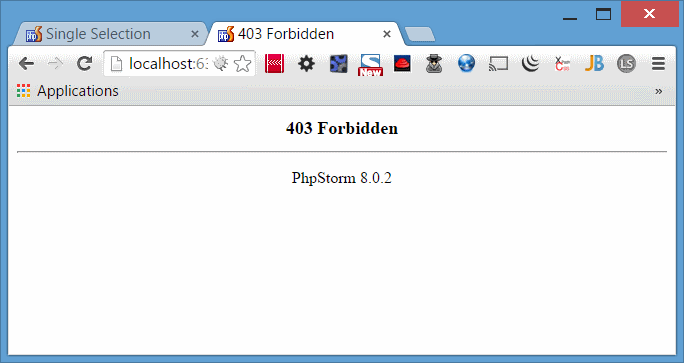
why i can't have acces from the browser to http://localhost:63342/localweb/d1
-Is there a way to configure phpstrom to show us the content locate inside the directory ?
(in apache .htaccess Options -indexes for disable directory listing )
Regard's
Attachment(s):
RunDebug-configuration.png

forbiddenAcces.png
请先登录再写评论。
Settings | Build, Execution, Deployment | Debugger --> Built-in server port
https://confluence.jetbrains.com/display/PhpStorm/Using+the+Built-in+Webserver+in+PhpStorm
In order to use your own server you have to define Deployment entry, configure it and mark it as Default.
https://confluence.jetbrains.com/display/PhpStorm/Deployments+in+PhpStorm
???
"icon launcher" as you call it (or "View | Open in Browser") opens current file in browser. Therefore if you are opening "d2/file.html" it will open THAT file and not another one.
AFAIK not -- it's a SIMPLE built-in server and not full fledged Apache/nginx/IIS/whatever. If you need Apache-level functionality then please use proper Apache web server.
But .. you can always try placing .htaccess file with your setting in your project root -- some of the settings are definitely working.
P.S.
You can always create Feature Request ticket for required functionality on Issue Tracker.