Selecting python3.4 interpreter for Django broke pip

I had pip, pip2, and pip3 working before installing PyCharm. I opened the IDE to try it out and took those steps:
Welcome Screen --> Create New Project --> Django (Interpreter: 3.4.3 at /usr/bin/python3.4) --> Create.
On the next screen I was presented with this:
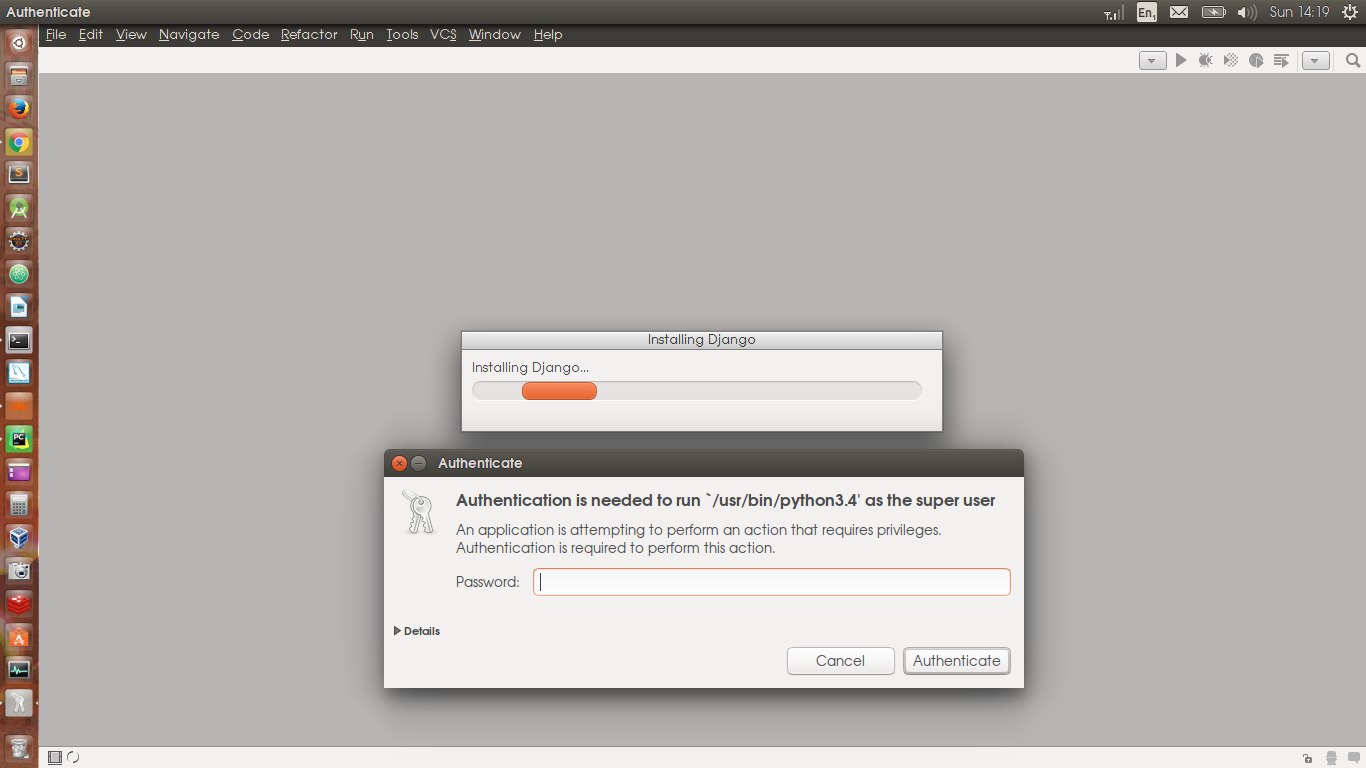
Followed by this:
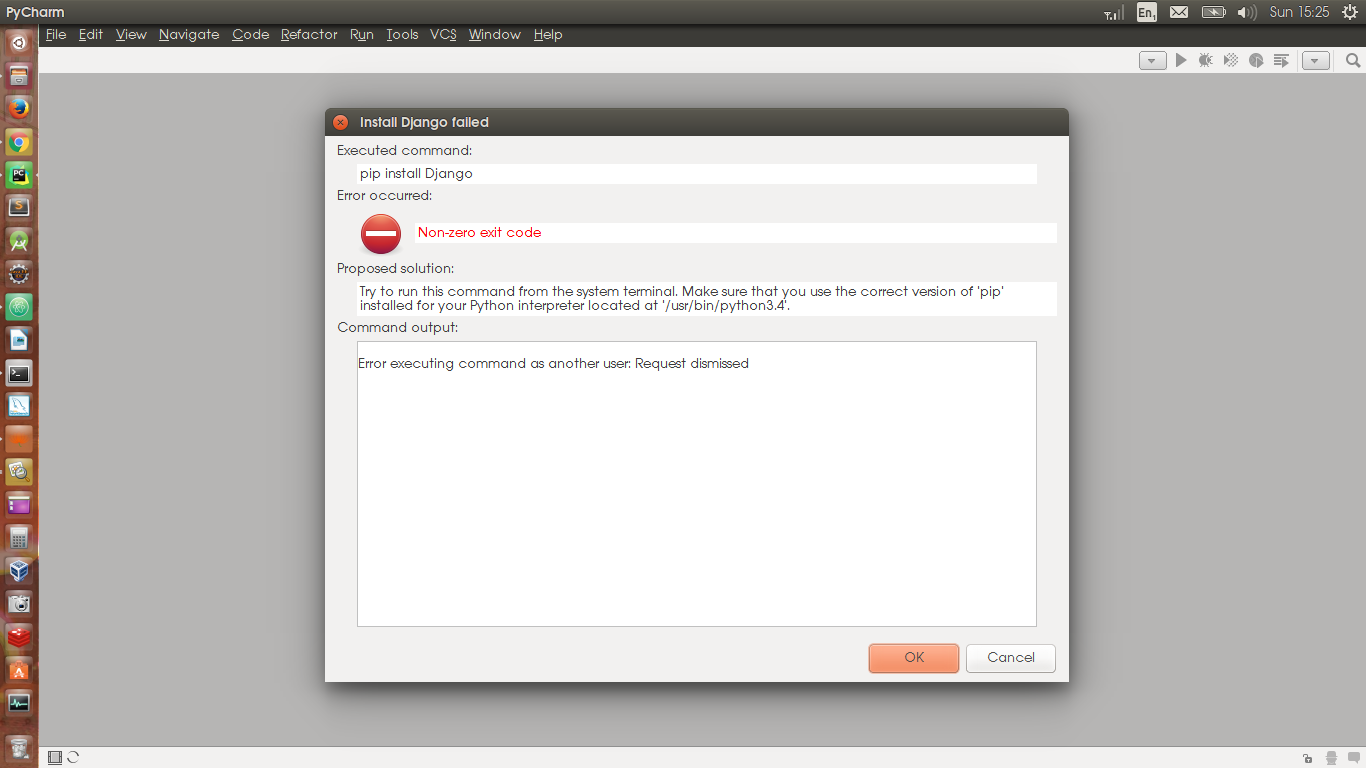
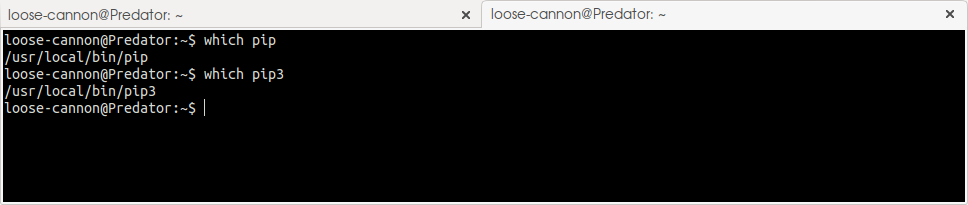
The "Proposed Solution" in the above window suggests that I check that I have pip. Before this, I'd been working successfully with pip so this struck me as odd. Nevertheless, I dropped to the terminal and ran:
However, trying pip fails:
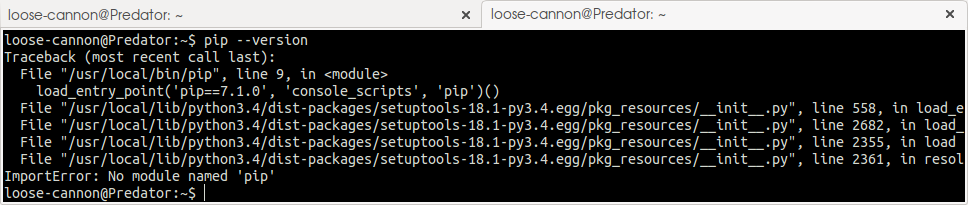
Trying pip3 yields similar results. This just wasn't happening before.
However, starting a Django project with the python2.7 interpreter works flawlessly, no problem. But I don't want to use Python 2, I want to use Python 3.
Please advise.
请先登录再写评论。
Just out of curiosity, your first screenshot shows /usr/bin/python3.4 but your tracebacks say /usr/local/bin/python3.4
My suggestion: never use the system Python. Make a virtualenv for the project, either using PyCharm (under Project Interpreters) or from the command line (pyvenv).