TODO in Django template file is not recognized

Mac OS 15.3, M1 Mac mini
Pycharm 2024.3.2 Professional Edition, build #PY-243.23654.177
I would like to use Pycharm's TODO functionality to track future work in my Django project, but Pychram doesn't seem to recognize the # todo: syntax. I've tried the various solutions I've seen here and on the web (verify the syntax, verify that the templates folder is not excluded, verify the Editor TODO string, restart Pycharm), but the todos are not seen. Here are relevant screenshots:
Here is my code window with the Todos tags and the TODO window open:

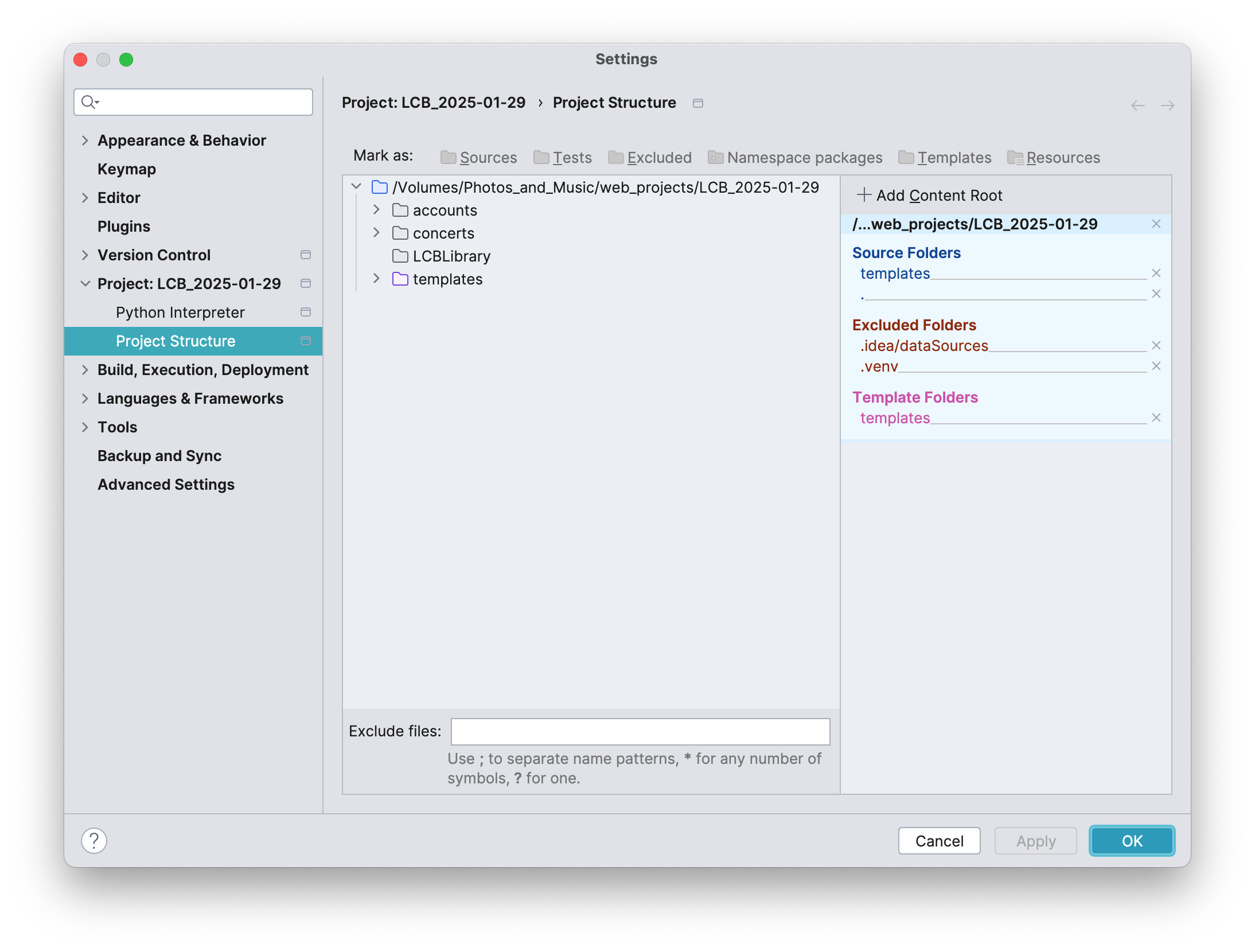
Here is the Project Structure settings:
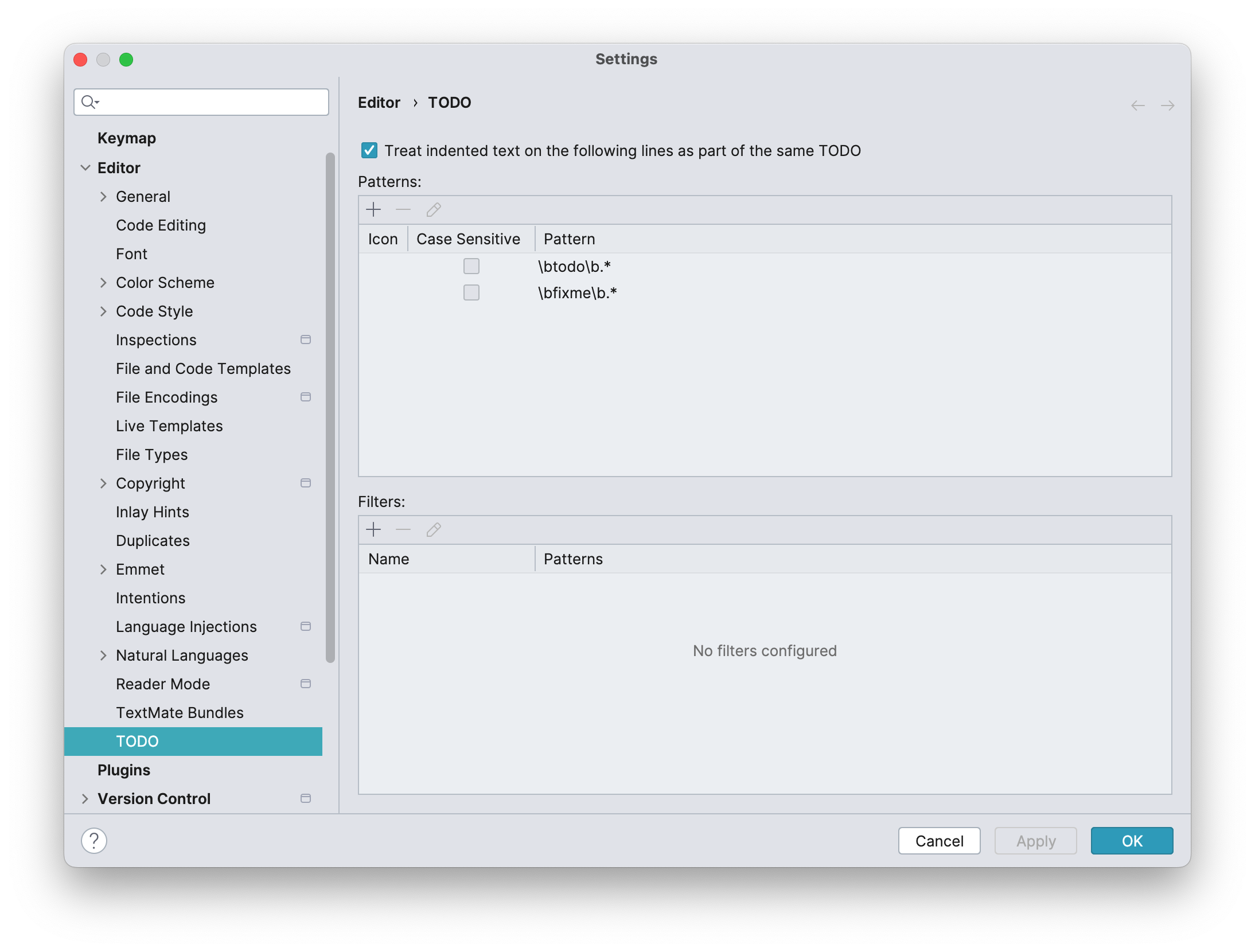
…and the Editor todo settings:
Thank you for any assistance or guidance you can offer.
请先登录再写评论。
Hi John
As this is an HTML file the HTML comment syntax should be used when writing the TODO comment.
Please let me know if using the TODO in an HTML comment syntax is working as in the screenshot for you.
Kind regards,
Ervis,
Yes, entering a comment in the .html template did work for me, and it's obvious, now that I have seen it. I might suggest it would be useful in the PyCharm documentation to include a link to the todo syntaxes in other file formats. When I looked in the documentation, the only example I found was the python syntax. It would have been helpful if there were a link in the docs to the other file format options. As I said, it seems obvious now, but as a beginning coder, the extra information would have been useful to me when I searched the documentation on the feature.
Hi John
Understand the confusion
I checked the documentation description and there is a section which describes it like this.
While a bit cryptic and could be some improvement to specify that the comments need to follow the format and syntax of the file type, I do find it a bit out of scope of PyCharm IDE documentation the addition of comments examples for different programming languages to be honest. However just one or two examples seem reasonable so then would be more intuitive.
I will take this internally for reviewing as improvement.
In any case we are always happy to help with any questions so do not hesitate to reach out anytime.
Kind regards,