Selecting New Project > Python version only shows "Loading interpreters"
已回答

- I've recently installed Pycharm 2025.1.3.1. My issue is, I cannot create a new project, because I cannot assign any python interpreter, see Fig. 1.
- My installed Python version is 3.13.5. which cannot be found by Pycharm.
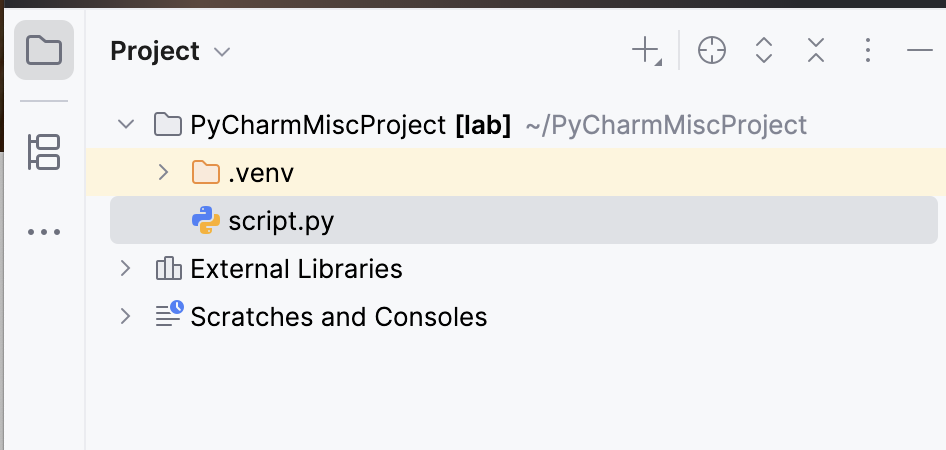
- Also the environment from PyCharmMiscProject (see Fig. 2) cannot be found by Pycharm
Fig. 1:
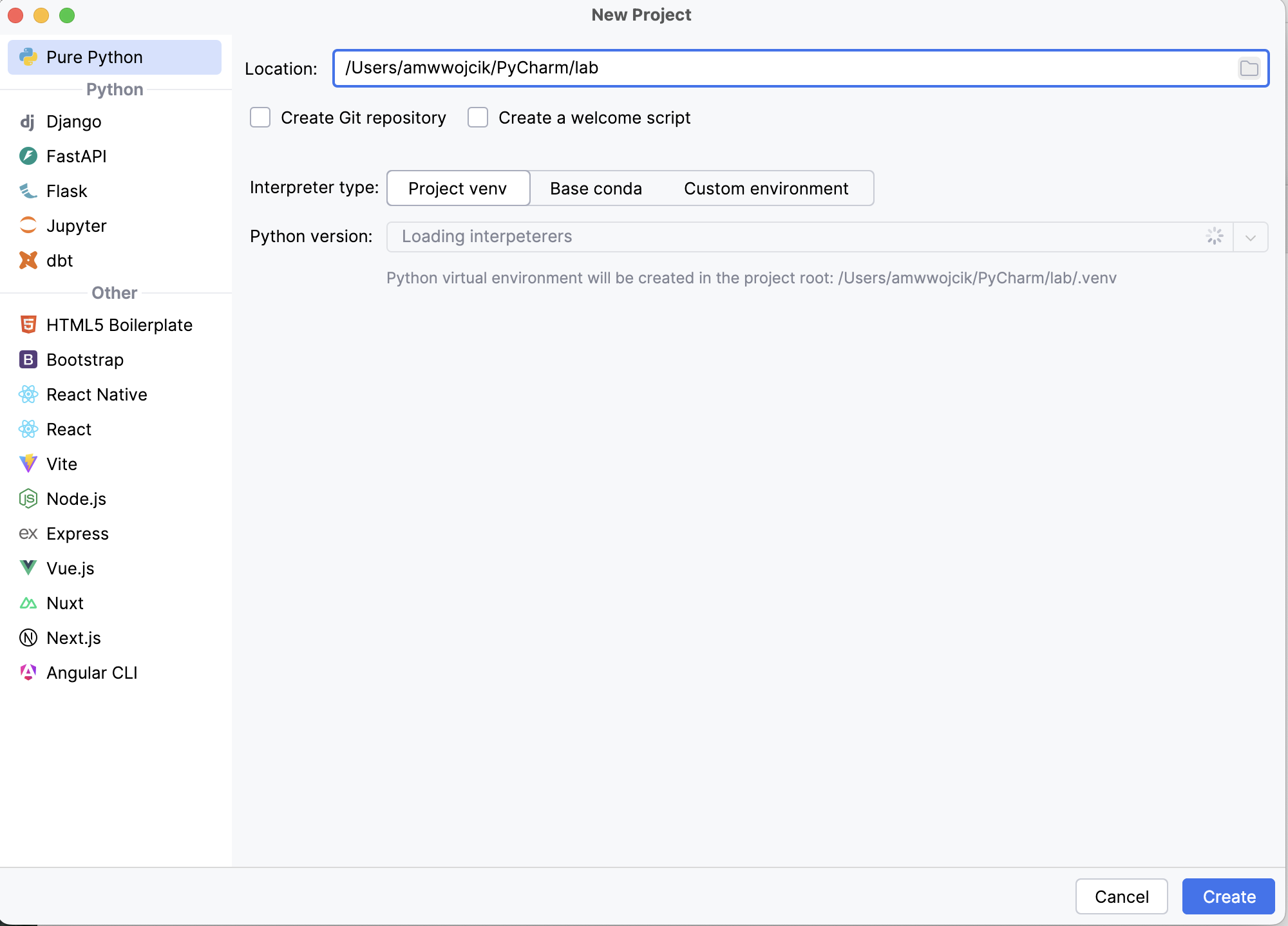
Fig. 2:
请先登录再写评论。
I replied to your case in YouTrack
I believe it's fixed by https://youtrack.jetbrains.com/issue/PY-81326/Cant-create-Python-projects
Can you check on the 2025.2 EAP available via the Toolbox App?
From Jetbrain's website only the 2025.1.3.1-release is shown, not the 2025.2-EAP-version):
Following the usual Install instructions resulted in a working PyCharm edition. My issue is resolved now: many thanks.
Fig. 4:
Fig. 5: