How to disable double click on end of line selecting whole line?
已回答

This shortcut is INCREDIBLY ANNOYING. The double click detects even when you are clicking in SEPARATE LOCATIONS. This causes the whole line to be selected even when you only click on it ONCE.
This is getting in the way because usually it goes like this: Scroll to line I want to add things below. Attempt to click on it but miss, placing caret on line nearby, click again on the correct line, line gets highlighted. Press enter to start writing code below the line. The line gets deleted because it was randomly highlighted by some weird double click logic.
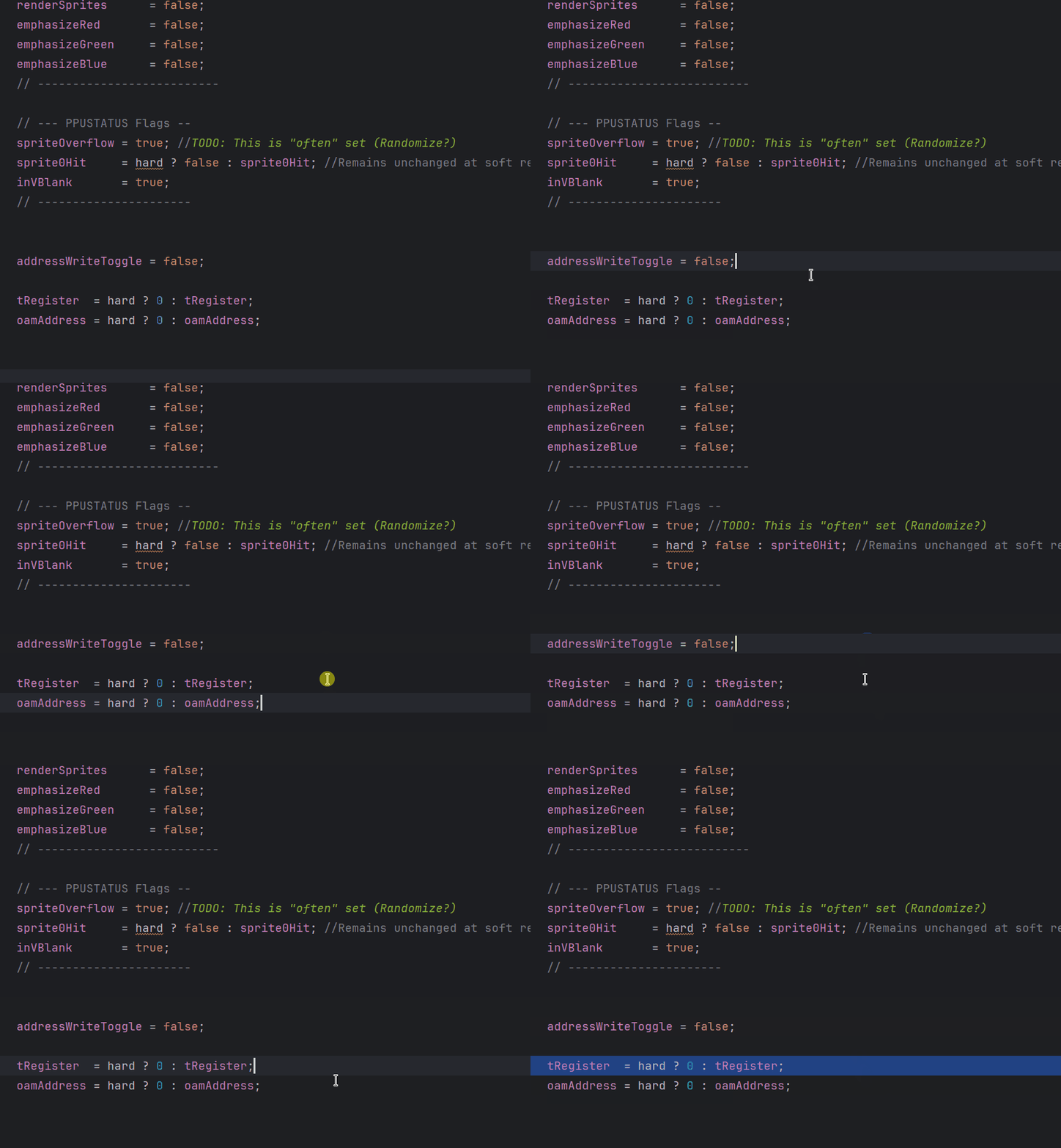
These are all single clicks (Except for one accidental drags). Nothing should be getting selected in this clip but it's just doing completely random and unpredictable things
请先登录再写评论。
Meanwhile, similar request has been raised internally from JB support side at IJPL-28719 (https://youtrack.jetbrains.com/issue/IJPL-28719)