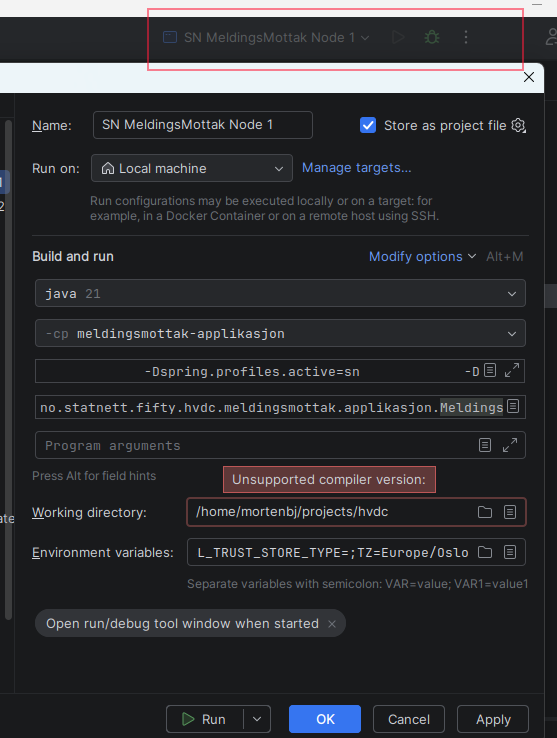
2025.3 - runconfig deactivates and give Unsupported Compiler version in Working directory
已回答

I got updated to 2025.3 today:
I've cleaned my `*.idea` dir, set proper java version in project structure and settings, and also deleted my `~/.m2/repository`, and it compiles and builds right out of the box with the default config I have in the shell before I start idea.
Play button is grayed after first try and When I press it nothing happens.
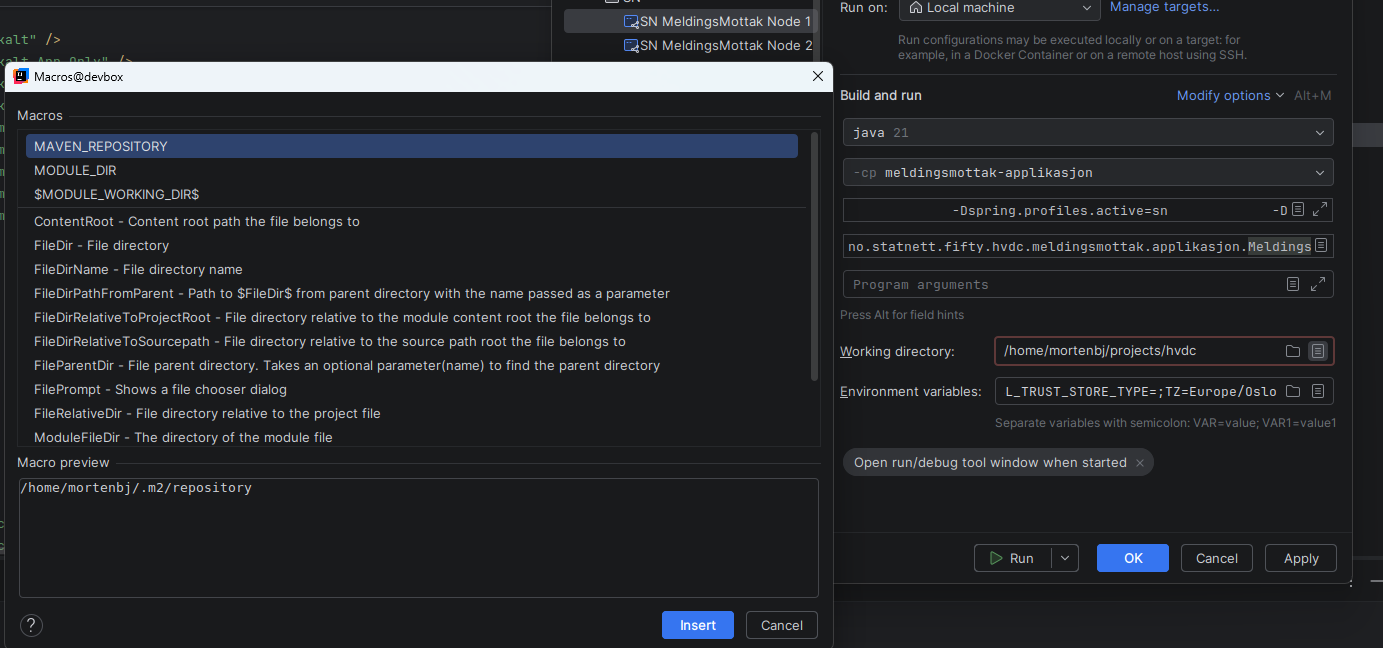
When I look at the run.*.xml file, this has been added and envs no moved from the end into the middle and lineshifts removed from VM-PARAMETERS.
<option name="ALTERNATIVE_JRE_PATH" value="21" />
<option name="ALTERNATIVE_JRE_PATH_ENABLED" value="true" />
请先登录再写评论。
Hi Morten Bjoernsvik. Thanks for reaching out.
To narrow this down, could you please check a couple of things in File | Project Structure…?
If possible, please share screenshots of the Project and Modules pages.
Also, can you confirm whether this happens only in this project?
If you create a small test project (just a “Hello World” Java app), does the Run button work normally there?
If the issue is reproducible every time, please provide the step-by-step actions that lead to it so we can investigate further.
Hi we fixed it by changing the project structure to java21 before pressing the run config.
if you press the run config before fixing project structure it turns up disabled. The way to fix it is to delete the .idea folder.