Buggy terminal in 2025.3

It looks like the new terminal was released prematurely.
It feels very buggy, let me just focus on one particular bug in this thread:
The test project consists of a single `docker-compose.yml` file:
services:
  keepalive:
    image: alpine:3.20
    command: ["sh", "-c", "sleep infinity"]
Steps to reproduce
1. Execute `docker compose up` in the terminal.

2. Right-click on the terminal tab and select “Split right”.
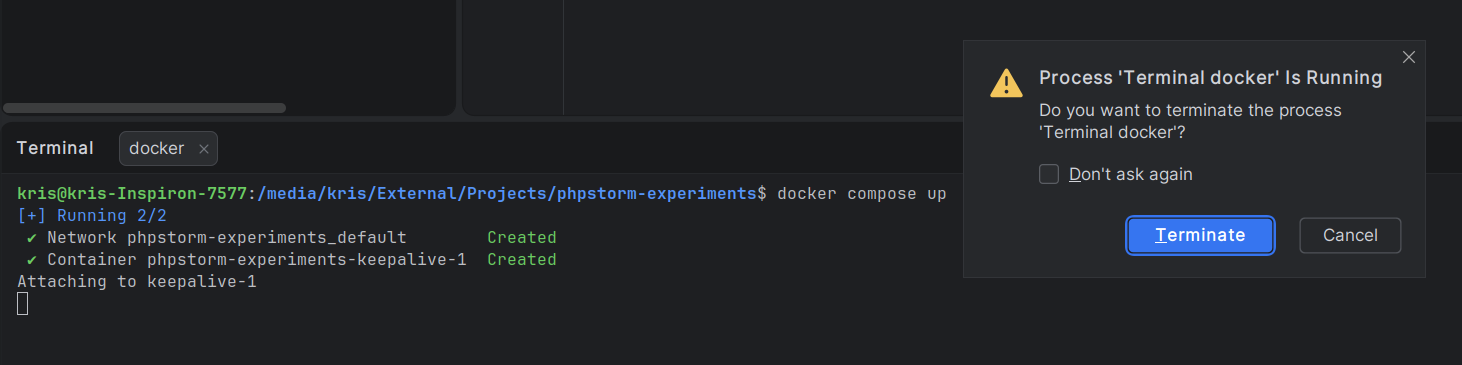
3. Click “Cancel” to not terminate the process.

4. Close the right-hand terminal by clicking the X icon.
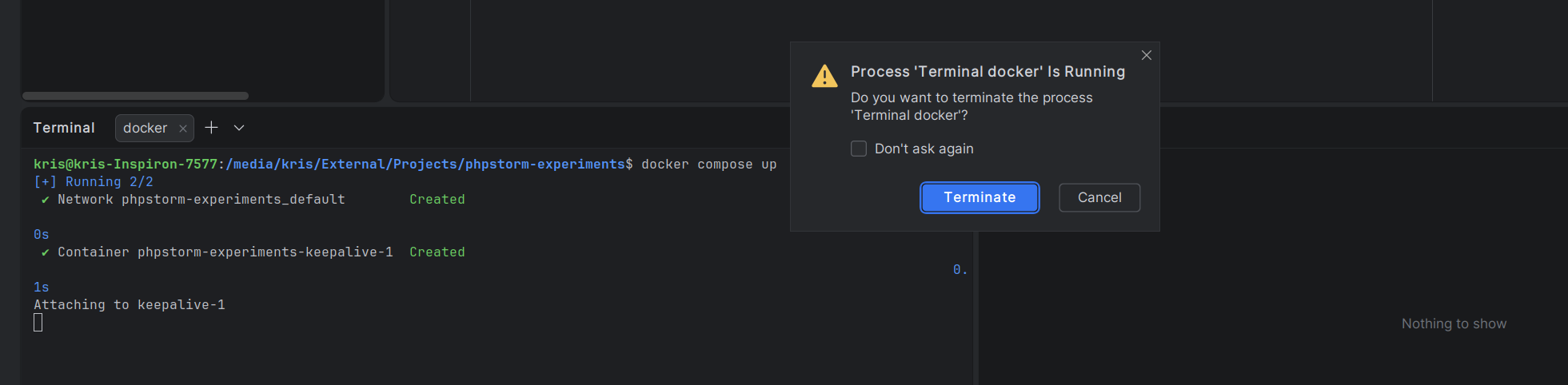
5. Like before, click “Cancel” not to terminate the process.
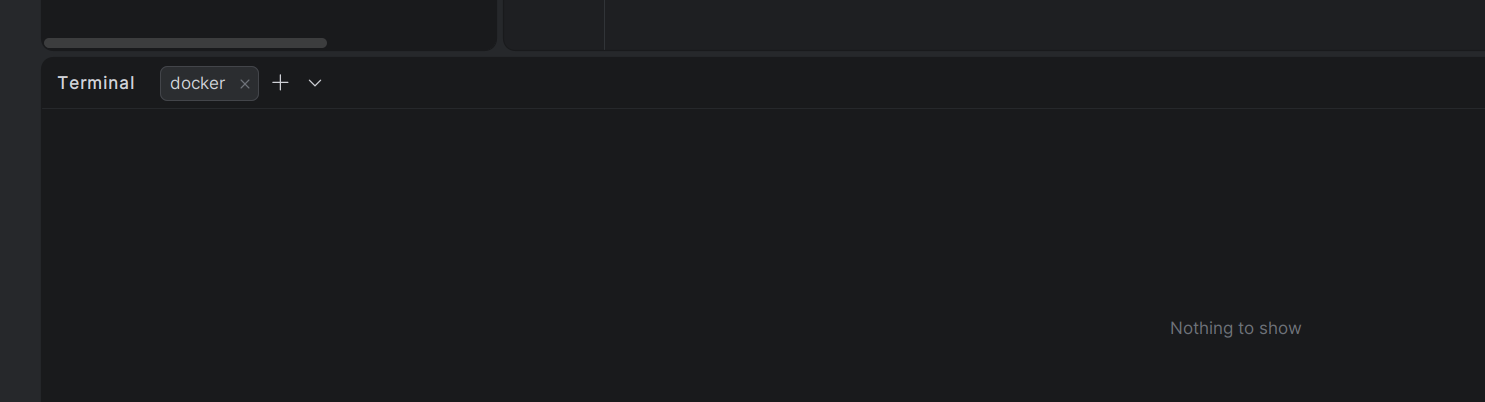
6. Open a new terminal tab by clicking the + button next to the current tab.
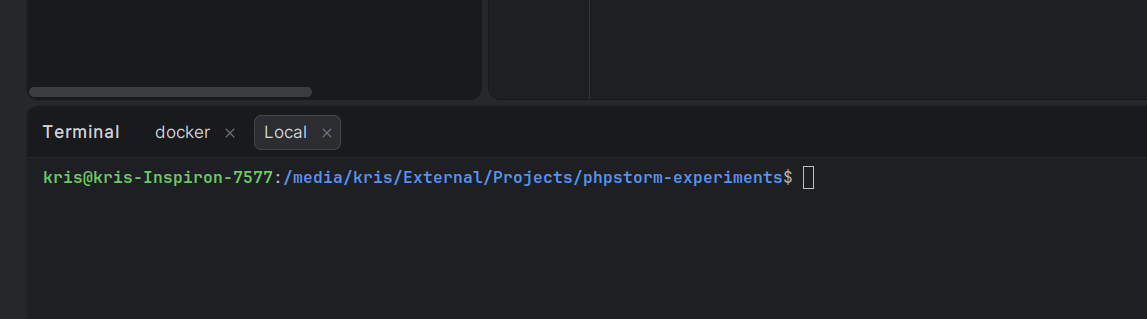
7. Close the terminal tabl you opened in point 6.
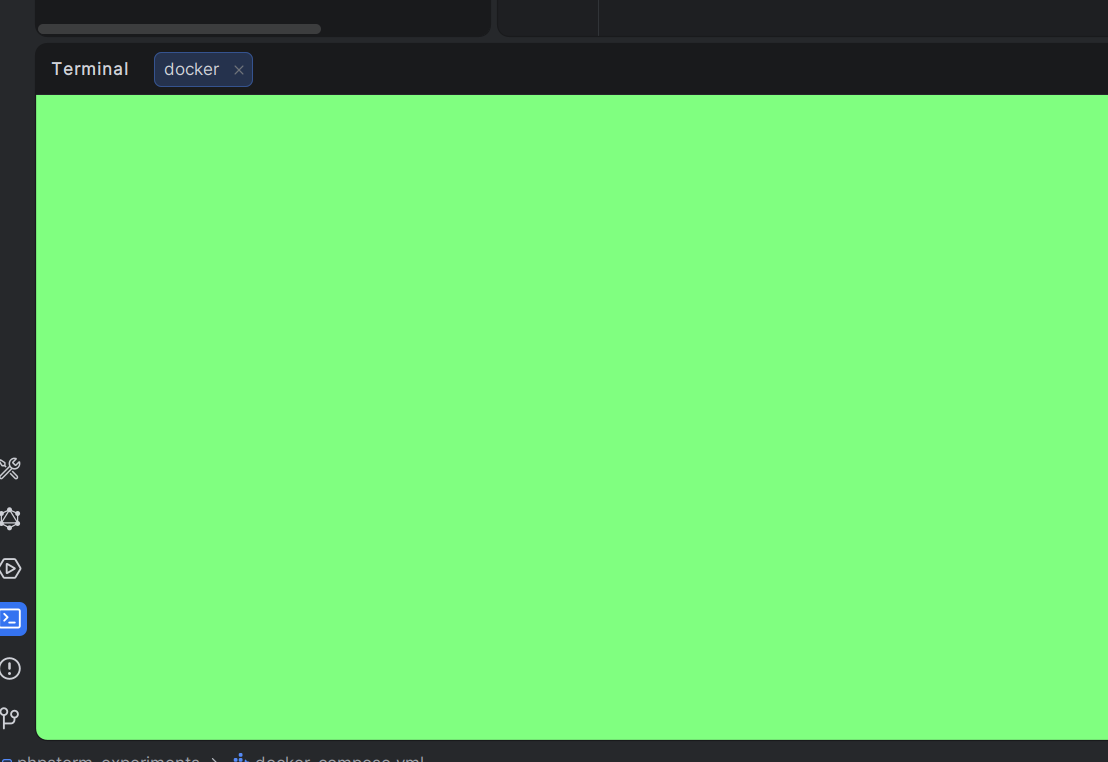
What happens in points 5 and 7 is pretty weird. Unless this is by design.
请先登录再写评论。
Thanks for sharing the feedback!
It would also be helpful if you could restart the IDE, reproduce the issue, and collect the logs via Help | Collect Logs and Diagnostic Data. And send them along with a screenshot of the actual terminal settings in File | Settings | Tools | Terminal.
You can upload the requested logs to our internal storage via https://uploads.jetbrains.com/. Ensure to provide the upload's ID.
For the moment, I decided to switch to the “Classic” terminal engine. The issue I described above only occurs in “Reworked 2025”.
Hi Krzysztof, great to hear you are okay with that workaround. If you are able to try and reproduce the issue with the new terminal again, please share logs as mentioned before, it would be helpful to investigate what causes it.