Salesforce Illuminated Cloud : UI Bundle Build Failed, Failed to find the npm executable required to build UI bundles.

When deploying to any sandbox via “Deploy modified metadata ”, we are getting an error:
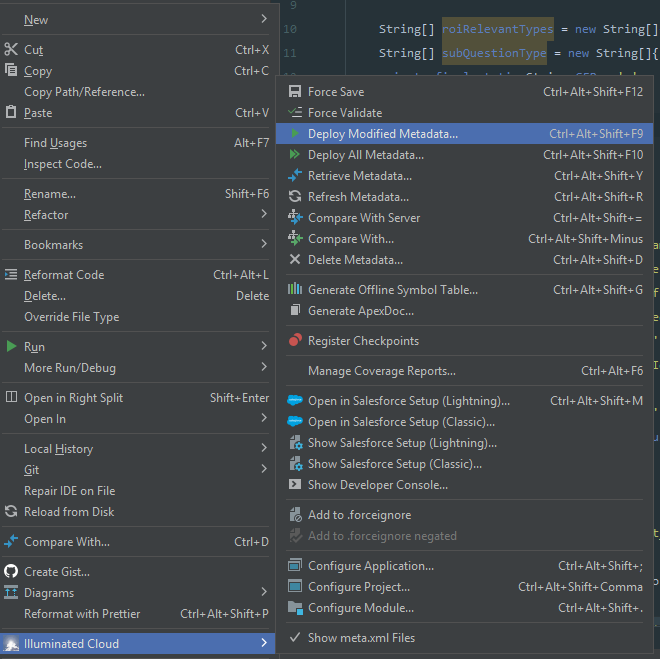
UI Bundle Build Failed
Failed to find the npm executable required to build UI bundles.

请先登录再写评论。
Same for me, but fails for any lwc component containing html. JS only service components deploy just fine.
This usually means npm isn't installed, isn't in the system PATH, or isn't accessible to the deployment process. Verify the Node.js/npm installation and check the deployment logs for more details.
This error means the deployment process can’t find npm to build your UI bundles.
Check that Node.js/npm is installed on your machine:
If missing, install Node.js, restart VS Code/terminal, and try again. Also run
npm installin your project folder if dependencies are missing.It’s usually an issue with the local deployment environment, not the sandbox.
This usually means the deployment environment cannot find npm, which is required to build the UI bundles. Check that Node.js/npm is installed and available in the PATH, then retry the deployment. If npm is already installed, verify the configured runtime version and deployment settings.