Disabled 'SubVersion' entry in Editor Popup Menu

I have this problem now quite a while (since 2017). Current version: 2017.3.3
I don't know how to enable the menu entry. In the Menu and Toolbars settings its the following entry: 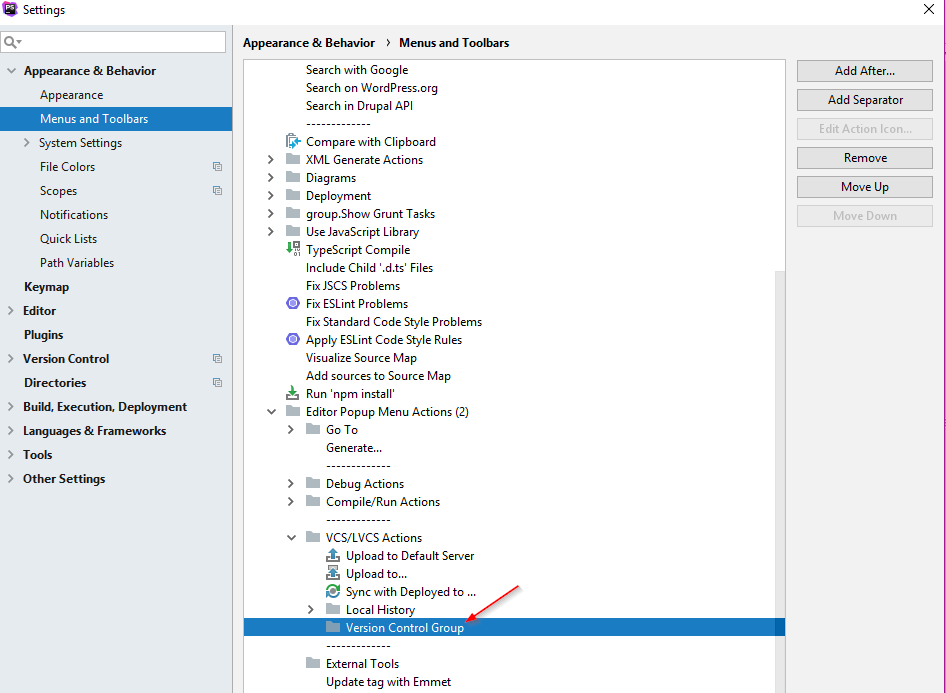
This is how it looks: (but I want it enabled :/)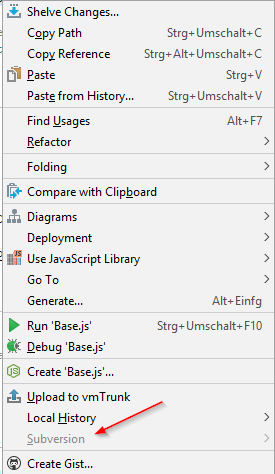
请先登录再写评论。
Hello,
Check File | Settings | Version Control - is SVN actually associated with project root(s)? Can you see Subversion submenu there?
Thanks for your reply.
The project is associated with Subversion and I can access the subversion submenu. I can also use every Subversion feature by the Main Menu via VCS | Subversion.
Everything with Subversion works except the menu entry in the editor popup menu.
This is a bug: https://youtrack.jetbrains.com/issue/IDEA-181804
Unfortunately, currently customized menus don't work too well.