Add documentation function on hover

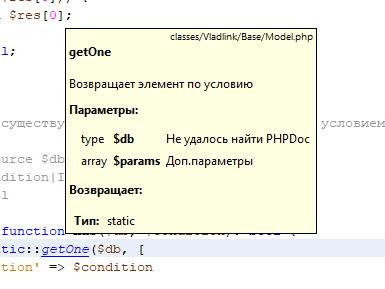
Hi. Can I add documentation to the function when hovering with the ctrl-key pressed like in NetBeans? It is inconvenient to press the button Ctrl+Q regularly.
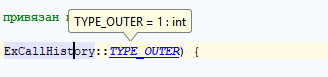 In NetBeans:
请先登录再写评论。
Hi there,
If you enable the option below then IDE will show you that info (popup) on hover over (so no need to press Ctrl at all)
"Settings/Preferences | Editor | General | Other | Show quick documentation on mouse move"
Another way: just pin Quick Documentation popup (Ctrl+Q two times in a row or via popup settings) and then choose "Auto-update from Source" in that popup (toolwindow now) settings.
Now just place caret on some symbol (variable/function/etc) and documentation for that symbol will be displayed automatically.
Other than that -- it would be something like https://youtrack.jetbrains.com/issue/WI-14862 or similar (cannot locate better ticket right now .. but I surely have seen some better ones in the past)