"Cannot find declaration to go to" in ionic html tags

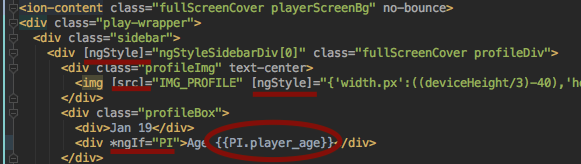
- I need help. It was showing html tags with angular tags in different colors and were able to navigate from html to typescript. but now i dont know why i'm not able to navigate and differentiate between tags and attributes of angular in html
请先登录再写评论。
Looks as if Angular support is not enabled. Please check if `
node_modules/@angular/core` folder is included in index: expand this folder in Project tool window and check its color. Please also make sure that `node_modules/@ionic/angular/dist` is indexedElana, this didn't work for me. To hit this with a hammer I actually set all of @angular and @Ionic to be included to no avail. Is there another solution? This is for PHPStorm.
What ionic and PHPStorm versions do you use?
It might be a different issue, I'll create a new thread.