Fail to debug with MAMP and xdebug

Hi there,
Just moved from PC to MAC and I'm trying to configure xdebug with MAMP several hours now with no luck.
I did everything according to the guides:
1) Enable xdebug in both /Applications/MAMP/conf/php7.2.14/php.ini and /Applications/MAMP/bin/php/php7.2.14/conf/php.ini :
zend_extension="/Applications/MAMP/bin/php/php7.2.14/lib/php/extensions/no-debug-non-zts-20170718/xdebug.so"
xdebug.remote_enable=1
xdebug.remote_host=localhost
xdebug.remote_connect_back=1
xdebug.remote_port=9000
xdebug.remote_handler=dbgp
xdebug.remote_mode=req
xdebug.remote_autostart=true
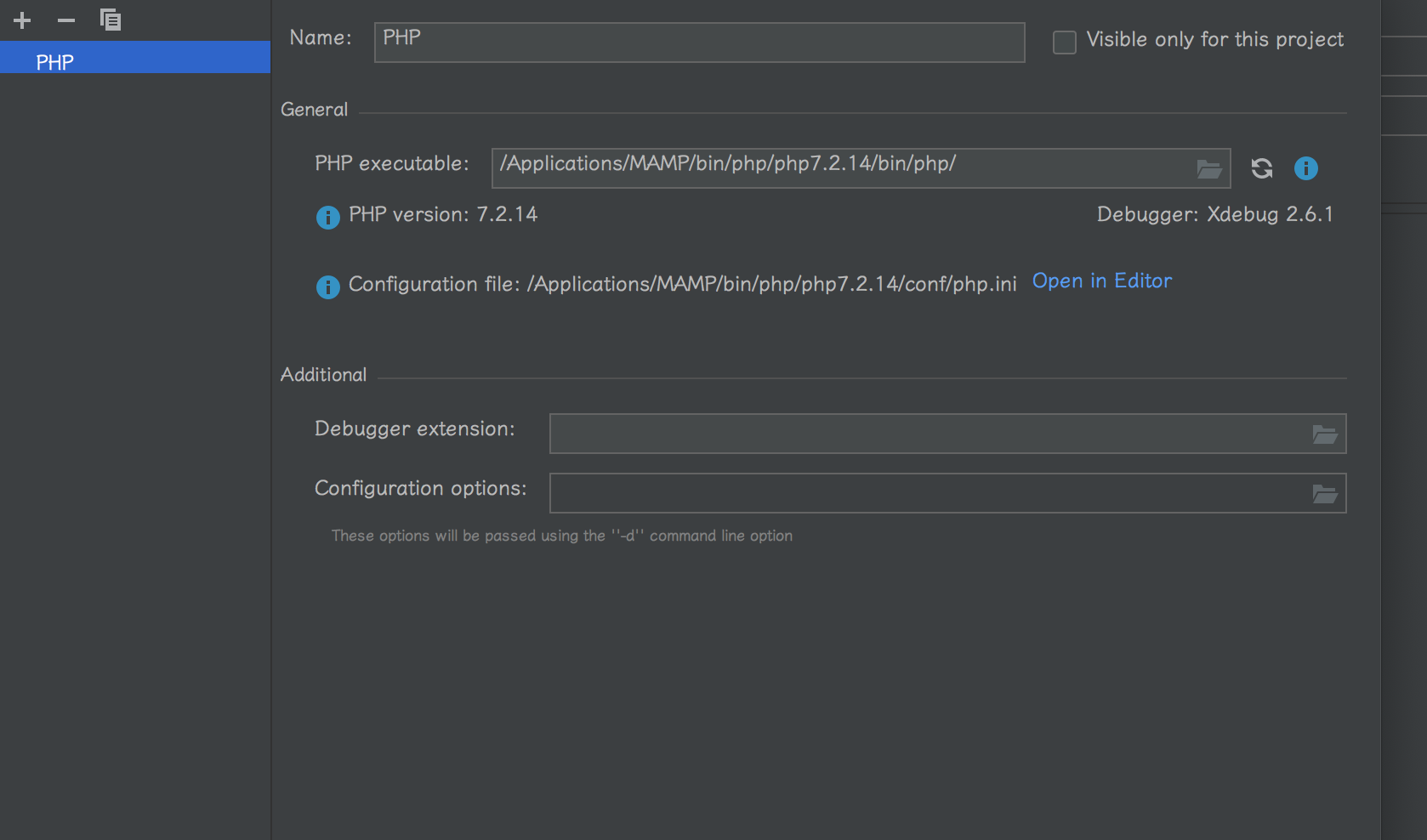
2) setup PHP interpreter:
3) Set up xdebug in PhpStorm:

4) Set up PHP web application configuration, like I used to do in WAMP on my PC:
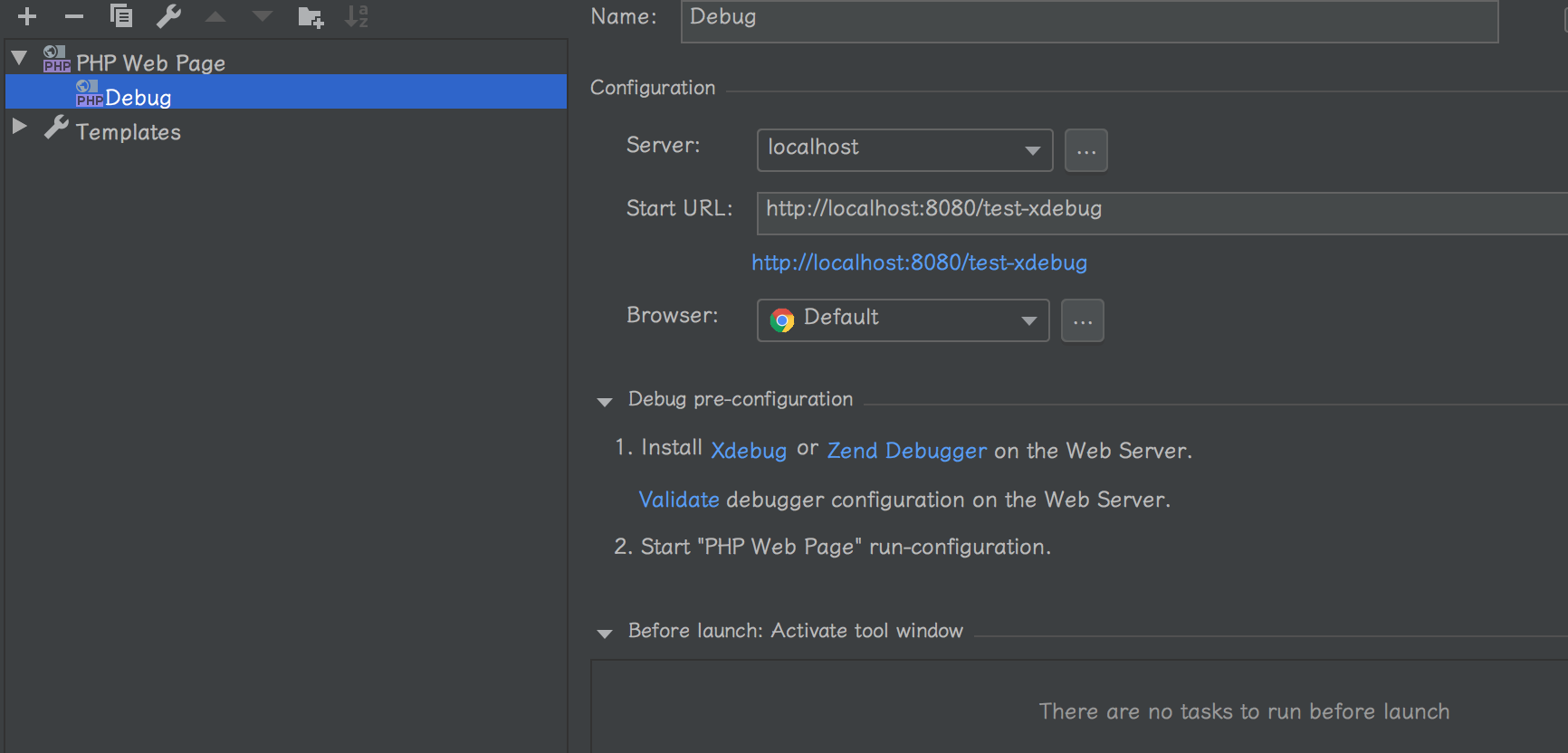
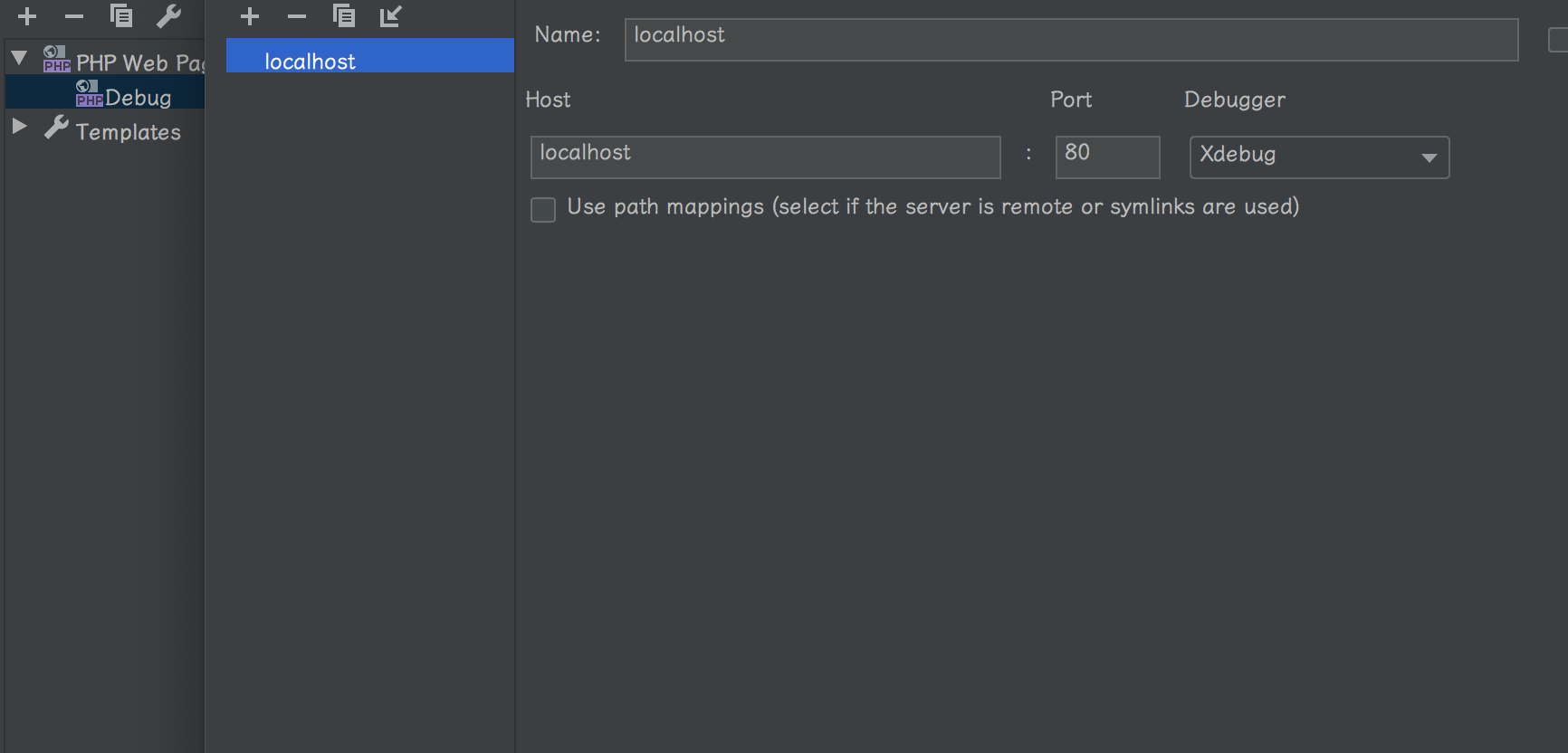
But when I try to run the debugger, PhpStorm take me to the browser with the URL http://localhost:8080/test-xdebug/?XDEBUG_SESSION_START=12713
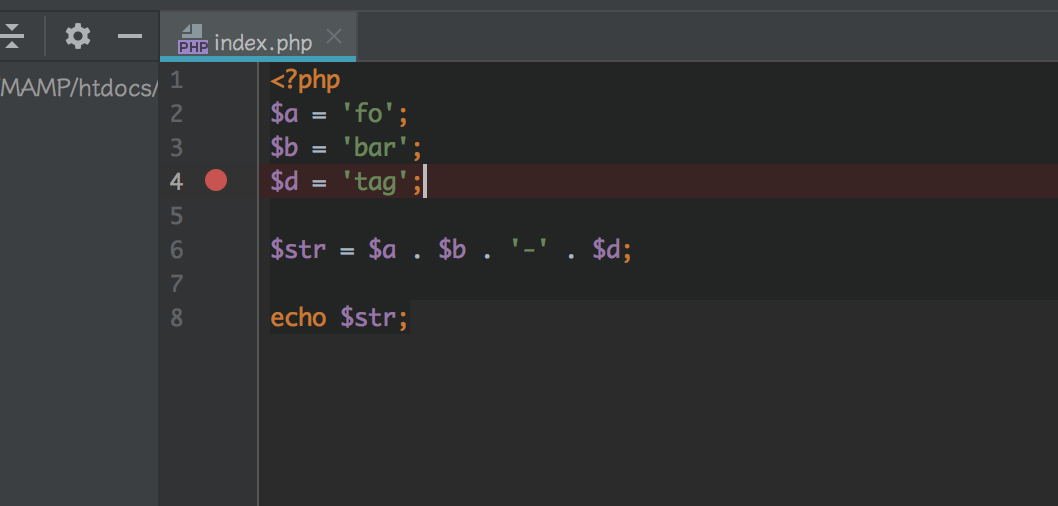
and the breakpoint (that I put in htdocs/test-xdebug/index.php) does nothing:
Also, by running php -v I can see xdebug there:
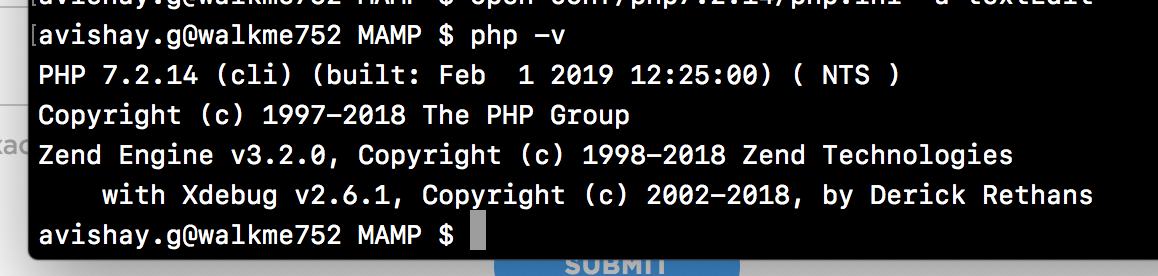
Any ideas why this is not working?
Thanks in advance!
Avishay
请先登录再写评论。
I'm having a similar issue on xampp on windows
Hi there,
Please collect and provide Xdebug log for such unsuccessful debug session (xdebug.remote_log)
Usually it will have some clues into what might be the issue.
Hi Andriy
So this is the log I get after running the debugger:
Log opened at 2019-04-04 08:40:51
I: Checking remote connect back address.
I: Checking header 'HTTP_X_FORWARDED_FOR'.
I: Checking header 'REMOTE_ADDR'.
I: Remote address found, connecting to ::1:9000.
W: Creating socket for '::1:9000', poll success, but error: Operation now in progress (19).
E: Could not connect to client. :-(
Log closed at 2019-04-04 08:40:51
Found a solution!
Setting xdebug.remote_connect_back to 0 solves the issue.
Yes, with xdebug.remote_connect_back=1 value of xdebug.remote_host is ignored .. and it looks like Xdebug may have picking up the wrong IP address (IPv6 one).
Setting it to 0 tells Xdebug to use what xdebug.remote_host has. (P.S. In some cases it might be better to use IPv4 address "127.0.0.1" instead of "localhost" (as depending on your OS network settings, it may get resolved to IPv6 address)).
Other typical case for "not working" on Linux & Mac is having php-fpm on that computer, that uses the same TCP 9000 port by default. In such case changing Xdebug port to some another one (usually 9001) is the way to go.