Problem setting up Makefile remote development

Context
I have a remote server with C++ code and `Makefile`, and I want to use Clion's remote development + Makefile plugin to develop a Makefile project in remote.
I have mostly been following [this guide from Jetbrains](https://www.jetbrains.com/help/clion/remote-projects-support.html) to set up remote development.
I have followed all the instructions:
1. install Makefile plugin
2. set up **Remote Host** in **Build, Execution, Deployment | Toolchains** ( there was no problem setting up the remote host )
3. create corresponding CMake profile in **Build, Execution, Deployment | CMake** and selected the created **Remote Host** in the **Toolchain**
4. set mapping to my newly created C++ Cmake project to the remote directory under **Build, Execution, Deployment | Deployment | Mappings**.
Problems with setup
After following all the instructions, I have two issues:
1. My local project and remote repository are out of sync. My local contains dummy files created on project initialization: `cmake-build-debug` directory, `CMakeLists.txt`, and `main.cpp`, while my remote contains code and `Makefile`.
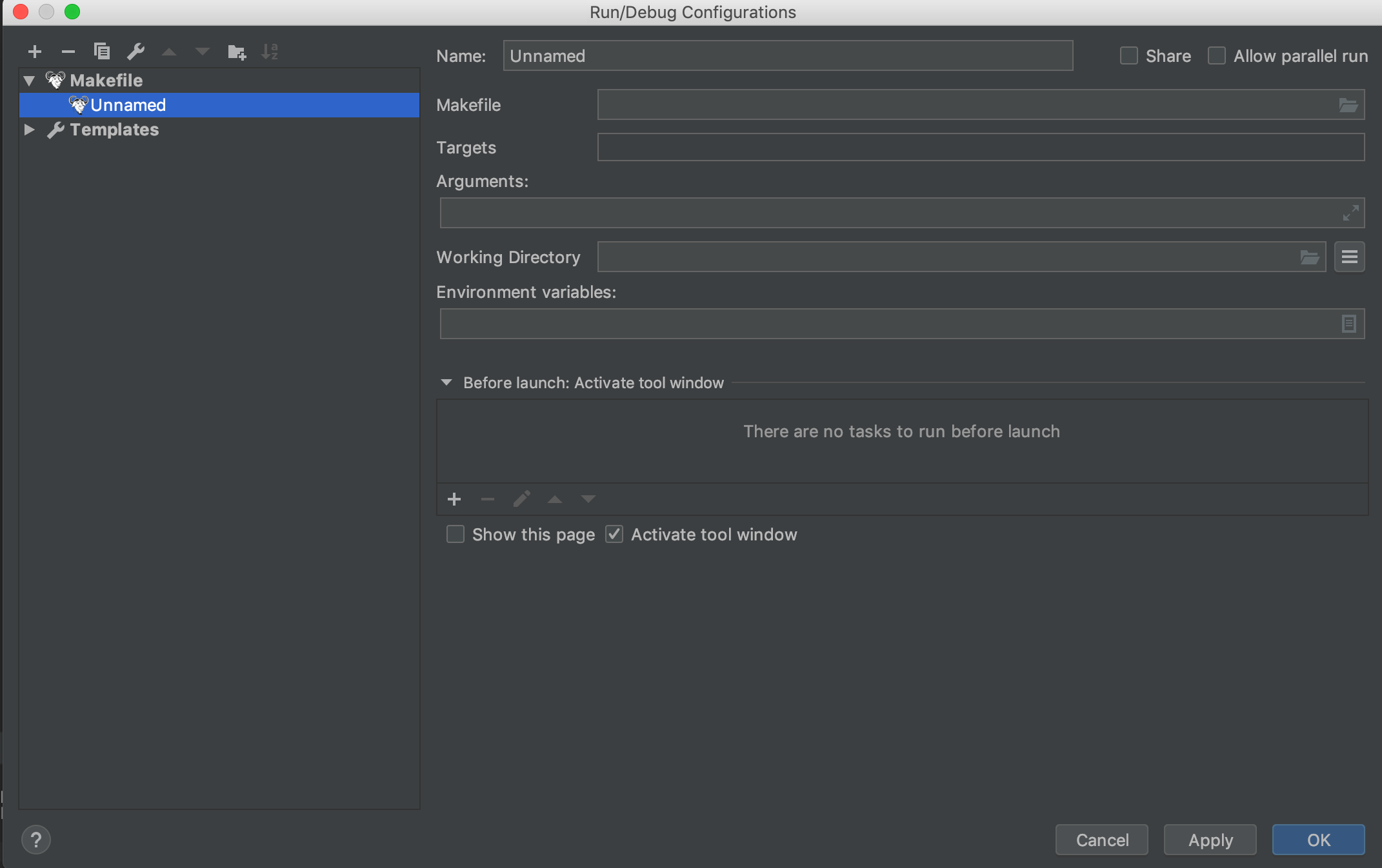
2. There is no configuration created for me to run and build. In the top-right corner where there is `run`, `debug` and `build` buttons, no pre-created configuration is shown:

Instead, there is `Add Configuration` button. When I click `Add Configuration` and navigate to create new Makefile configuration, there is no option for me to set up project in remote.
Question
So my question is:
1. Do I need `cmake-build-debug` directory and `CMakeLists.txt` even if I am only going to use the Makefile plugin to build and run? If not, how should I sink my files with remote?
2. How can I create debug and run configuration with Makefile s.t. it will only build and run on the remote host I have set up?
请先登录再写评论。
Hello!
As It's stated in https://www.jetbrains.com/help/clion/remote-projects-support.html, currently the only project model supported for remote development is CMake. You will be able to work with your project in the full remote mode only if you convert it into CMake-based.
> You will be able to work with your project in the full remote mode only if you convert it into CMake-based
so if I use Cmake instead of Make in my remote repo, then it will be able to automatically configure debug and run configurations? Say I converted my make project to Cmake in my remote repo. What do I do with `cmake-build-debug` and `CMakeLists.txt` file created automatically in my local project?
In the current implementation of the full remote mode the sources should be originally located on the local machine.
It works this way: you have a proper CMake project on the local machine. You create a toolchain with remote credentials and the corresponding CMake profile. CLion automatically synchronize project to the remote host. On the remote host side, CLion performs compilation and build using host compilers and CMake, uses host GDB for debug, and runs the application on the remote target.
Thanks. I'll give it a shot and get back to you if I can't troubleshoot myself.