How do I disable/change a selected code block's braces indicator?

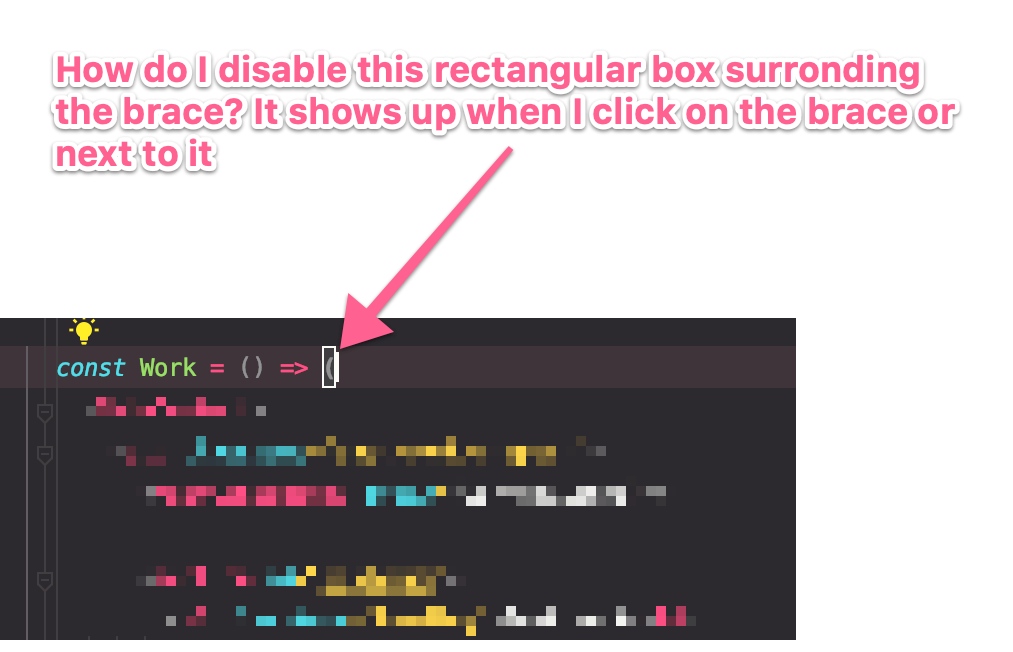
With a new update, when I click on a braces to see the code block that belongs to it, I get this rectangular shape around the braces.
See the image below for what i am referring to
请先登录再写评论。
Please check color preferences for Settings -> Editor -> Color Schema -> General -> Code -> Matched brace - do you have any effects enabled for it? Bordered, for example?
Thank you Elena!