How can I change font size in the empty frame editor screen on IntelliJ? Image in Attachment
已回答

Hello,
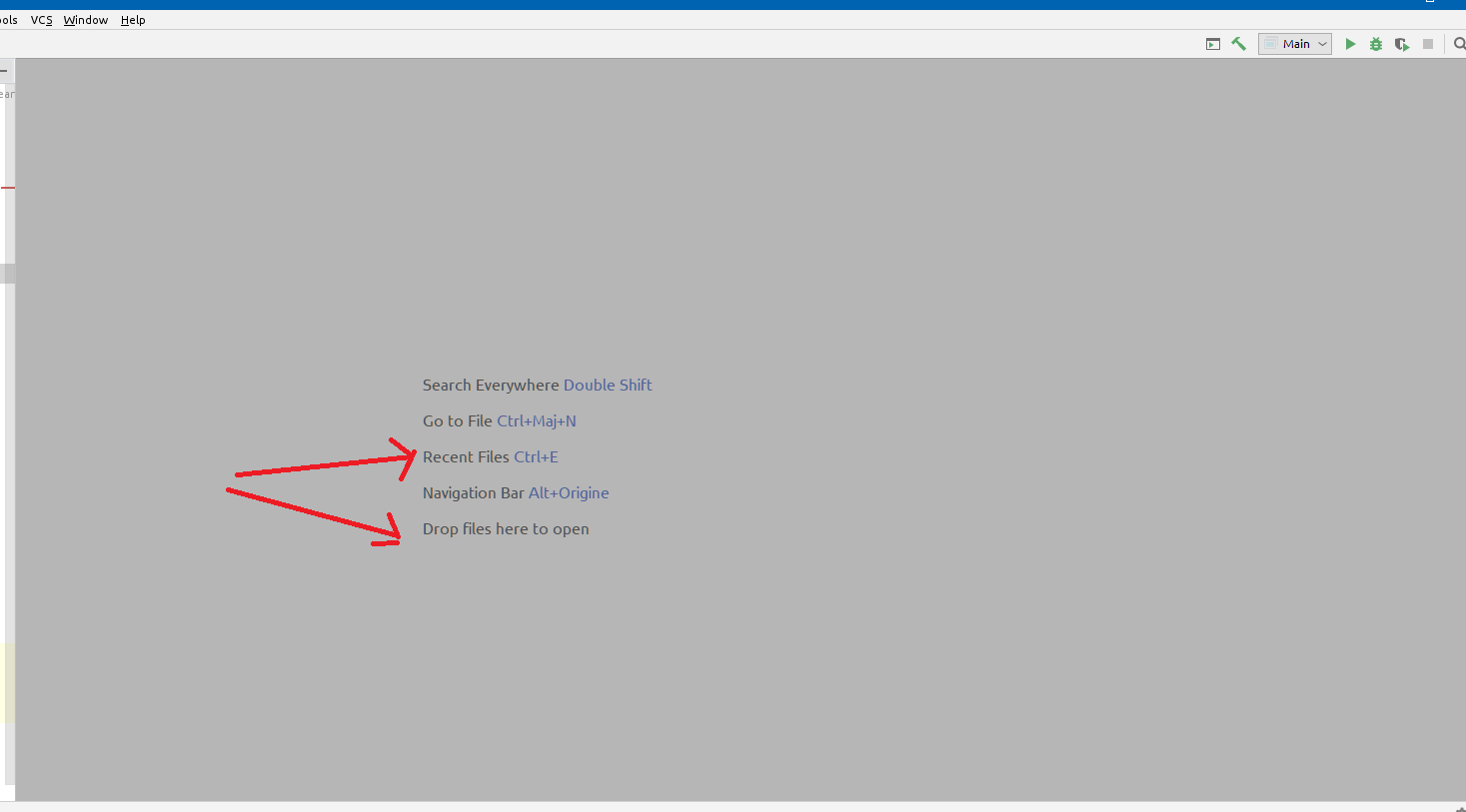
In fact, I would like to customize my IDE IntelliJ, so i changed the texts font type and sizes in the editor and the appearance but i observed that when i have an opened project and i close all the documents there is some gray screen that show up and there, there are some texts indicating shortcuts to navigate in IntelliJ, my question is how can i change the properties of these texts.
Below an image showing the texts i'm talking about.
请先登录再写评论。
Hello,
Font size on that view is taken from "Settings | Appearance & Behavior | Appearance"
Hello @Yaroslav Bedrov ,
Nope, in my case, it does not change when I change the font size in the Appearance menu, as you see in the attached image, i changed the
The Appearance font to 8 but the empty screen text didn't change.
It's possible to make it bigger, but not smaller.
Feel free to create feature request on YouTrack: http://youtrack.jetbrains.com/issues/IDEA.
Yaroslav Bedrov ,
Can we hide those texts at least? thank you.
No, it's not possible.
Hi
I am trying to develop a plugin.
on an action event , can i change the text of the empty file editor (shown in the screenshot above)
Karan26 Ahuja ,
It would be better to address this question to Plugin Development Forum or #intellij-platform on JetBrains Platform Slack. For more information about how to get help for plugin development, please check https://plugins.jetbrains.com/docs/intellij/getting-help.html.