shortcut and idea script issue

hi.
Q1.
I would like to inquire about the problems I encountered while setting up IntelliJ with the m1 MacBook.
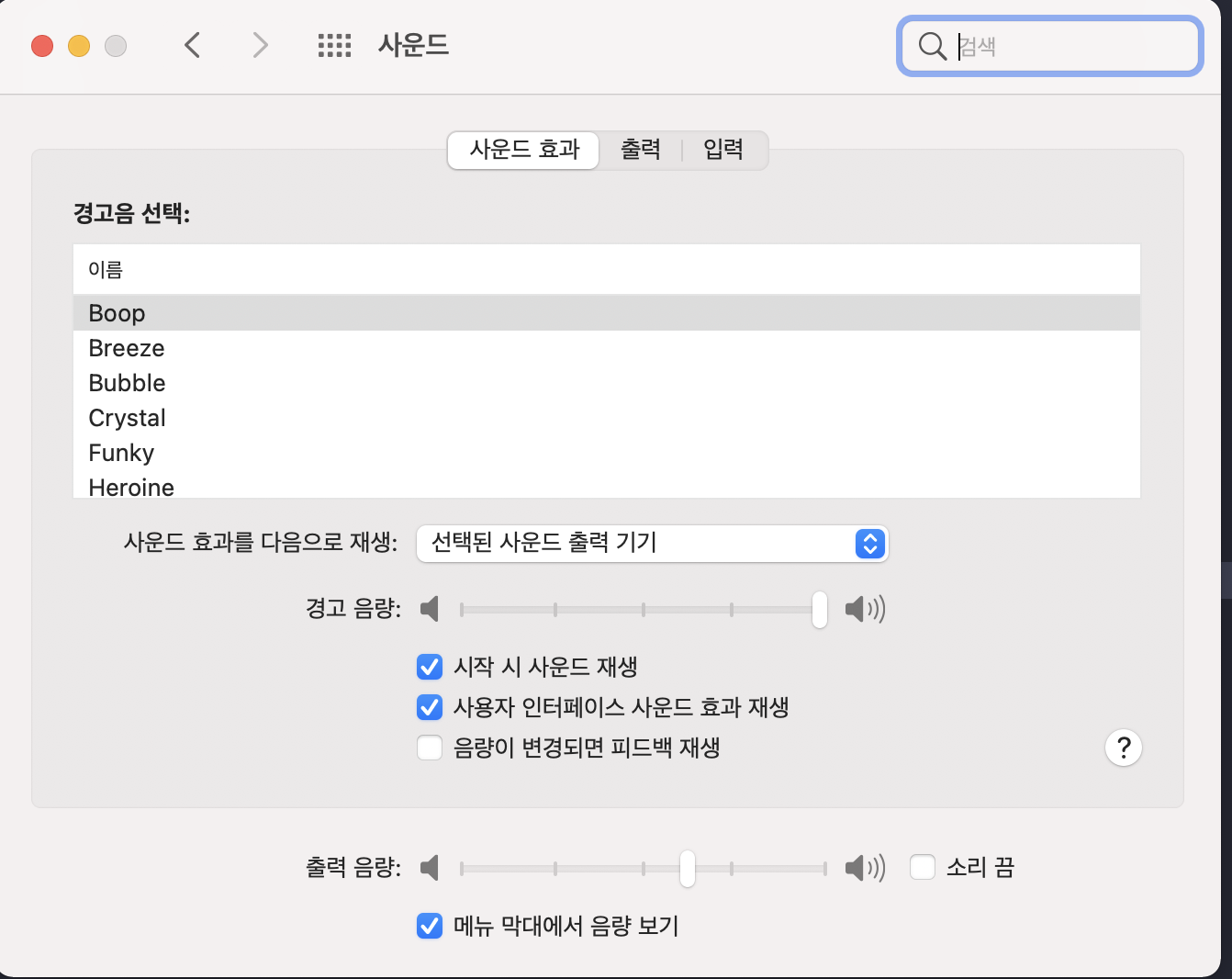
"option + f12" is terminal shortcut but when i press option + f1 it shows m1 sound setting.
I've been looking for the relevant shortcut settings on my Mac, but nothing I can change. Do I need to change the IntelliJ shortcut?
Q2.
i use toolbox. and generate shell scripts setting on.
and scripts is normally generated. (it located at home directory)
```
~ cat idea
#!/bin/bash
#Generated by JetBrains Toolbox 1.21.9712 at 2021-09-26T14:11:40.385774
declare -a ideargs=()
...
..
```
But when I type in the command, I get an error saying idea command not found.
`zsh: command not found: idea`
There was no problem with the intel mac, is this because of the m1? I wonder if there is a workaround.
thank you.
请先登录再写评论。
Q1
Yes, you can change the shortcut in IntelliJ IDEA https://i.imgur.com/061fFCr.png
Q2
Make sure that the path where the idea binary is located is included in the system's path: https://i.imgur.com/BqpnxT2.png