Download symbol file Makefile project from remote host
已回答

Helo!
After remote build makefile project I need to download symbol file to local machine to start GDBserver remote debug. Is there any solution to automatically download this files from remote machine after build? in "Edit configuration" for "Remote GDB server" I found only "Upload files to remote host" before launch. OR maybe there is a mechanism for synchronizing files formed on a remote machine automatically after BUILD?
请先登录再写评论。
Hello!
How many machines are involved in your setup? If there are only two machines (local one with CLion and remote one where you need to build and debug the application), then why isn't the full remote mode suitable for you?
Involved tho machines - local desktop and remote embedded.I just did everything on it "full remote mode". The problem is that on the tab "Build, run, debug" when edit makefile application configuration you need to select the executable file from the local directory of the project(not remote). And there, accordingly, this file is not. and after building does not appear in It (only on remote device).
Forgot add: I don't use remote GDB because this program works with error on device.My way - use remote GDB server and local multicarh GDB.
>when edit makefile application configuration you need to select the executable file from the local directory of the project
No, you don't. It's stated in the web help https://www.jetbrains.com/help/clion/remote-projects-support.html#WorkWithRemote : "In the Executable field, point CLion to the remote binary". But this is applicable only for running/debugging using the full remote mode.
>I don't use remote GDB because this program works with error on device
What error do you get?
Also please attach a screenshot of your remote toolchain from `File | Settings | Build, Execution, Deployment | Toolchains` (please capture the screenshot after the compiler detection is completed).
as you can see, the local file selection folder opens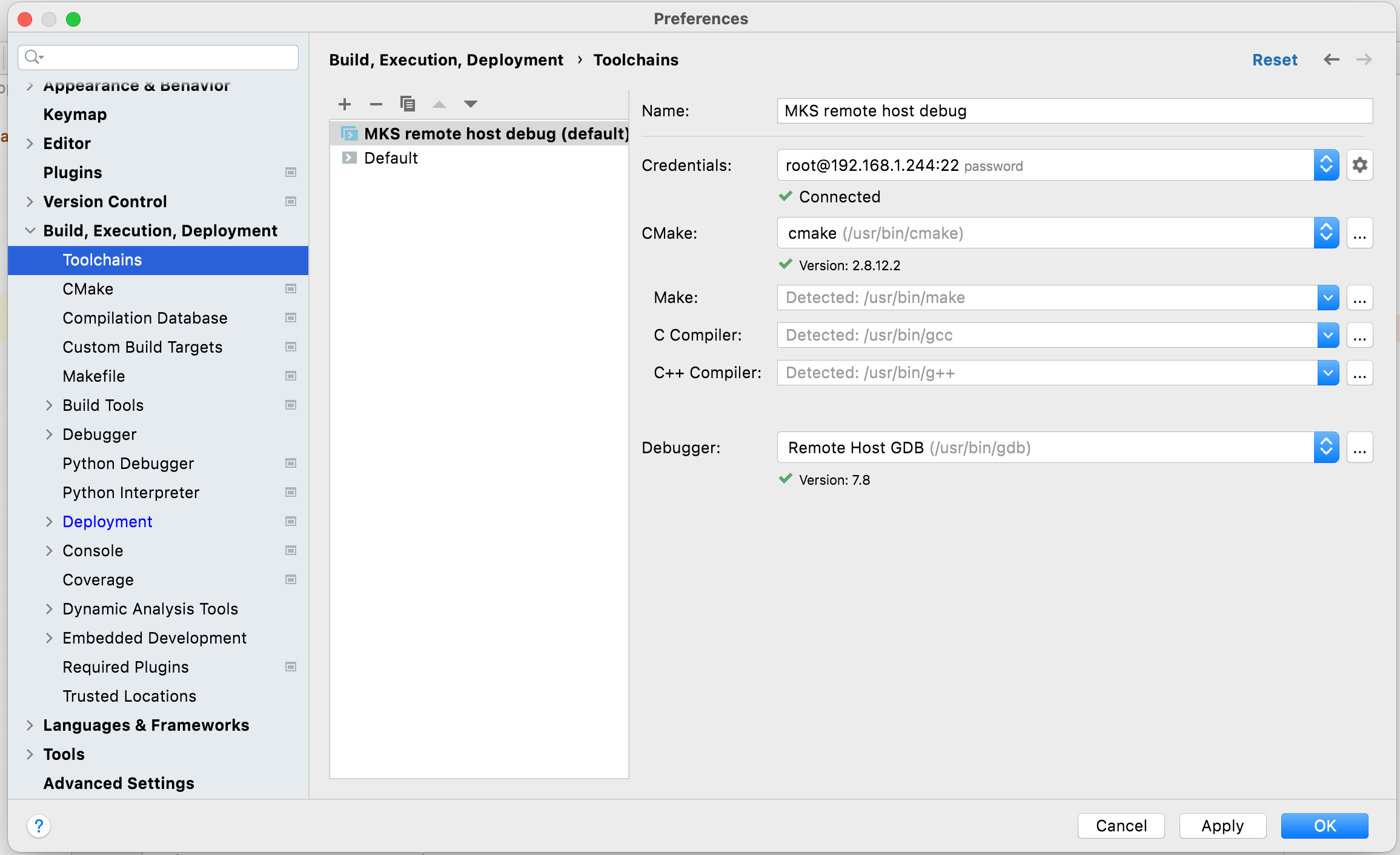
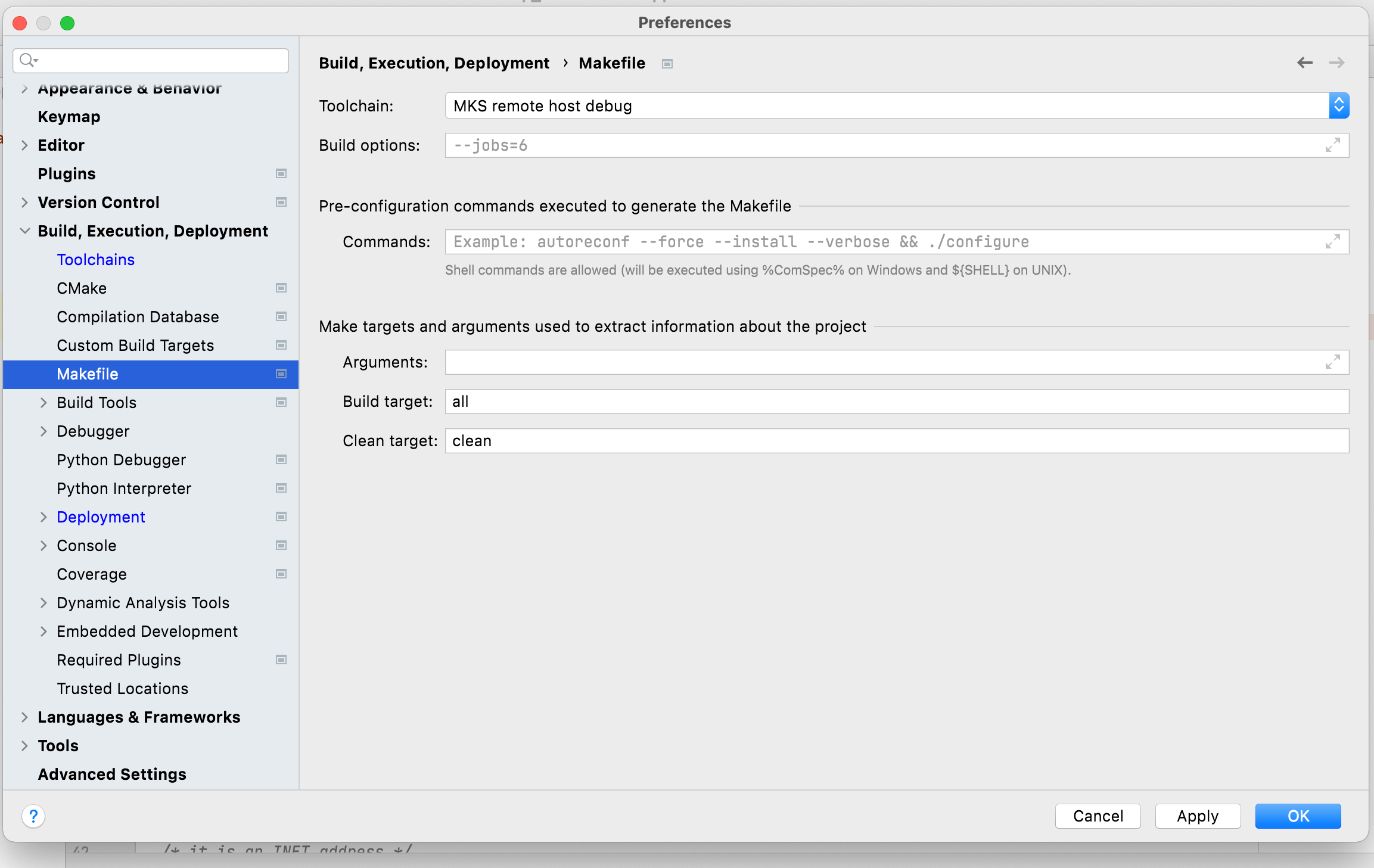
as you can see, the local file selection folder opens
>as you can see, the local file selection folder opens
Yes, that's expected. You need to specify the path manually right in the field.
It works! and gdb on remote device started working, apparently the problem was in the file path. It would be great if you added remote navigation for exec file selection if selected remote build!
Thanks!
I'm glad the issue is solved!
>It would be great if you added remote navigation for exec file selection if selected remote build
Not sure, we can do this. But we will try to improve the documentation at least.