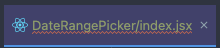
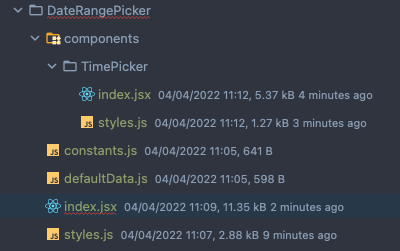
File Tab and project explorer shows errors, but all errors were fixed already.

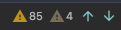
I had some errors on this file. I have already fix them all, you can see here:
however, I still see the tab bar and the file on the project explorer underlined on red. How can I fix it?
请先登录再写评论。
You need to open the file to get the highlighting updated
Related ticket: https://youtrack.jetbrains.com/issue/IDEA-232404
I keep closing and opening the file. But no change. No since the last updates. I have to close and open the project entirely to make it work
Thanks a lot for the reply. I will try the suggested solution from your link.
> I have to close and open the project entirely to make it work
did you try invalidating caches (File > Invalidate caches, Invalidate and Restart)?