Mouse hover on functions are very slow
已回答

I use android studio but hopefully I can get some help here as many of the settings are the same.
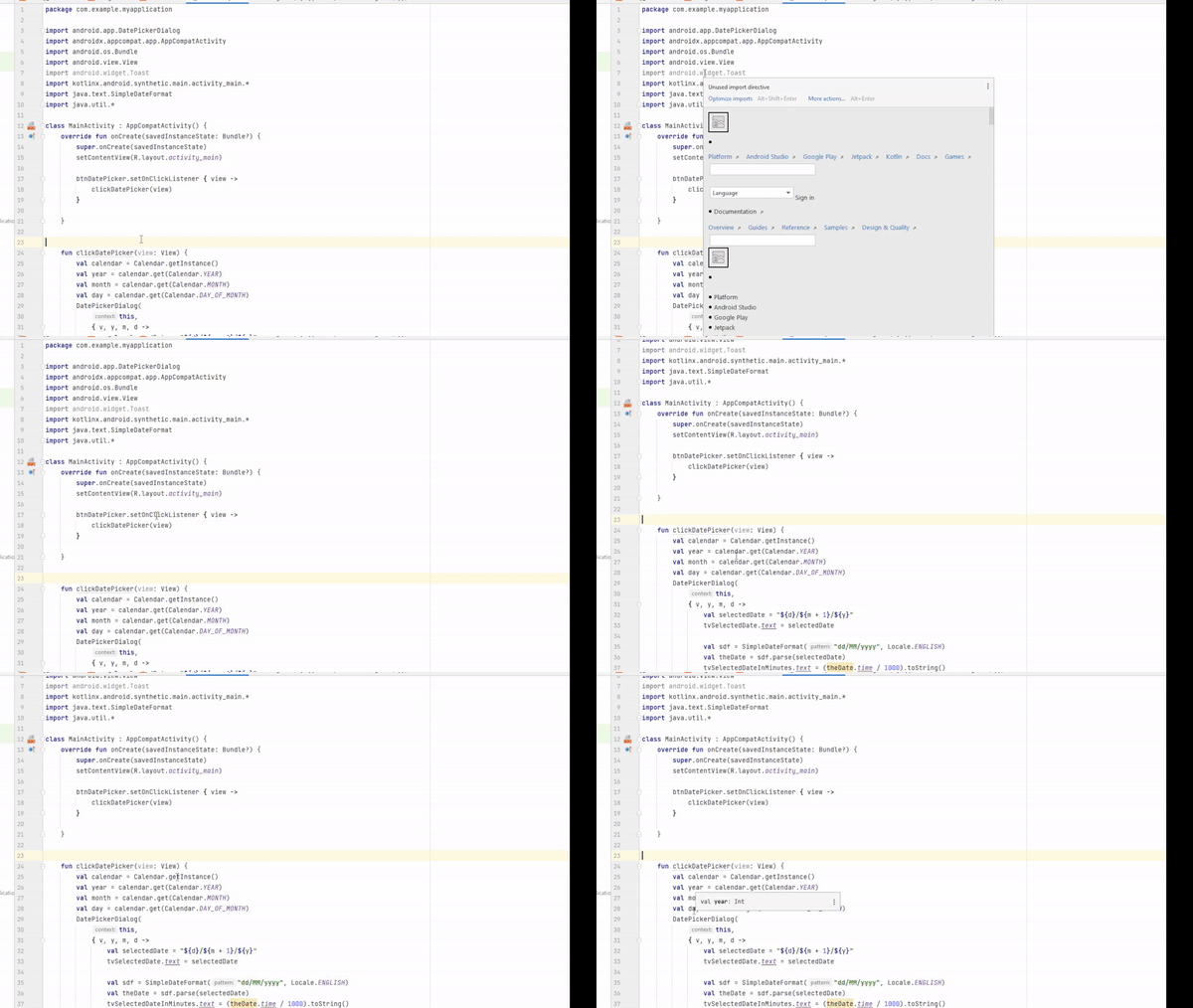
The documentation popup for certain fields takes very long to come. For example, the reorganizing imports statement takes forever.
It seems only third party functions are affected. For example the onClickListener, Calendar class, etc.
The variables themselves are not affected
Please see the gif below
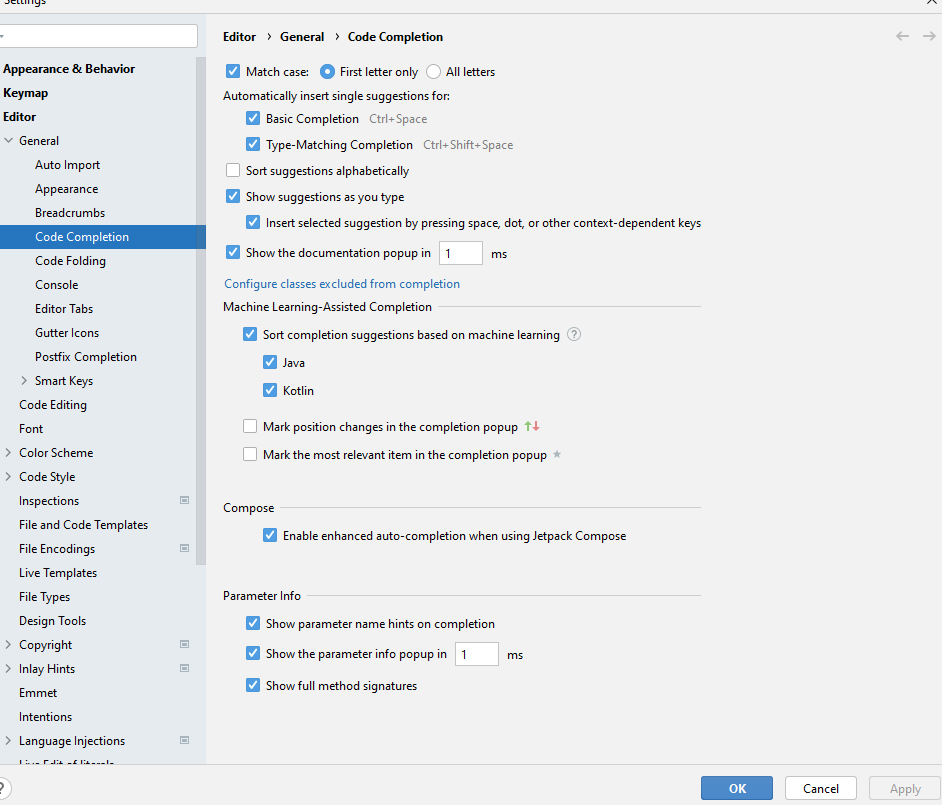
I am also attaching SS of some settings I think are responsible for this. I dont recall this happening before so its likely I messed up in the settings and I cant figure out where

请先登录再写评论。
The hover() method specifies two functions to run when the mouse pointer hovers over the selected elements. This method triggers both the mouseenter and mouseleave events. Note: If only one function is specified, it will be run for both the mouseenter and mouseleave events. ESS Costco
It looks like it takes the time to download the online documentation. Download (if not yet) the jaavdocs for Android SDK and attach them to the Android SDK and libraries you use in the project: https://stackoverflow.com/a/20998430/2000323 Then IDE will use local javadoc instead of searching the internet.
Thanks Andrey
That seems a little outdated, but what did work for me opening the
SDK Manager -> SDK Platforms -> Sources for Android XX
In my case I did Android 32
I am not sure if installing this allows you to also get documentation when you are working for another SDK level, but this worked for level 32
Thanks for your suggestion