Auto Import understanding

Hi, i want to understand auto import feature
For example, i have project with that structure
- node_modules
-- lodash-es
- src
-- moduleA
--- index.ts with custom "get" function (just for example)
-- moduleB
--- index.ts
and ts config with paths
"compilerOptions": {
  "baseUrl": ".",
  "paths": {
    "~/src/moduleA": ["./src/moduleA"],
    "~/src/moduleA/*": ["./src/moduleA/*"],
    "~/src/moduleB": ["./src/moduleB"],
    "~/src/moduleB/*": ["./src/moduleB/*"],
  },
}
I use auto import path setting - "only in files outside specific paths neighbour", because i want to use relative paths if variable locates inside module and alias if variable locates outside.
For example
For moduleB it will be:
import someVariableB from '../moduleBAnywhere'
improt someVariableA from '~/src/moduleA'
everything works as expected with that configuration, except variables, located in node_modules and have the same name. For example if i will try to use "get" function inside moduleB, that declared in moduleA, auto import just paste import {get} from 'lodash-es' without any suggestions and choise. But in hotfix tooltip for that variable everything fine. It suggest both imports: from node_modules and from '~/src/moduleA'.
How i need configure webstorm, to give me suggestion tooltip when auto-import? Or to have local variables higher priority, over node_modules at least?
I didn't find any similar topic. Thank you
请先登录再写评论。
There is no way to give certain paths a priority, sorry
However the IDE normally shows a popup with available imports if the certain name resolves to multiple modules, it shouldn't auto-add import that is ambiguous
Please could you share a sample repo the issue can be repeated with?
Thanks for answer
Wow, i also want the same suggestions as yours :)
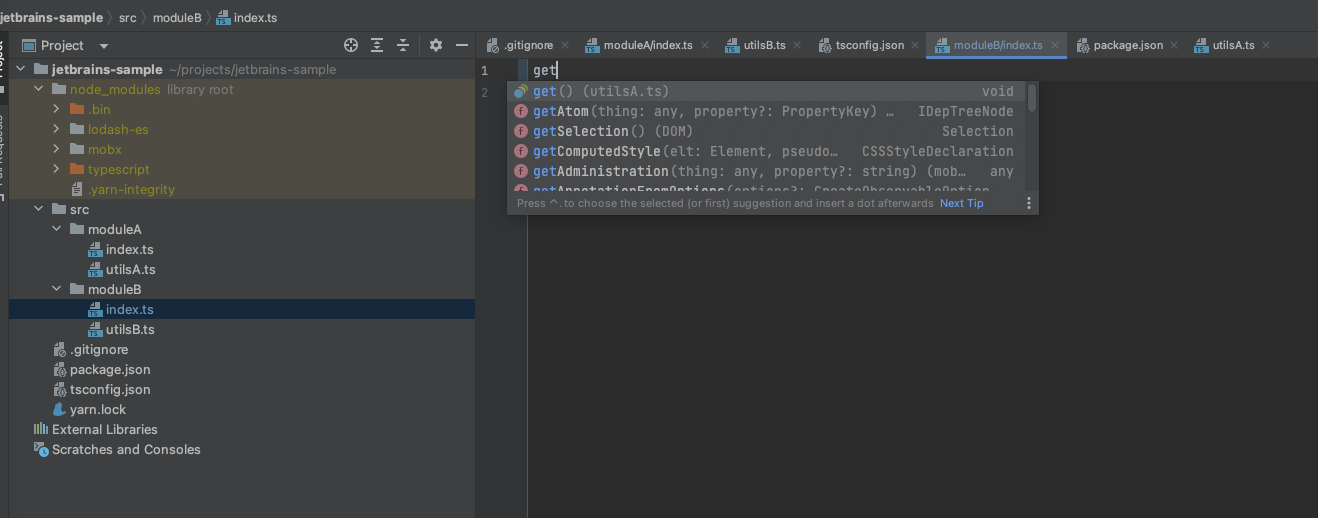
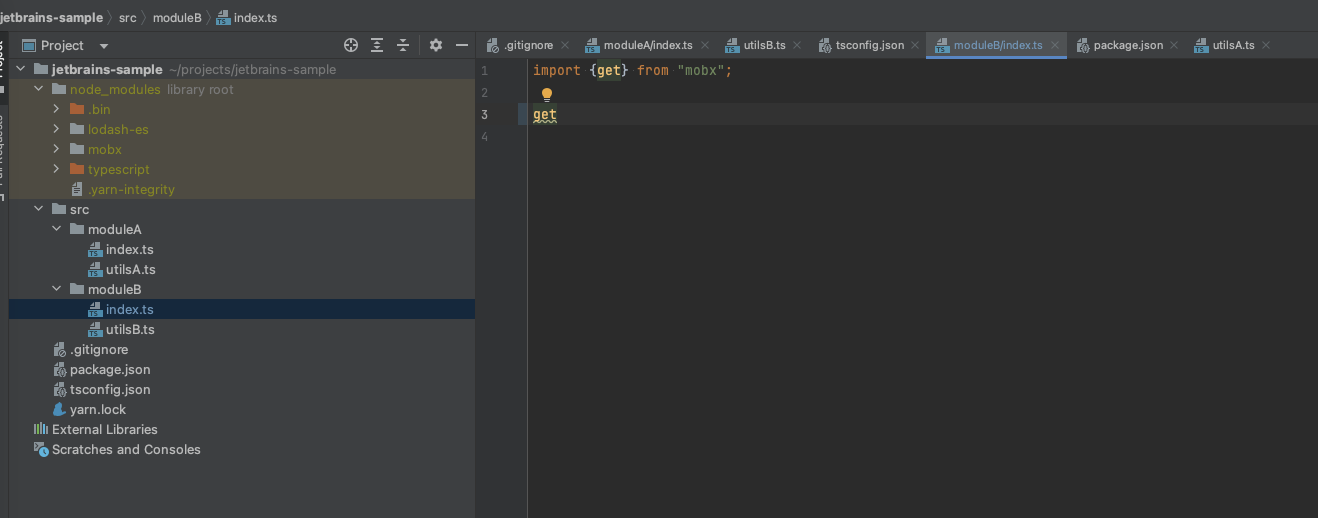
Sure https://github.com/DenJel7/jetbrains-sample . It strange in sample it works normally with lodash (added single import, but still no suggestions). Try to call "get" function in moduleB/index.js, it will import get function from mobx package. But if I remove mobx package it works normal (with the exception of suggestions) :)
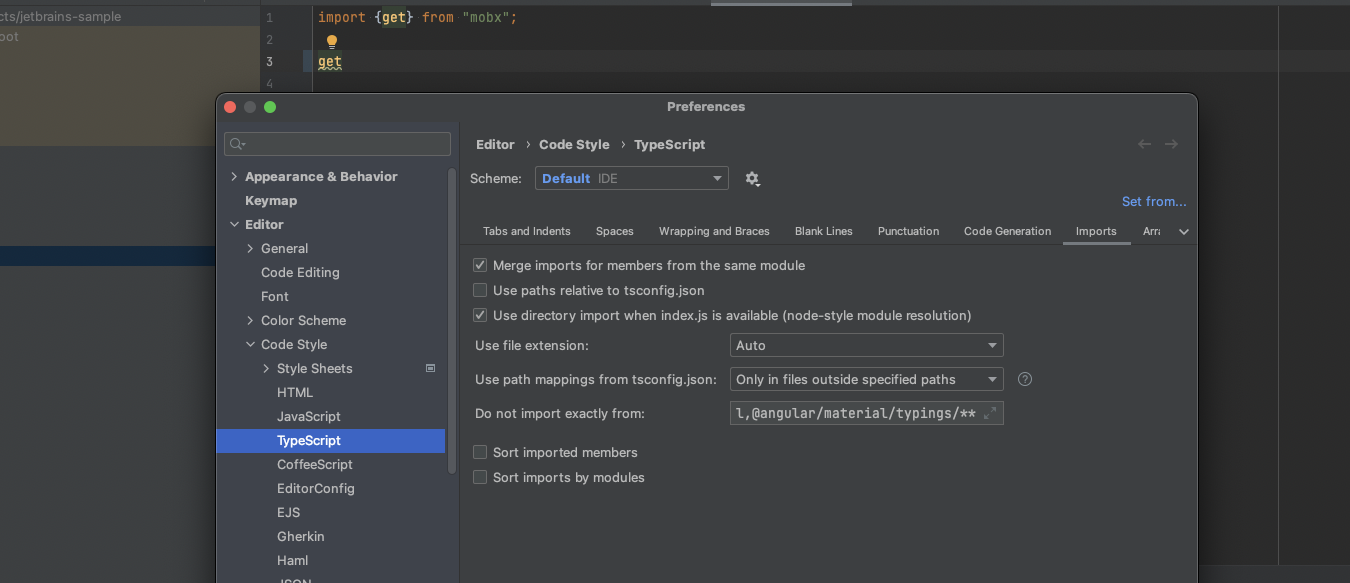
Also checked with reseting default IDE settings. The same
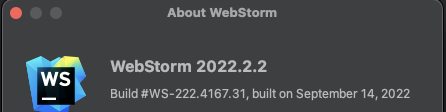
My settings just in case
Thanks, reproduced. Please follow https://youtrack.jetbrains.com/issue/WEB-58647/For-ambiguous-imports-wrong-module-is-auto-added-when-choosing-item-from-completion for updates