java Debugger connected to remote server but Step Over and others buttons disabled
Answered

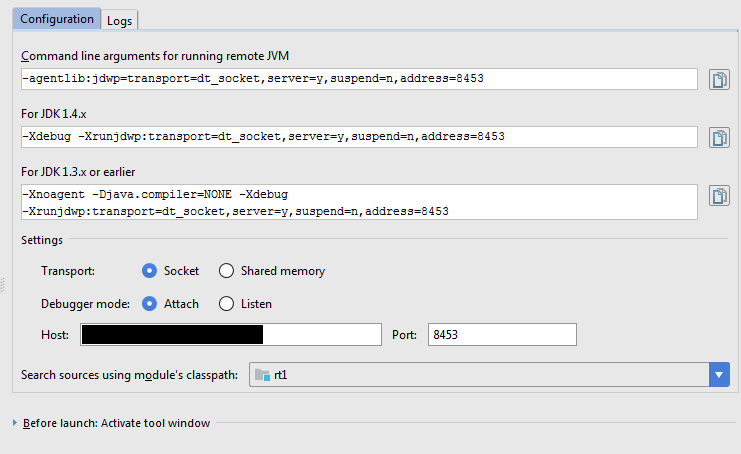
I'm able to connect to remote VM for Debug on port 8453. The Debugger shows connected and the breakpoints are highlighted with tick mark as well. But the buttons to step over,into, etc are none of them enabled.
Please take a look at the snapshots attached and let me know the fix.
Please sign in to leave a comment.
You need to hit the breakpoint first.
please look at the tick mark above the breakpoint(https://www.jetbrains.com/help/idea/2017.1/breakpoints-icons-and-statuses.html). The breakpoint is recognized by the debugger at run time. The program also hangs in between during the debug, but the breakpoint is never hit and the step commands are never enabled.
Checkmark doesn't mean that the breakpoint is hit.
If the program hangs, you need to find out why it happens and fix that so that breakpoint is hit.
See https://intellij-support.jetbrains.com/hc/articles/206544799. It could be because of the method breakpoint, try removing it.