Any plans fixing the new and awfully slow "Find in Path" dialog? (2017.1.2)
Answered

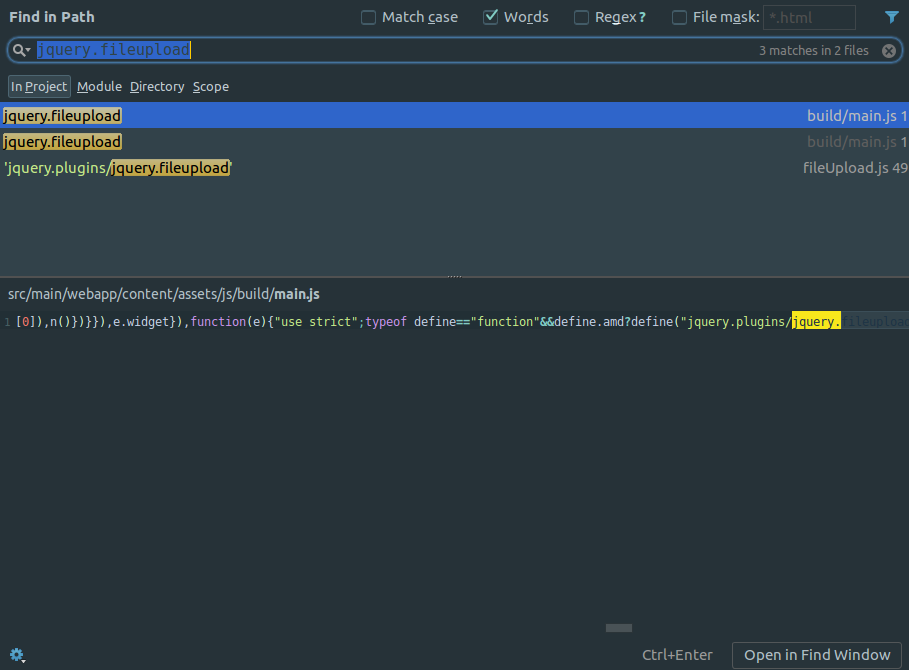
The old way of using "Find in Path" works like a charm, but the new dialog window is so slow. How in the world did you guys manage to take a step backwards? The PC I'm using is quite powerful. 2.3GHz CPU, 16GB RAM, 512GB SSD. So there is no reason it should be slow, yet it still is. Scrolling takes forever, it opens slowly, and so on...
I've found the fix on how to get rid of the new dialog window in another thread here, but it just isn't acceptable to fix a new feature by disabling it completely.
For those curious on what the fix is; go to Help | Edit Custom VM Options and add this line:
-Dide.find.as.popup=false
Please sign in to leave a comment.
Replied at https://intellij-support.jetbrains.com/hc/en-us/community/posts/115000239384-IntelliJ-2017-is-slow?page=1#community_comment_115000308330.