Problem with second monitor
Answered

Hello:
IntelliJ works fine in the main monitor, but when I move the window to the second display, the window comes as this capture:
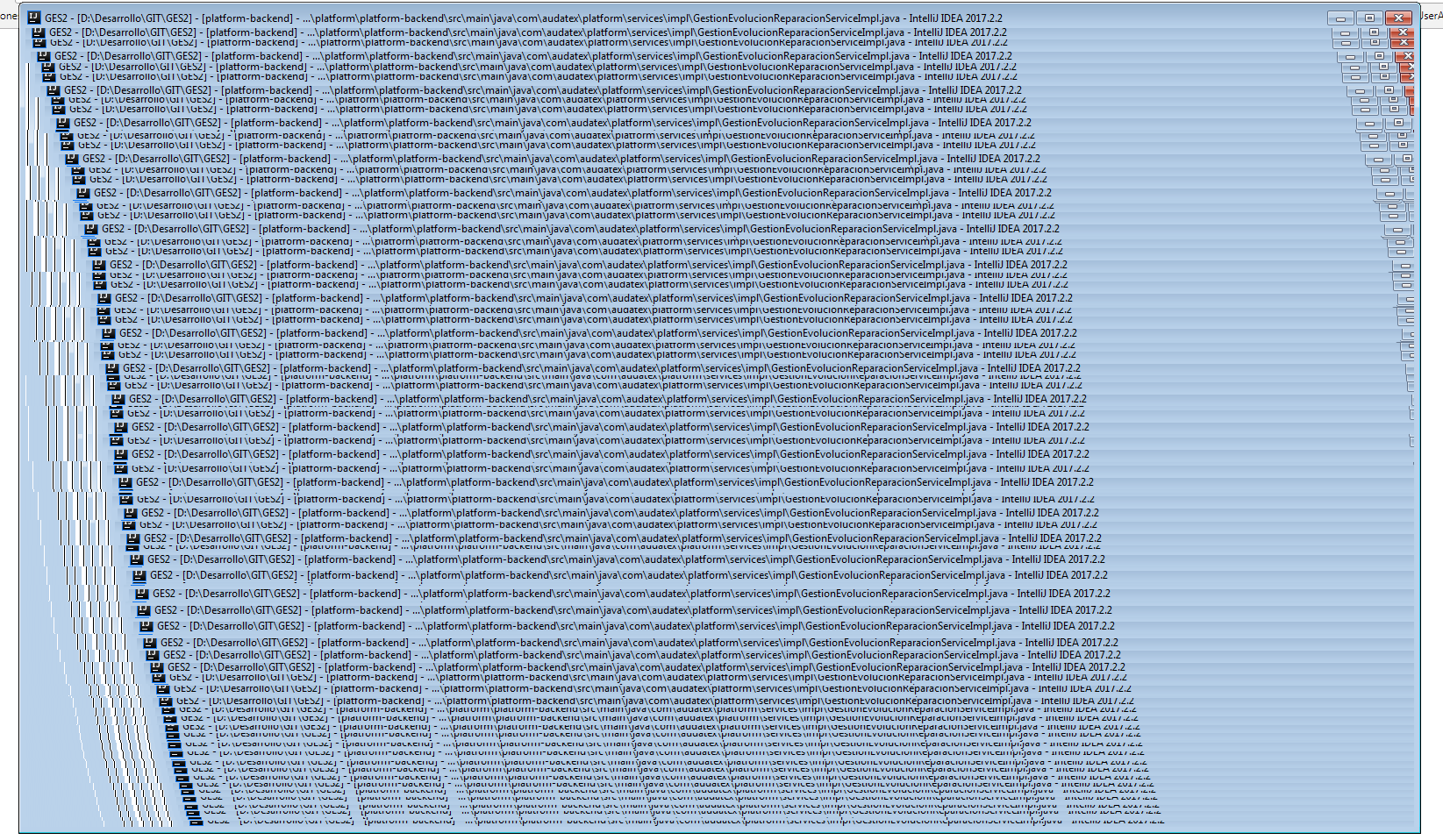
Any help?
If I move the window again to the main monitor, everything goes well.
I'm using the last version.

Thanks.
Please sign in to leave a comment.
It's a bug caused by the Windows update, see https://youtrack.jetbrains.com/issue/IDEA-177545 for the workaround.
Hi! The first solution worked for me, unfortunately the second doesn't.
I've found another workaround for me, it's to change the principal monitor.
If I use monitor 2 as a principal, IntelliJ doesn't redraws on monitor 1.
If I use monitor 1 as a principal, everything works fine.
Thanks for the help