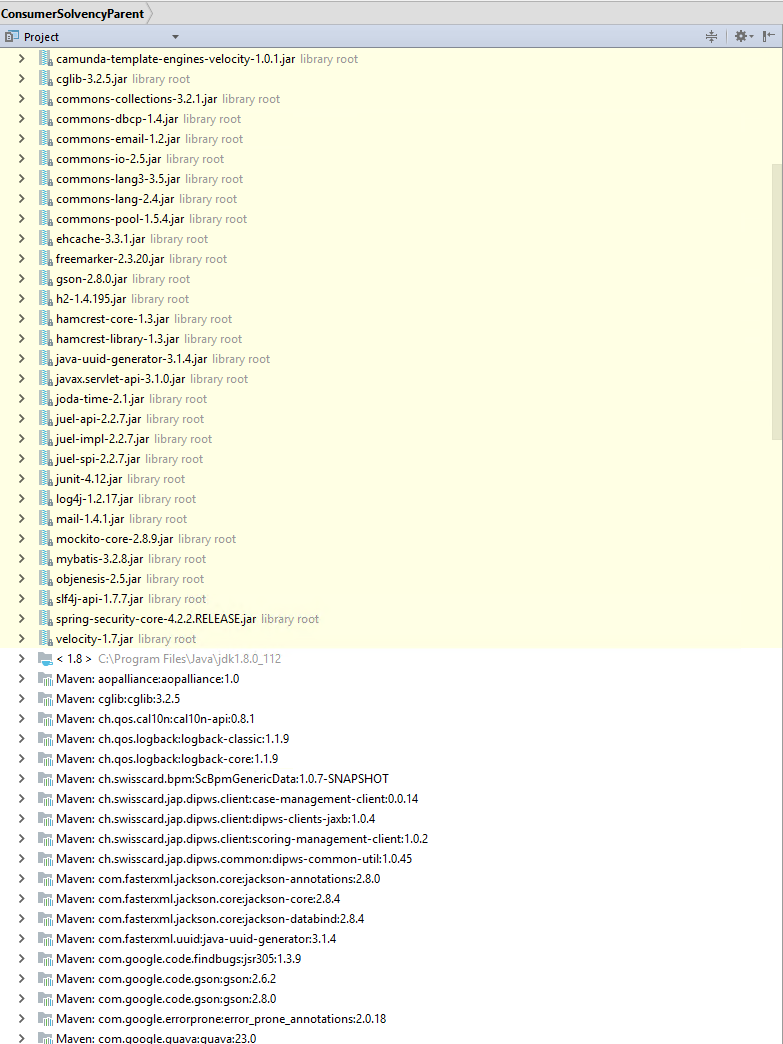
Libraries are dubble and shown in yellow on project view
Answered

Hi
Have a java project based on Maven. The project import the libraries but not as ussual.
The libaries are shown 2 times and with wrong versions.
The libraries shown wrong are tagged with library root and the background collor is yellow.
The normal view is below the yellow part and start with the jdk and then the imported libraries.
Please advise what to do.
Regards Dirk Joosen
Please sign in to leave a comment.
Please share a sample project to reproduce.