Modal dialogs are hidden behind in El Capitan

Am on Mac OS X El Capitan - Just updated yesterday.
Since then whats happening is that a modal dialog that should appear in front is totally hidden, And this being a modal dialog there is no way to get out if this either. So many time you just cannot click the button and so will have to force quit. This did n't seem to be the case before.
Refer above image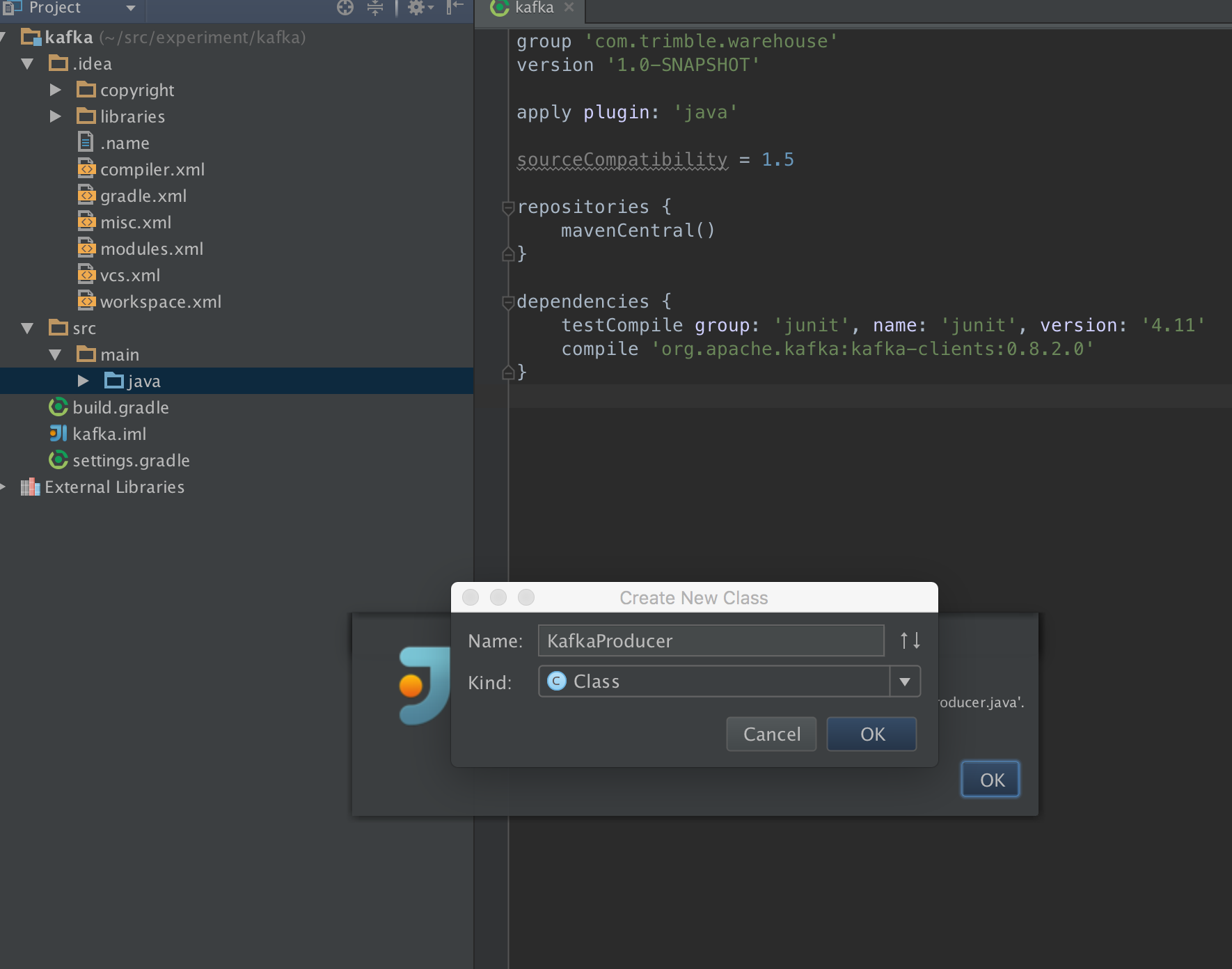
Any suggestions ? This is mostly making IntelliJ unusabe. The version I run is 14.1.5
Please sign in to leave a comment.
I am having the exact same problem- same version of OSX and IntelliJ. It happens on my macbook and imac.
Looking for a resolution as well.
-- Update --
There is a bug for this
IDEA-146353 3rd level pop ups hidden in OSX El Capitan Full Screen
This issue seems to be happening only when the application is in full screen mode.
When I leave full screen mode it works.
Possibly related issues:
https://youtrack.jetbrains.com/issue/IDEA-146353
https://youtrack.jetbrains.com/issue/IDEA-141459
https://youtrack.jetbrains.com/issue/IDEA-136836
https://youtrack.jetbrains.com/issue/IDEA-79569
https://youtrack.jetbrains.com/issue/IDEA-92051
https://youtrack.jetbrains.com/issue/IDEA-88626
https://youtrack.jetbrains.com/issue/IDEA-85131
https://youtrack.jetbrains.com/issue/IDEA-97537
Yes, same problem, so frustrating!